Basic Operation
BASIC OPERATION GUIDE 3-7
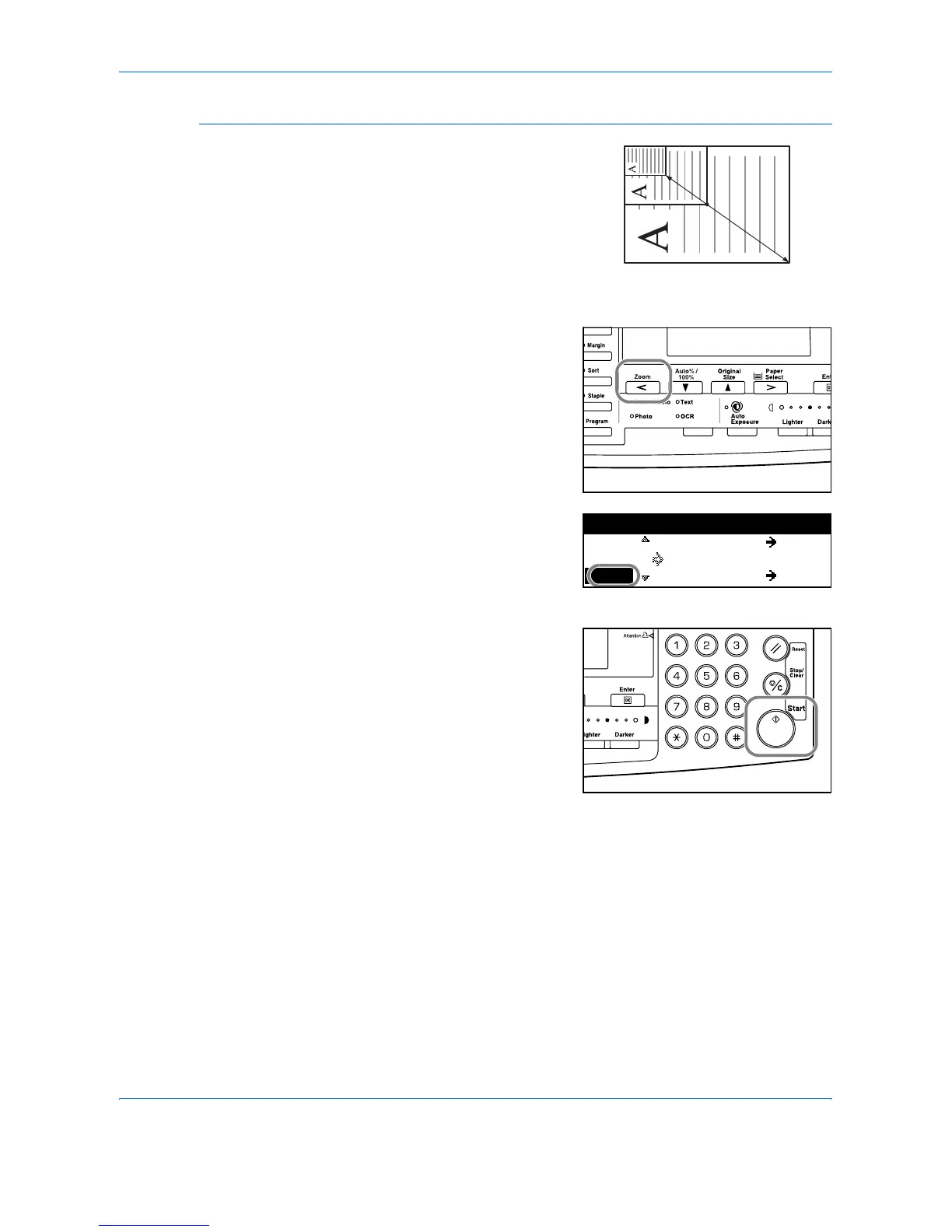
Zoom Mode
With this mode, the zoom ratio
can be set between 25 % and
200 % in 1 % increments.
1
Position the original and press
[Zoom].
2
Use the keypad to enter the zoom
ratio.
The zoom ratio displays.
Press [Enter].
3
Press [Start].
Copies are delivered to the
Output Tray.
25 %
200 %
100%:
121
Zoom:
11x17
8.5x11
% 118
:8.5x14%
78 :8.5x14%












 To Next Page