Basic Operation
3-6 BASIC OPERATION GUIDE
1
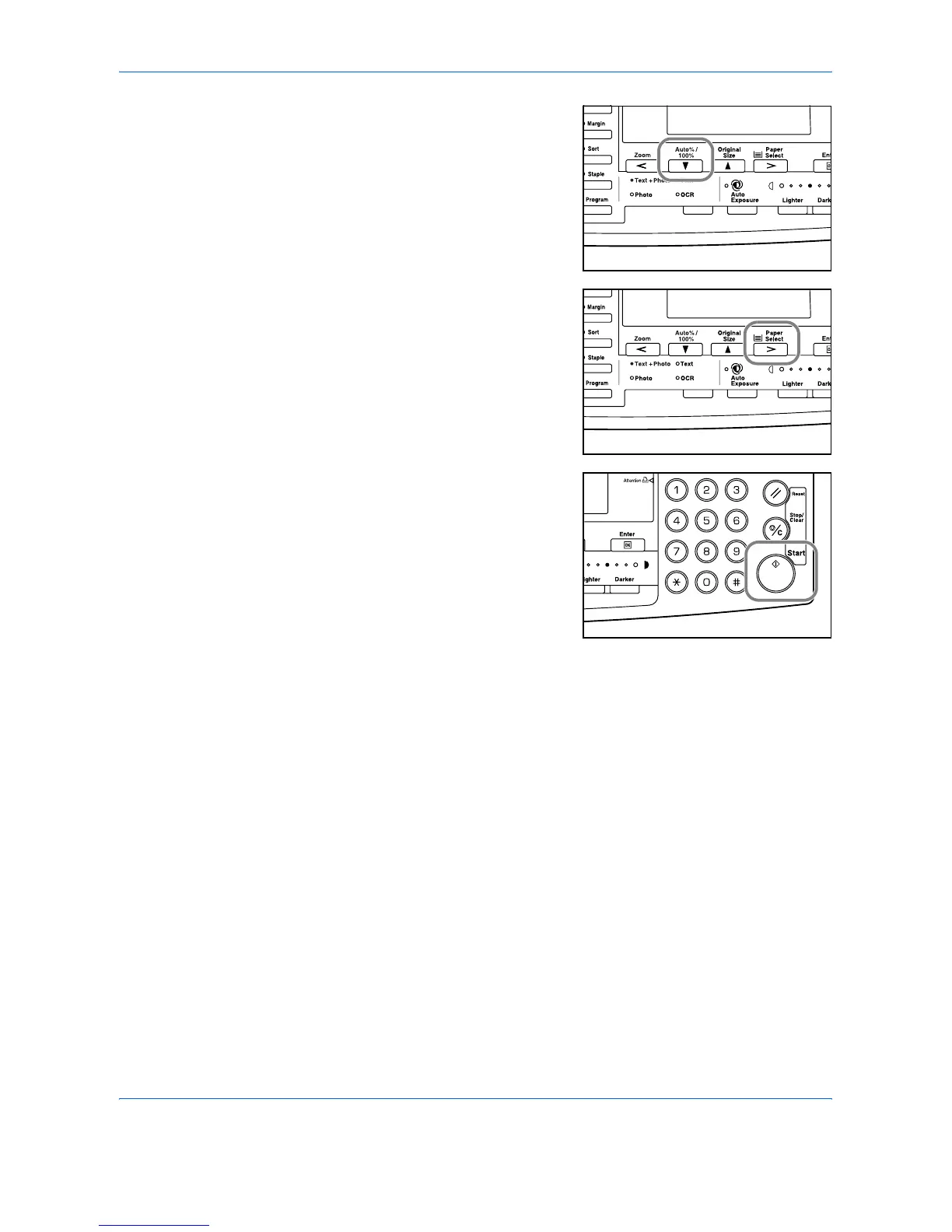
Position the original and press
[Auto% / 100%].
Auto % displays on the screen.
2
Press [Paper Select] to select the
copy paper required.
The zoom ratio displays on the
screen.
3
Press [Start].
The original is copied and
automatically resized to fit on the
selected paper.












 To Next Page