Optional Equipment
4-12 BASIC OPERATION GUIDE
4
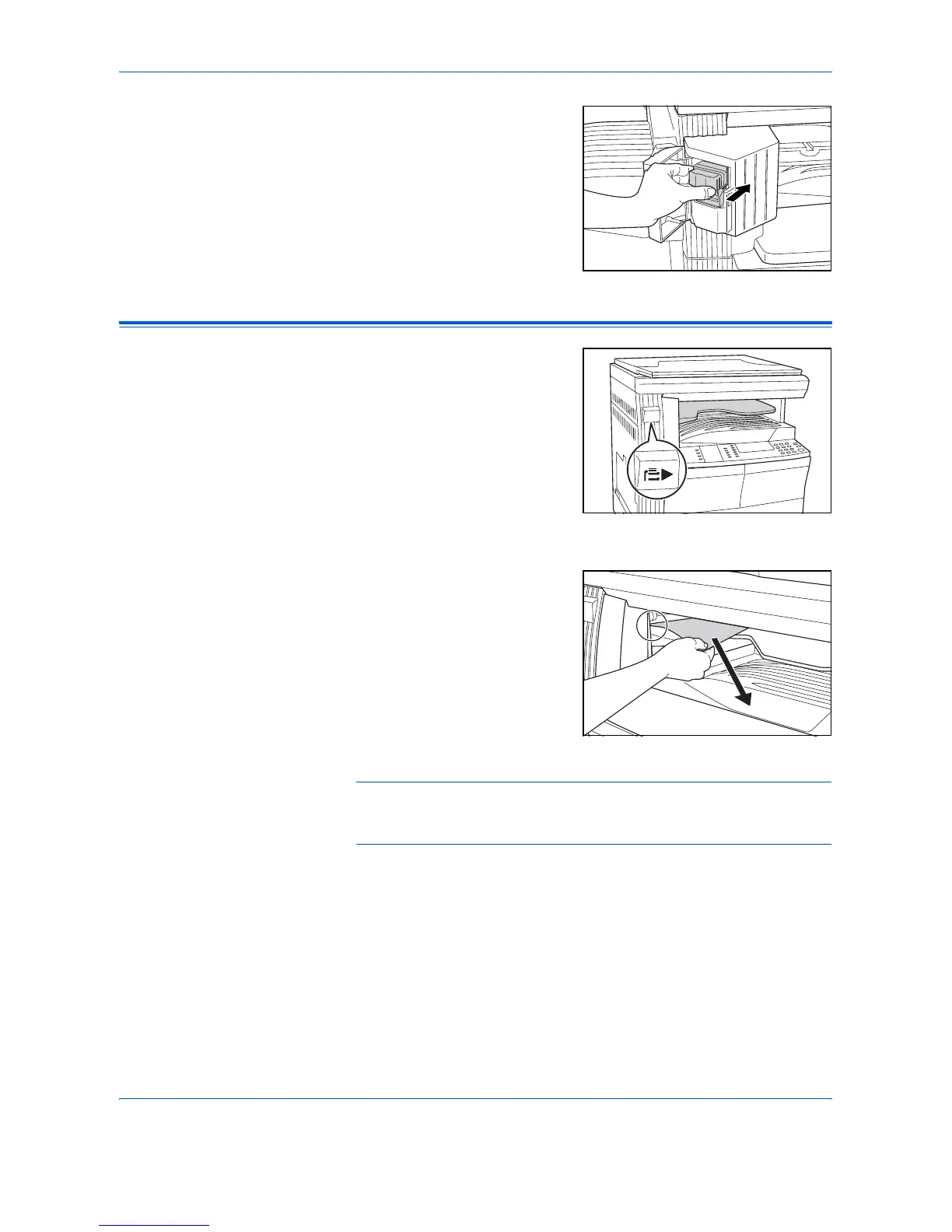
Insert the Staple Holder back into
the stapler unit and close the
Stapler Front Cover.
Job Separator
This unit is used to separate paper
output for easy distribution.
Copies are delivered to the Output
Tray and prints are delivered to
the Job Separator tray. The output
destinations can be specified by
users.
A paper indicator located on the
front of the machine shows when
paper is on the Job Separator
tray.
To deliver output to the Job
Separator tray, change the
Machine Default settings for
copies and the Paper Settings for
prints. For details, refer to
Chapters 2 and 3, Advanced
Operation Guide,
Remove paper from the Job
Separator tray at an angle to avoid
damaging the output.
NOTE: Excessive curl on the paper can cause paper jams in the output
areas. If output is curled or stacked unevenly, turn over the paper in the
cassette.












 To Next Page