Basic Operation
BASIC OPERATION GUIDE 3-5
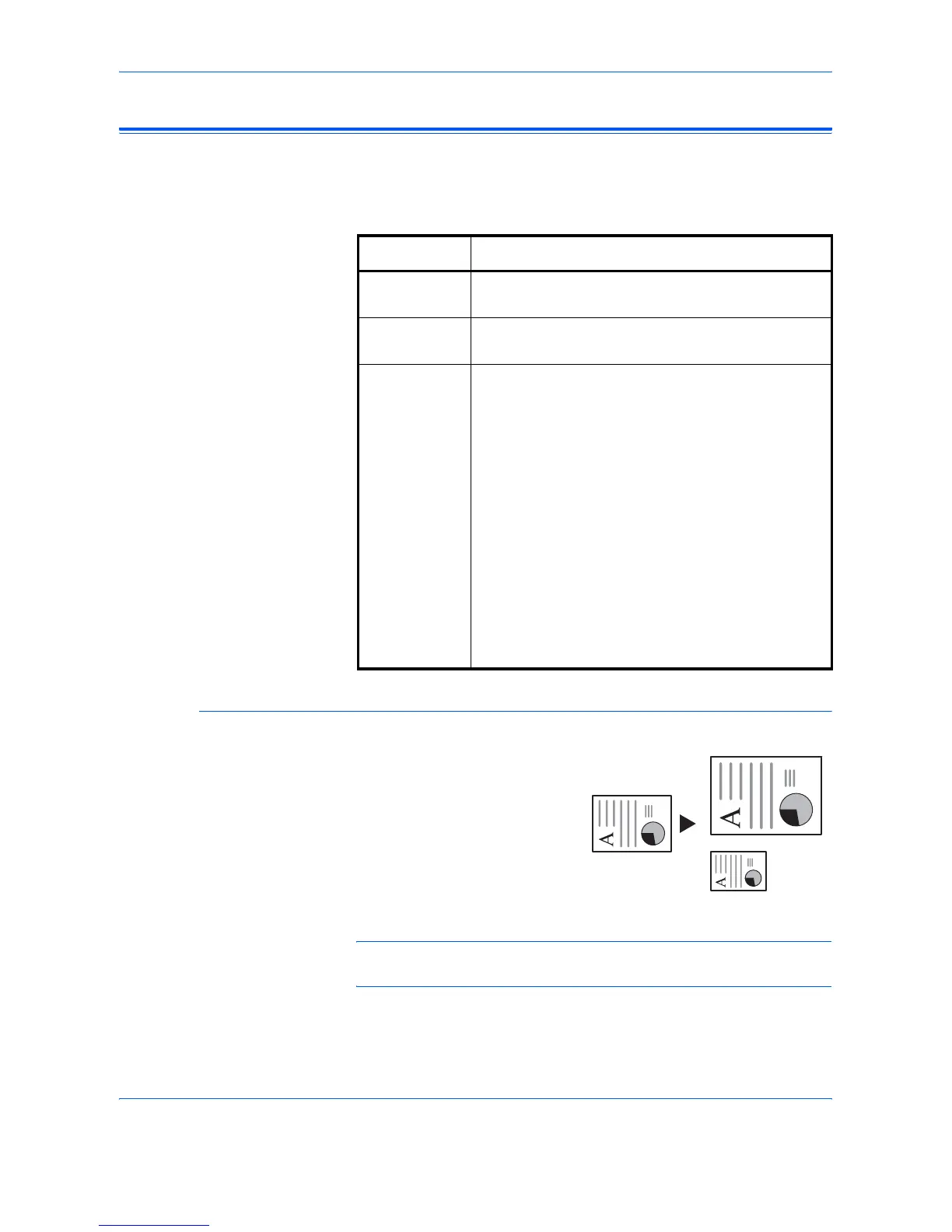
Making Zoom Copies
It is possible to change the Zoom ratio in order to make copies of an
enlarged or reduced size.
The following modes are available for selecting the required Zoom ratio.
Auto Zoom
Adjusts the Zoom ratio to fit the
copied image onto the selected
paper size.
NOTE: To set the Auto Zoom mode as the default mode when a cassette
is selected, refer to Chapter 3, Advanced Operation Guide.
Mode Description
Auto Zoom Adjusts the Zoom ratio to fit the copied image onto
the selected paper size.
Zoom mode The Zoom ratio can be set to any 1 % increment
between 25 % and 200 %, as desired.
Preset Zoom
mode
Makes copies at one of the Preset Zoom ratios. The
following ratios are available:
• Inch Specification:
200 % (5.5 × 8.5 Æ 11 × 17),
154 % (5.5 × 8.5 Æ 8.5 × 14),
129 % (8.5 × 11 Æ 11 × 17),
121 % (8.5 × 14 Æ 11 × 17),
78 % (8.5 × 14 Æ 8.5 × 11),
77 % (11 × 17 Æ 8.5 × 14),
64 % (11 × 17 Æ 8.5 × 11),
50 % (11 × 17 Æ 5.5 × 8.5)
• Metric Specification:
200 % (A5 Æ A3), 141 % (A4 Æ A3, A5ÆA4),
127 % (Folio Æ A3), 106%(11×15"Æ A3),
90 % (Folio Æ A4), 75 % (11 × 15" Æ A4),
70 % (A3 Æ A4, A4 Æ A5), 50 % (A3 Æ A5)
8 1/2 ×11"
A4
11 × 17": 129 %
A3: 141 %
5
1/2 ×81/2": 64 %
A5: 70 %












 To Next Page