Basic Operation
3-4 BASIC OPERATION GUIDE
7
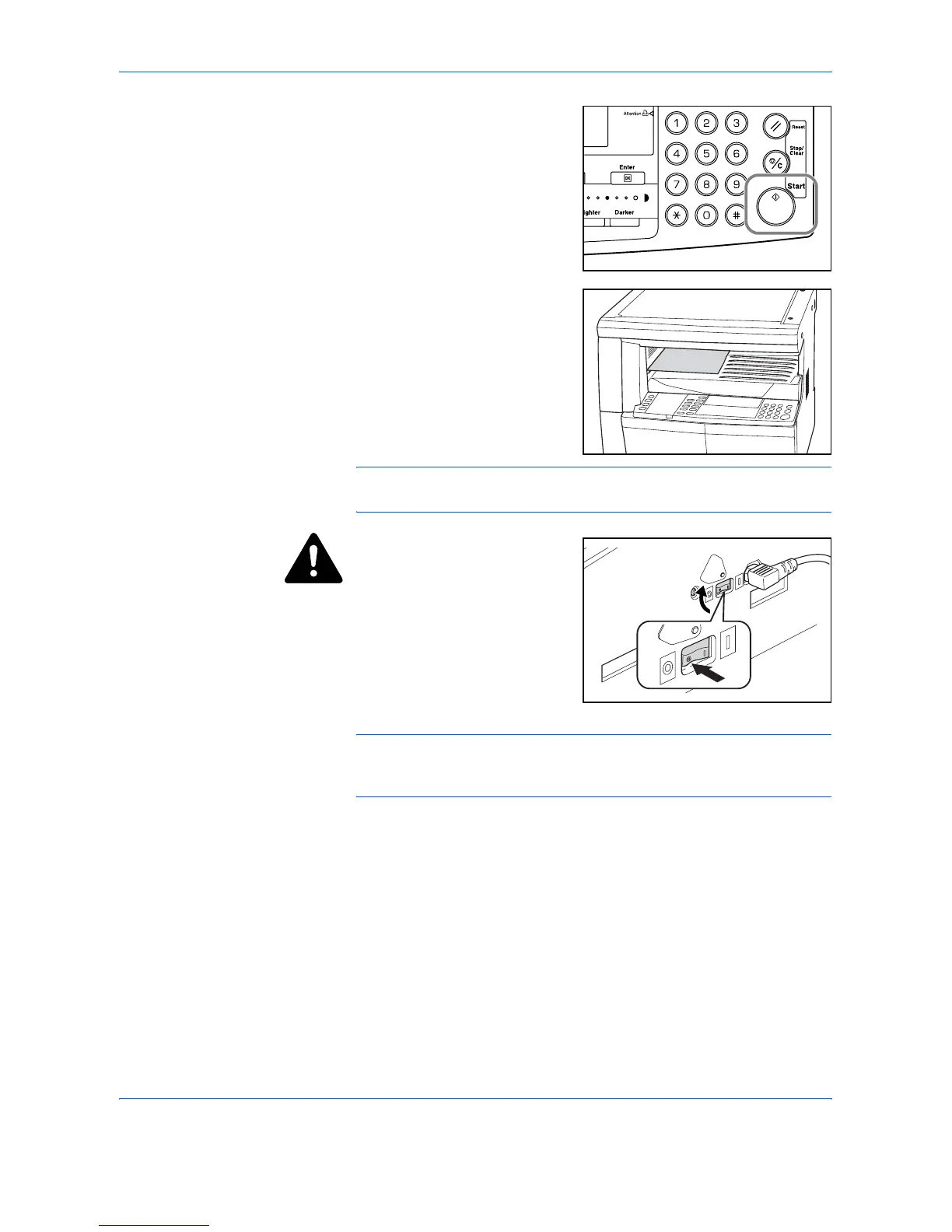
Press [Start]. Copying begins
immediately once the green Start
indicator is lit.
8
Finished copies are delivered to
the Output Tray.
NOTE: The capacity of the Output Tray is 250 sheets of standard paper
(80 g/m²). The capacity varies depending on the paper used.
CAUTION: If the optional
Fax kit is installed and the
machine is not being used for a
short period of time (overnight,
etc.) switch off the main power
(
{). If it is not being used for an
extended period of time
(vacations, etc.), remove the
power plug from the outlet for
safety purposes.
NOTE: If the optional Fax kit is installed, when the main power is
switched off or the power plug is removed from the outlet, fax
transmission and reception cannot be performed.












 To Next Page