Machine Parts
1-8 BASIC OPERATION GUIDE
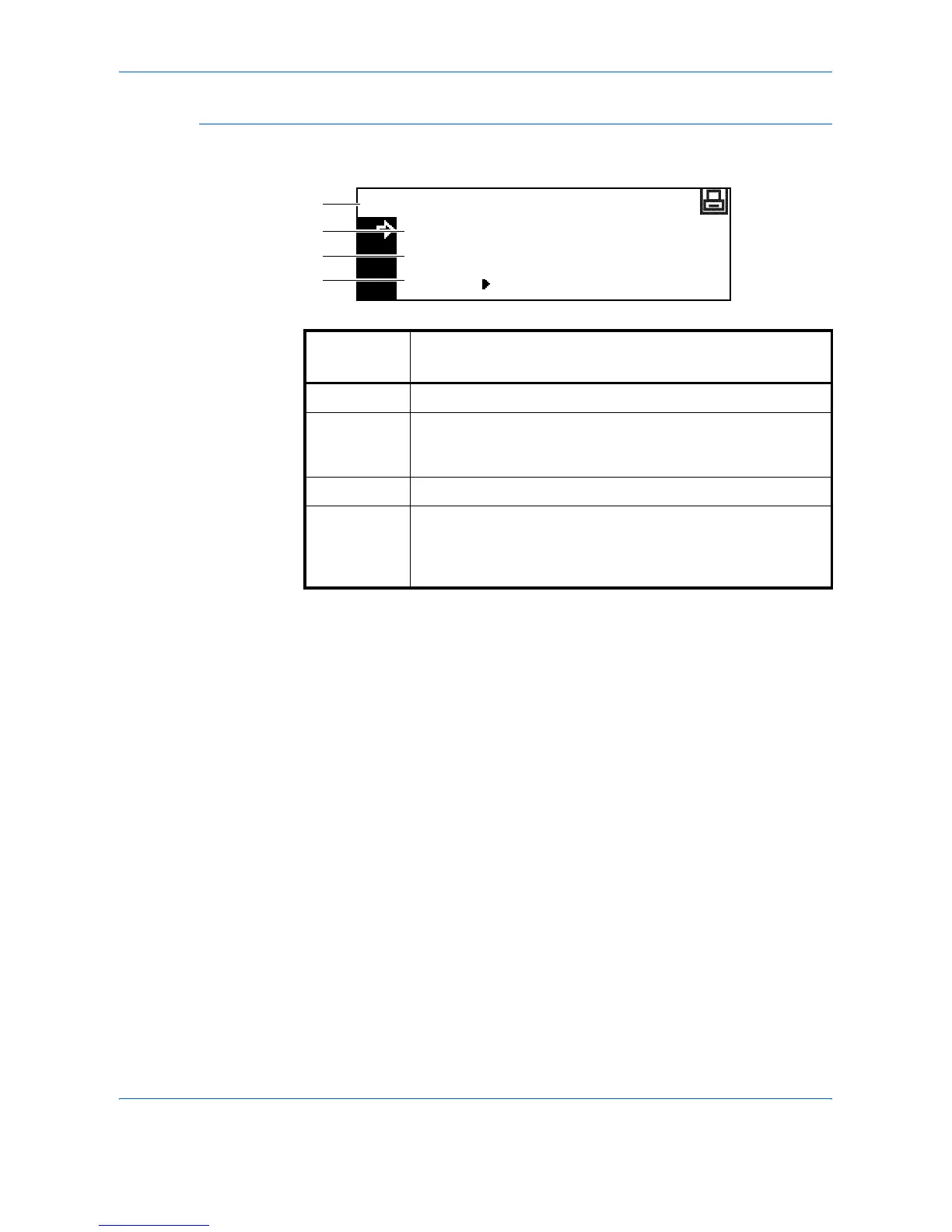
Printer Basic Screen
The following screen displays when the Printer key is pressed:
Reference
number
Meaning
1 Indicates the current status of the machine.
2 Select to switch between online and offline, to print/resume
printing, to clear a specific error, and to cancel the currently
processing page to begin printing a new page.
3 Select to stop printing in progress.
4 Select to adjust network settings. For further information refer
to Network Settings, on page 2-13.
Also used to change various printer functions and settings.
Refer to Chapter 2, Advanced Operation Guide.
GO
CANCEL
Ready
MENU
1
2
3
4












 To Next Page