Preparation
BASIC OPERATION GUIDE 2-17
6
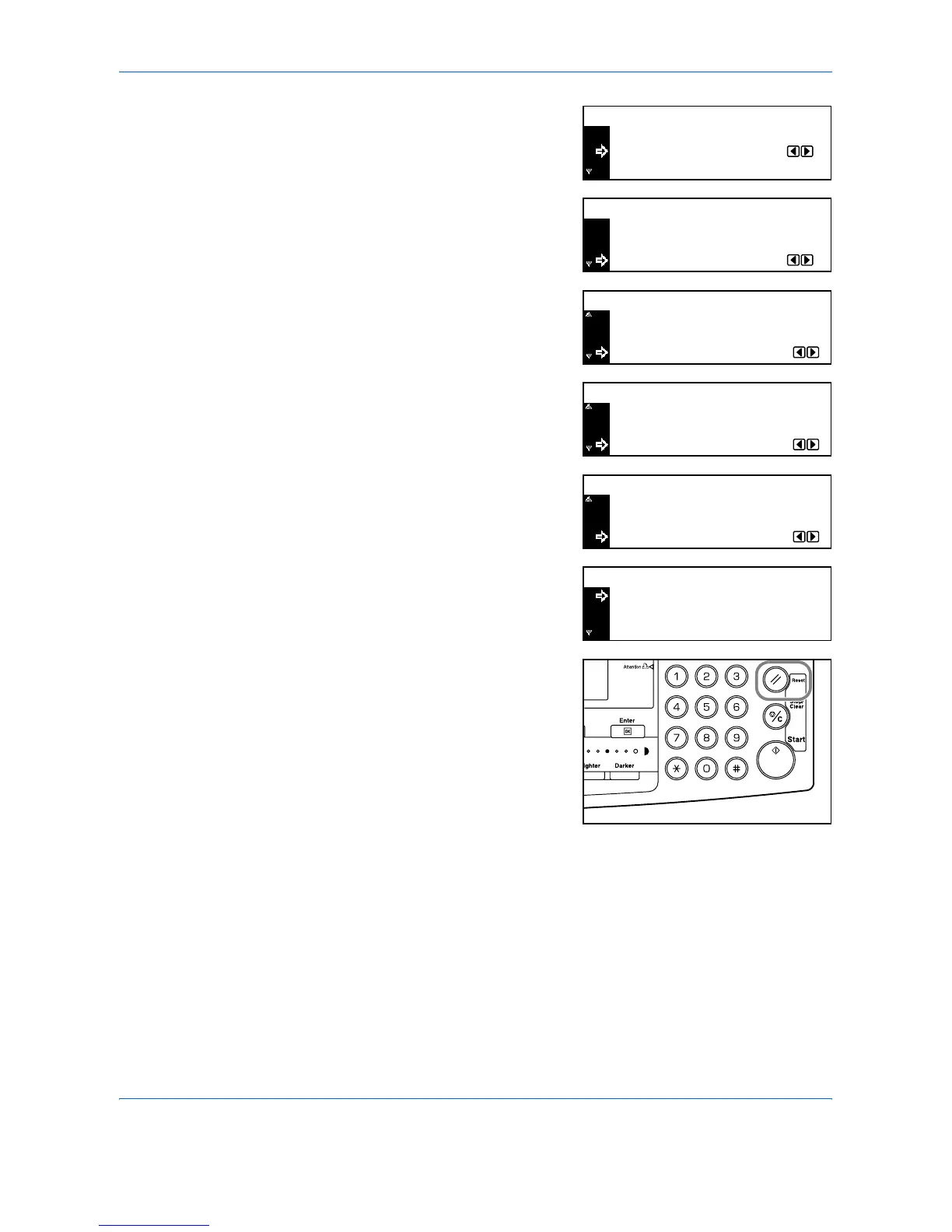
Press S or T to select Time.
Press the < key or the > key to set
the current time.
7
Press S or T to select DST
(Summer time).
Press < or > to set On or Off.
8
Press S or T to select Year.
Press < or > to set the current
year.
9
Press S or T to select Month.
Press < or > to set the current
month.
10
Press S or T to select Day.
Press < or > to set the current day.
11
When the date and time settings
have been entered, press S or T
to select End and press [Enter].
12
Press [Reset].
The Copier Basic screen displays.
End
Time
Date/Time:
DST
06:33
Off
:
:
06:33
Off
:
:
End
Time
Date/Time:
DST
Year
Off
7
:
:
:
Time Zone
Date/Time:
DST
GMT 00:00+
Month
7
11
:
:
:
Year
Time Zone
Date/Time:
GMT 00:00+
Day
7
11
28
:
:
:
Month
Year
Date/Time:
06:33
Off
:
:
End
Time
Date/Time:
DST












 To Next Page