Basic Operation
BASIC OPERATION GUIDE 3-13
1
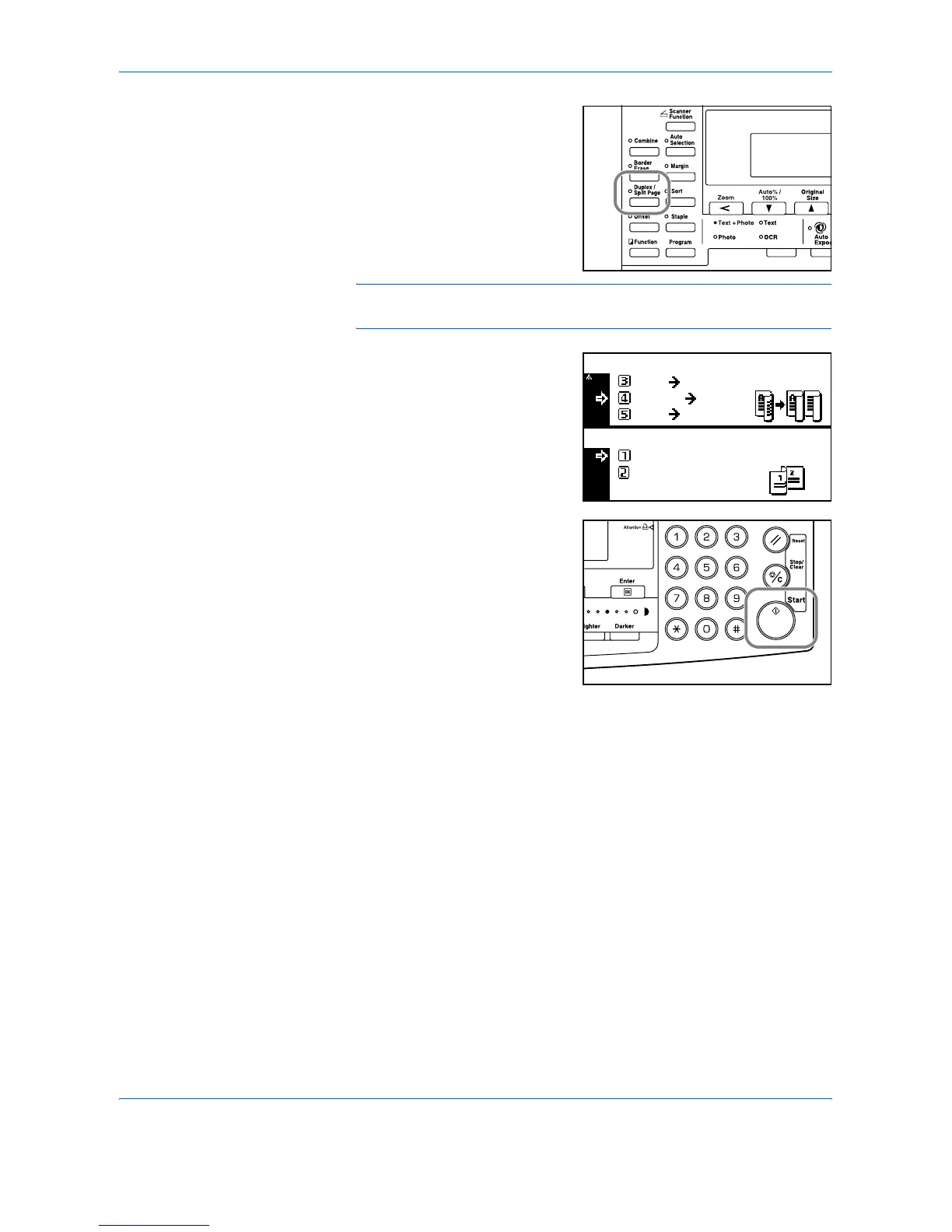
Position the original and press
[Duplex/Split Page].
If copying from a double-page
spread original, place the original
face-down on the platen. Align the
original flush up against the left
rear corner of the Platen.
NOTE: Use the Original Size Indicator plates located along the top and
left edges of the platen to ensure the original is positioned correctly.
2
Press S or T to select the Split
Mode required and press [Enter].
If [2 sided ¼ 1 sided] is selected,
press S or T to select the
Original Stitch Side option
required and press [Enter].
3
Press [Start].
If using the optional Document
Processor, copying completes
automatically.
If using the platen, a message
displays when the next original is
required. Position the next original
and press [Start].
When all originals have been scanned, press [Enter].
2 sided
BooK 2-sided
1 sided
Book
1-sided
Duplex/Split Page:
Original stitch side:
Left Side
Top Side












 To Next Page