Basic Operation
3-16 BASIC OPERATION GUIDE
3
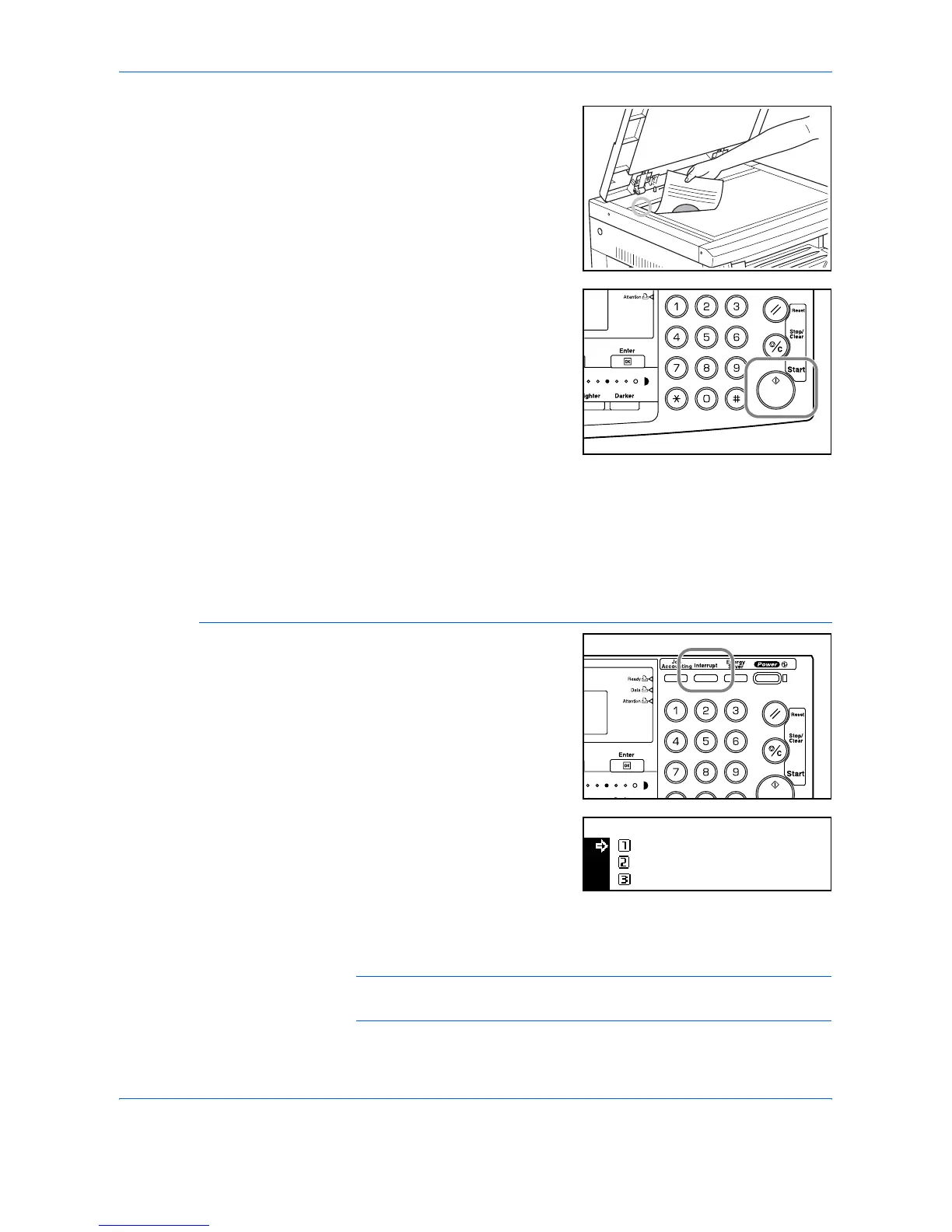
Position the original for the
interrupt job.
4
Select the functions required for
the interrupt job and press [Start].
5
When the interrupt job completes remove the original and press
[Interrupt].
The settings for the interrupted job are restored.
6
Position the previous original and press [Start] to resume copying.
Interrupting Printing or Fax
1
Press [Interrupt] when the
machine is printing.
Select Interrupt mode displays.
2
Press S or T to select the
Interrupt Mode required and press
[Enter].
The options available depend on
the data received by the machine. If print data is received the
Priority:Printer option displays. If fax data is received the Priority:Fax
option displays.
NOTE: If no data is received, there are no options available and the
machine assumes you are performing a copying job.
Select Interrupt Mode.
Interrupt Copy
Priority:Printer
Priority:Fax












 To Next Page