22
NO SALES RECEIPT KEY STATUS
Depending on how it is programmed, the key
can be activated in MGR mode, or in both MGR and
REG modes, to open the cash drawer without the need
to register a sales amount, or when changing money for
a non-sales code.
The 6-digit Status consists of flags for [Drawer Open],
[Register Mode], [Print Receipt], [Print Receipt
Header], [Input Electronic Journal] and
[Consecutive Receipt Number Update]. Defaults are
indicated in bold.
To program the key:
1. Control lock key position: PRG.
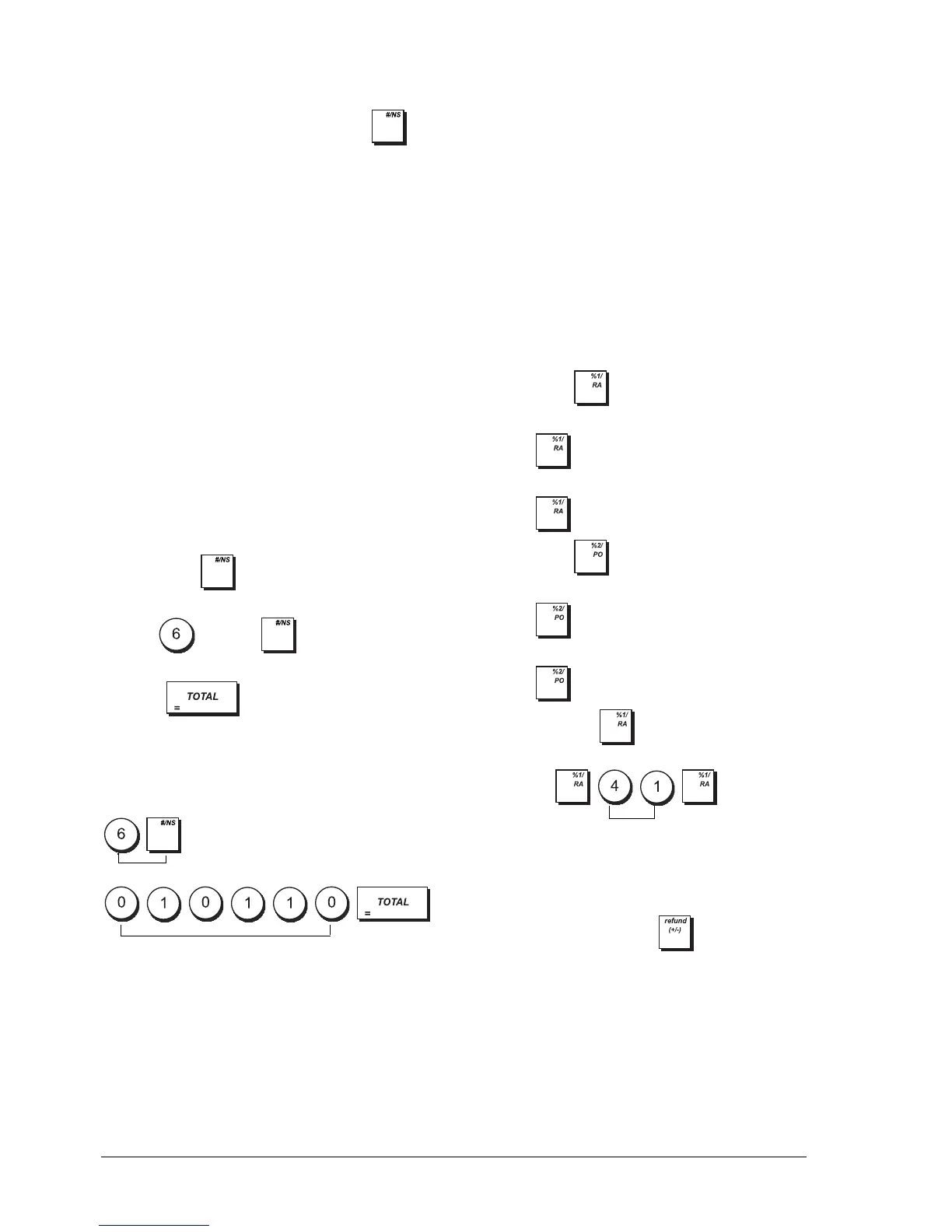
2. Type and press .
3. Enter the [6-digit status].
4. Press .
Example: Define a status enabling drawer open in MGR
mode only, receipt printing with consecutive numbers,
and no header or electronic journal input.
Type/Press:
PO AND RA KEY STATUS PROGRAMMING
For these keys you can specify a 2-digit Status consisting
of a [HDLO] and a [Print Receipt Header] flag.
To program the key:
1. Control lock key position: PRG.
2. Press .
3. Enter the [2-digit status].
4. Press .
To program the key:
1. Control lock key position: PRG.
2. Press .
3. Enter the [2-digit status].
4. Press .
Example: For the key, define a HDLO of 4
(99.99) with no receipt header printing.
Type/Press:
DISCOUNT OR ADD-ON AMOUNTS
(+/- K
EY)
A High Digit Lock Out (HDLO) and a positive or negative
status can be assigned to the key. You can limit
the number of digits, i.e. the maximum value of a minus
or plus key operation, from 1 to 6 digits. This makes
sure that amounts do not exceed a maximum value.
You can also assign a discount (-) or add-on (+) status to
this key so that specific amounts are discounted or
added on.
Drawer Open Register Mode
0 = Enabled 0 = REG and MGR
1 = Disabled 1 = MGR only
Print Receipt Print Receipt Header
0 = Enabled 0 = Enabled
1 = Disabled 1 = Disabled
Input E.J. Consec. Rec. No. Update
0 = Enabled 0 = Enabled
1 = Disabled 1 = Disabled
High Digit Lock Out Print Receipt Header
0 = No HDLO 0 = Enabled
1 = 0.01 - 0.09 1 = Disabled
2 = 0.01 - 0.99
3 = 0.01 - 9.99
4 = 0.01 - 99.99
5 = 0.01 - 999.99
6 = 0.01 - 9999.99
6-digit No sales receipt key status
Switch to key status definition mode
2-digit status















 To Next Page