ENGLISH
23
Make your selections for this feature from the following
options (defaults in bold):
1. Control lock key position: PRG.
2. Type the required HDLO code [0 to 6] with
reference to the table above.
3. Type the required discount or add-on status
or .
4. Press .
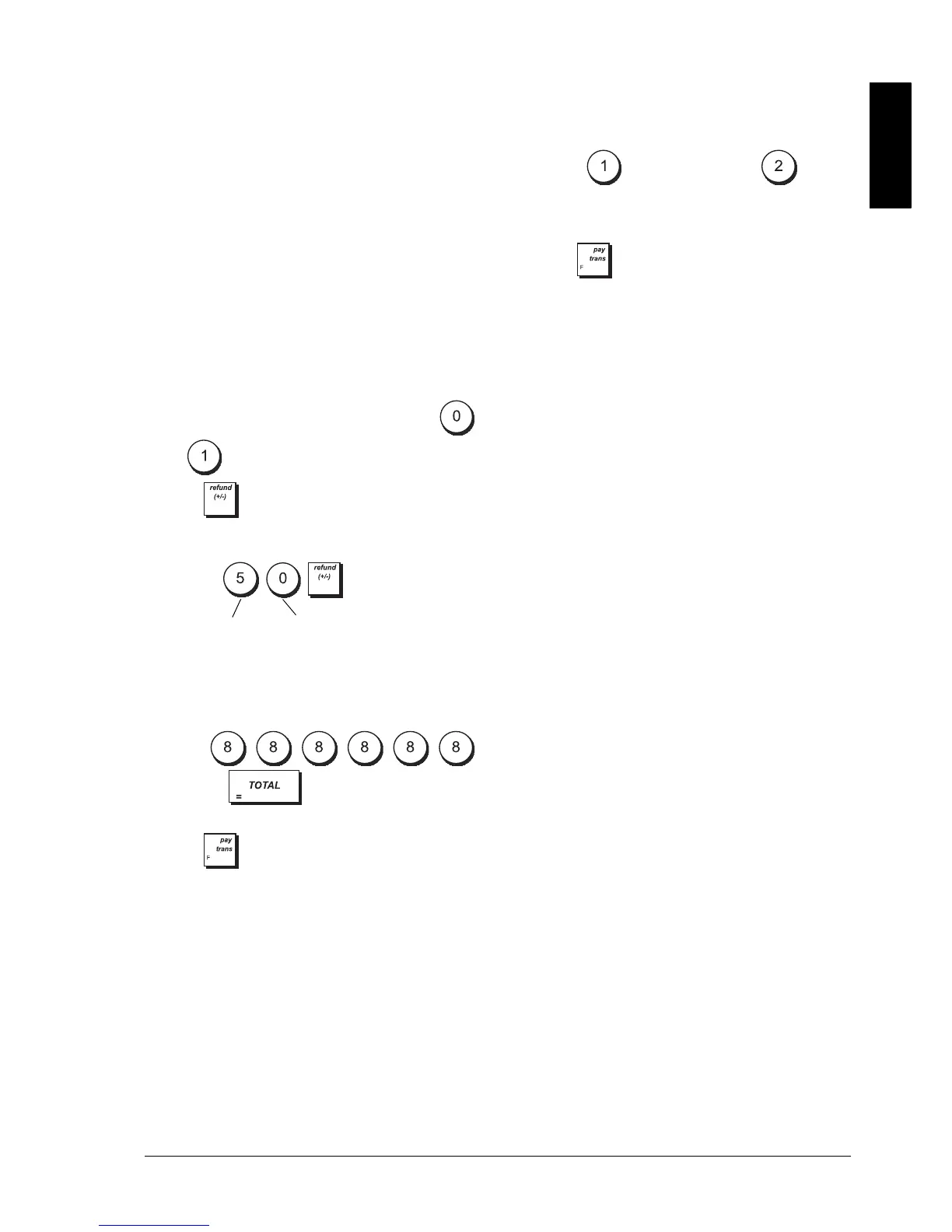
Example: Allocate a maximum of 5 digits and a
discount status to this key.
Type/Press:
CONSECUTIVE RECEIPT NUMBER
P
ROGRAMMING
To program consecutive receipt numbers:
1. Control lock key position: PRG.
2. Press:
and then .
3. Enter a [Receipt number from 1 to 9999].
4. Press .
Z1/Z2 COUNTERS
To program the Z1 and Z2 counters:
1. Control lock key position: PRG.
2. Press: for Z1 counter or for Z2
counter.
3. Enter [4-digit counter number from 0001 to
9999].
4. Press .
High Digit Lock Out Discount or Add-on
0 = No HDLO 0 = Negative (discount)
1 = 0.01 - 0.09 1 = Positive (add-on)
2 = 0.01 - 0.99
3 = 0.01 - 9.99
4 = 0.01 - 99.99
5 = 0.01 - 999.99
6 = 0.01 - 9999.99
HDLO code
Discount status















 To Next Page