5. Machine Adjustment Field Service Ver. 1.0 Jun. 2008
MB-502
Adjustment / Setting
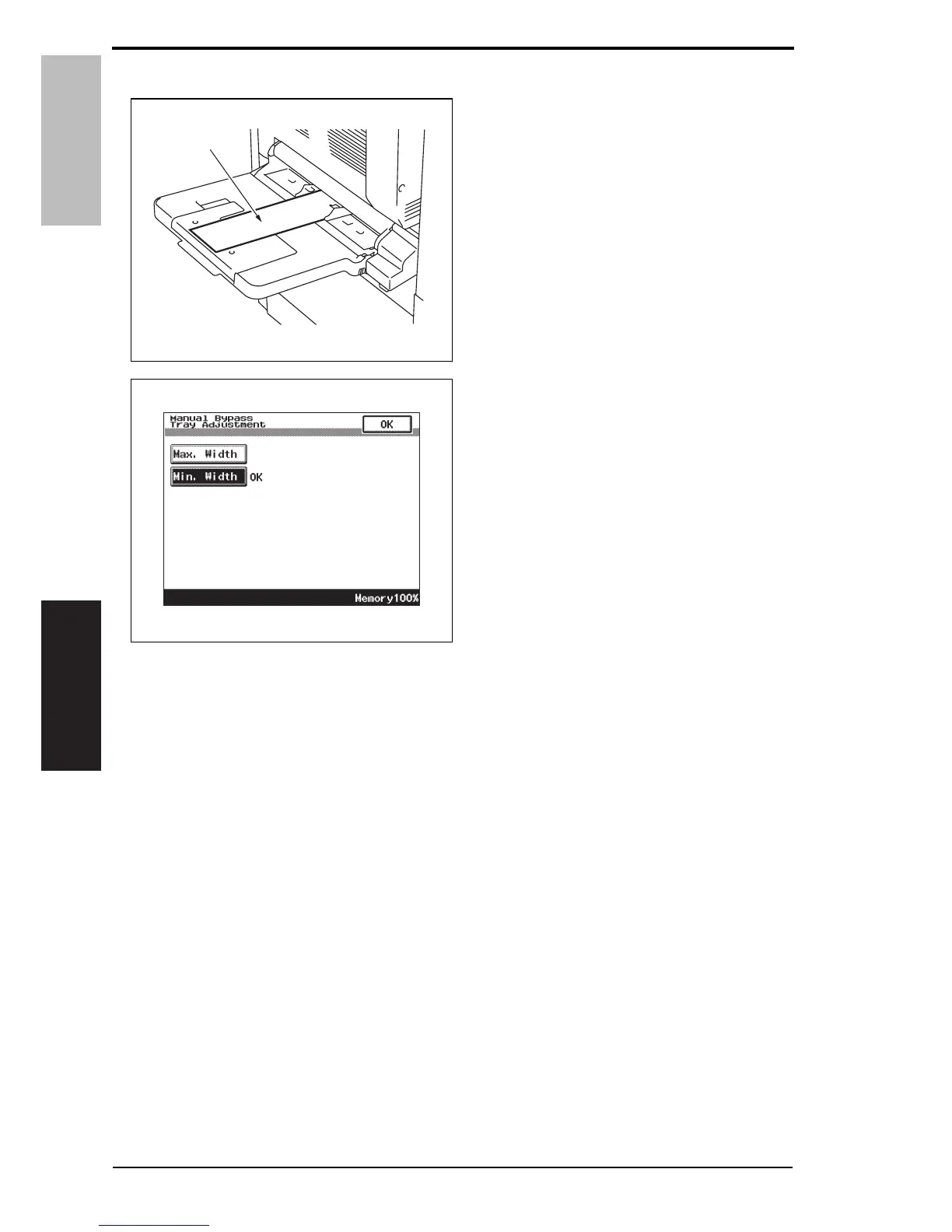
7. Touch [Min. Width].
8. Place the adjustment sheet (width:
100 mm) [1] on the manual bypass
tray as illustrated.
9. Press the Start key.
10. Check that “OK” appears beside
[Min. Width].
NOTE
• Make the adjustment again if the
results are “NG”.
11. Press the Start key.
12. Touch [OK].
13. Touch [OK] on the Service Mode screen.
14. Turn OFF the main power switch, then wait for 10 sec. or more and turn ON the main
power switch.
A0EPF3C504DA
[1]
A0EPF3E516DA
18 Service Manual Y109730-6













 To Next Page