Field Service Ver. 1.0 Jun. 2008 7. Jam display
MB-502
Troubleshooting
Troubleshooting
7. Jam display
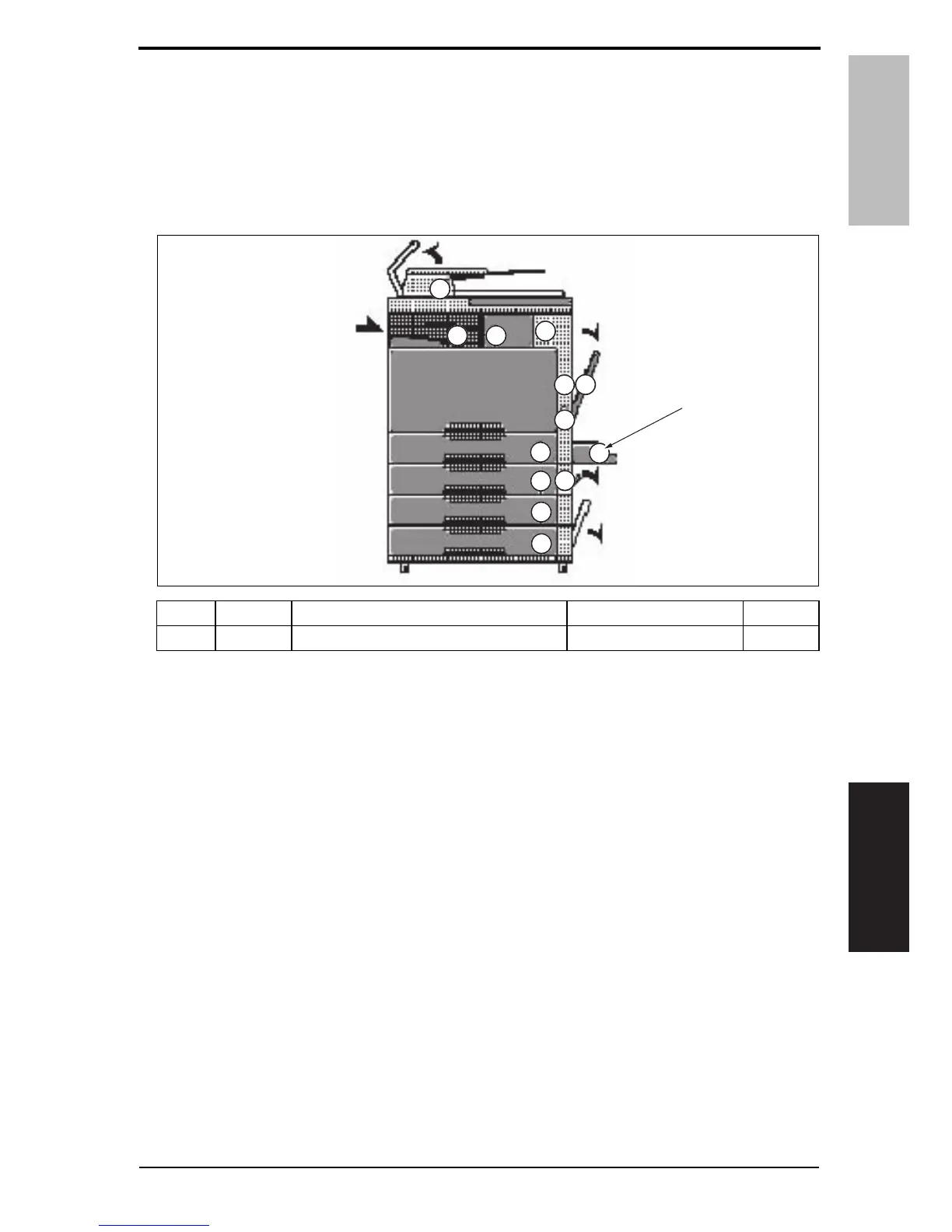
7.1 Misfeed display
• When misfeed occurs, message, misfeed location “Blinking” and paper location “Light-
ing” are displayed on the touch panel of the main body.
7.1.1 Misfeed display resetting procedure
• Open the corresponding door, clear the sheet of paper misfed, and close the door.
No. Code Misfeed location Misfeed access location Action
[1] 1001 Misfeed at manual bypass feed section Right door P. 2 3
A0EPF4C500DA
[1]
Y109730-6 Service Manual 21













 To Next Page