2-48 Installation Instructions
Installation on G4 Cabinets
External Return Bin Installation and Service Guide/67-2038 Rev D © 2011 Omnicell, Inc.
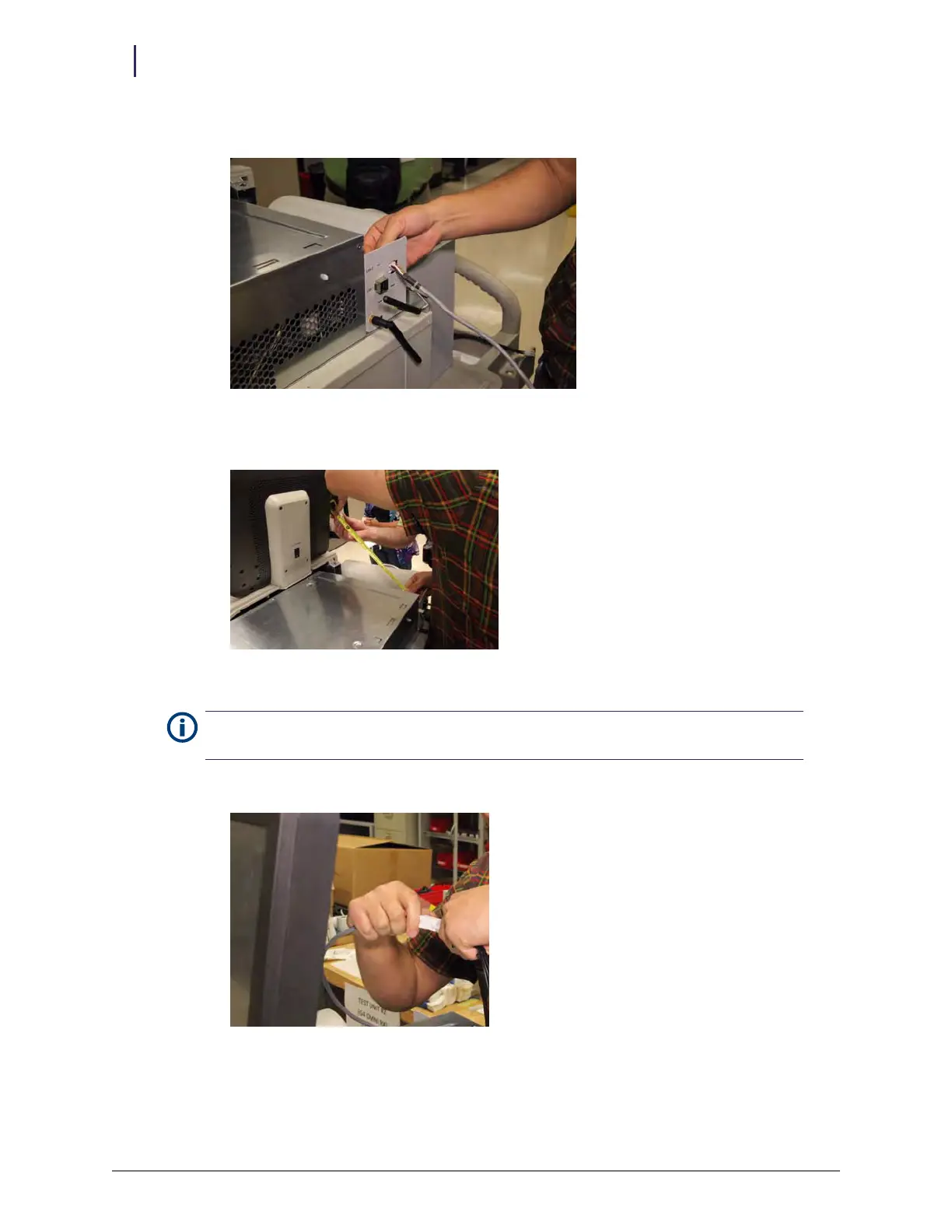
5. Pass the ERB PowerCom cable through the opening.
Figure 2-120. Passing the ERB PowerCom cable through opening
6. Make sure at least 15 inches of the cable is inside the cabinet.
Figure 2-121. Measuring length of cable inside cabinet
7. Connect the ERB adapter cable to the ERB PowerCom cable.
Figure 2-122. Attaching the adapter cable to the PowerCom cable
Note: Do not secure the ERB PowerCom cable with the grommet yet to allow slack for routing the cable
around the E-box.



 To Next Page