© 2011 Omnicell, Inc. External Return Bin Installation and Service Guide/67-2038 Rev D
Installation Instructions 2-57
Installation on G4 Cabinets
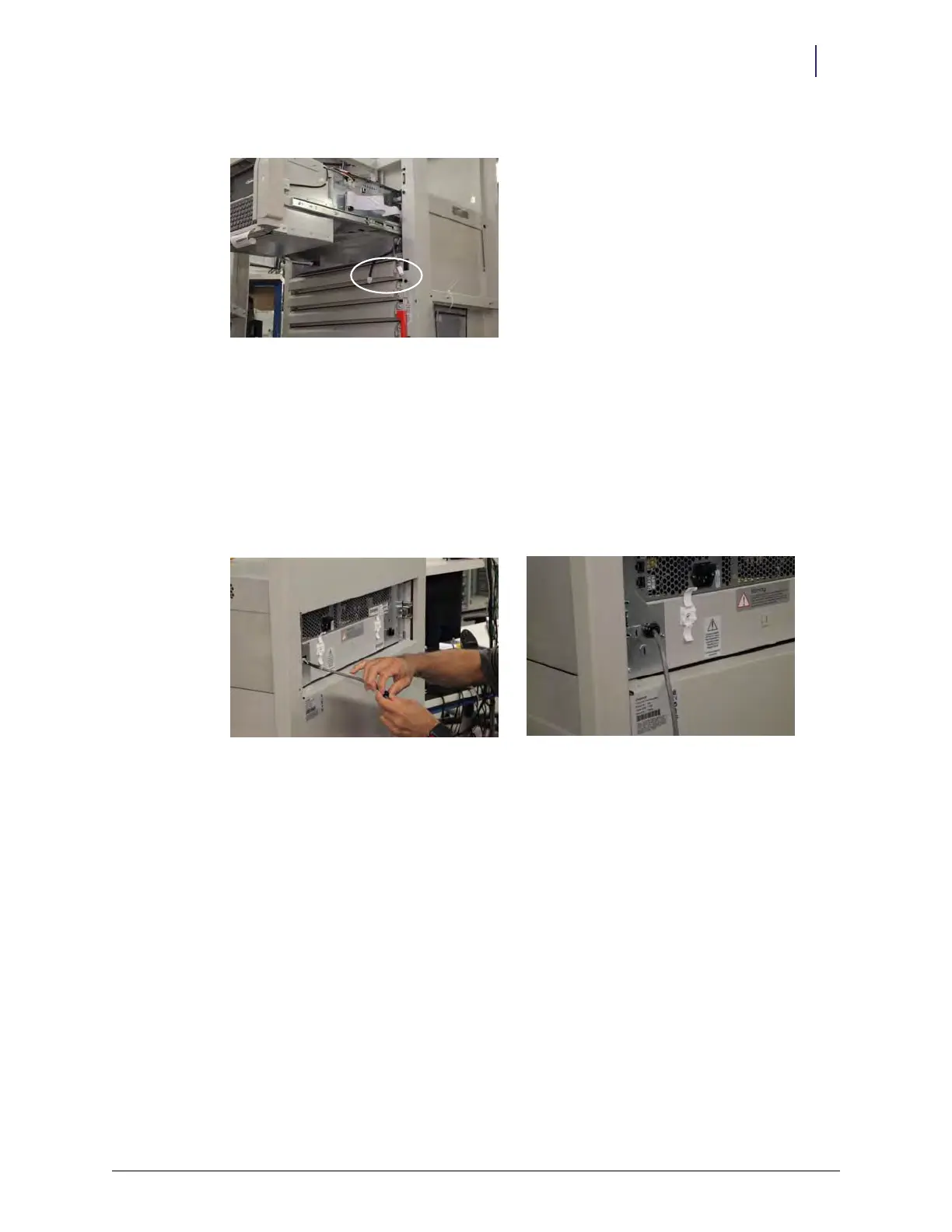
5. Pass the PowerCom cable through the cutout in the rear panel of the E-box.
Figure 2-139. Attaching PowerCom cable and adapter cable
6. Connect the PowerCom cable to the adapter cable.
7. Bundle the adapter cable and secure it with cable ties.
8. Re-lock the drawer tabs and ensure that the drawer slide can open and close without
interference.
9. Slide the E-box back into the cabinet.
10. Snap on the black grommet over the PowerCom cable, then squeeze it with pliers to secure it in
the cutout.



 To Next Page