1 Preparation
1-4 Name of each part
BU100RS
1-4 Name of each part
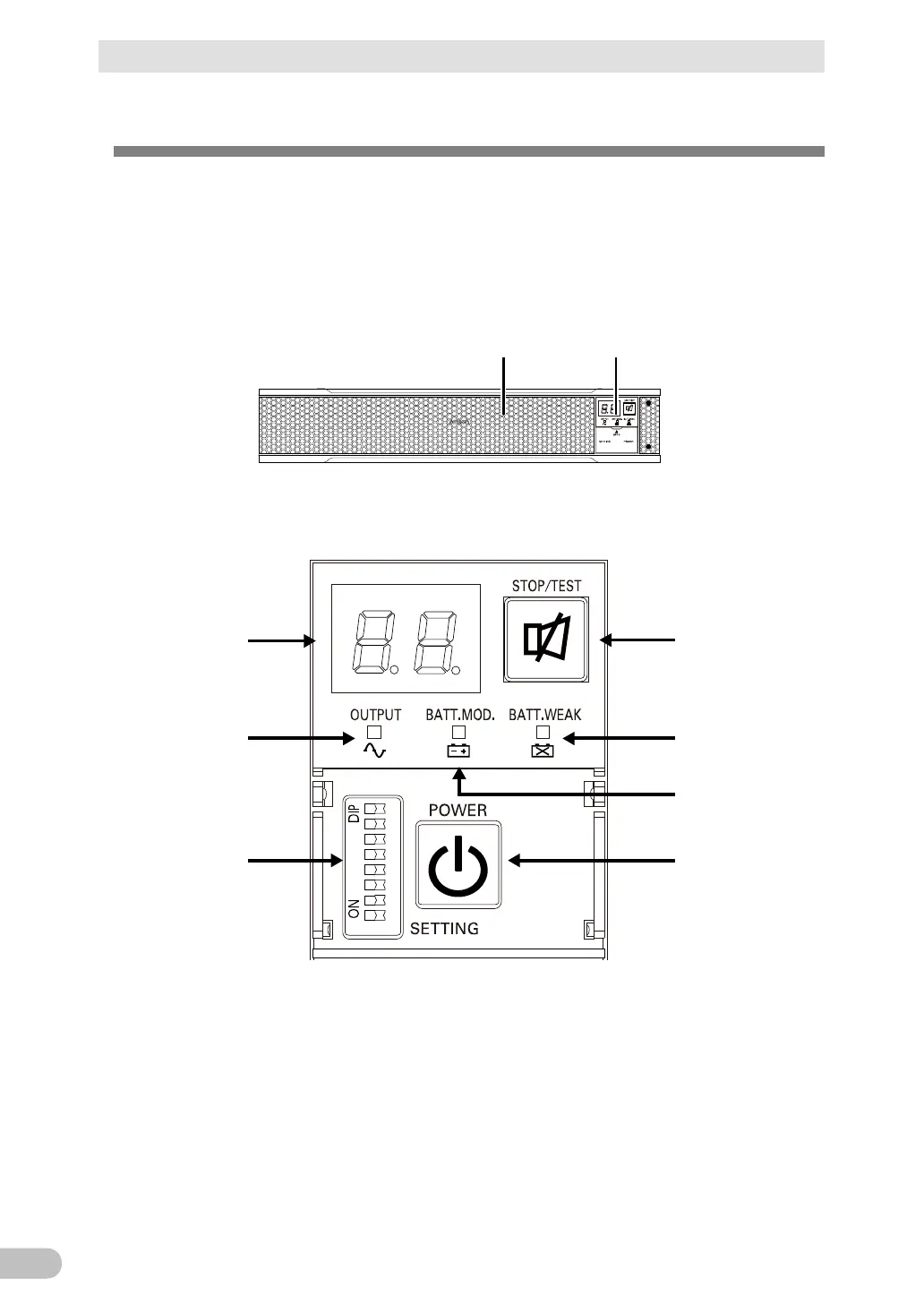
This section describes the name of each part of the UPS.
For information on the function of each part, refer to “2 Installation and connection” and “3
Check and start operation” that provides the details.
● Front view
<BU100RS>
(Air vent) (Operation panel)
A
B
E
G
D
C
F
A: Status indicator
B: “Power supply output” LED
C: “Battery mode” LED
D: “Battery replacement” LED
E: “Setting switch”
F: “Power” switch
G: “Buzzer Pause/Test” switch
<Enlarged view of the operation panel>



 To Next Page