3 Check and start operation
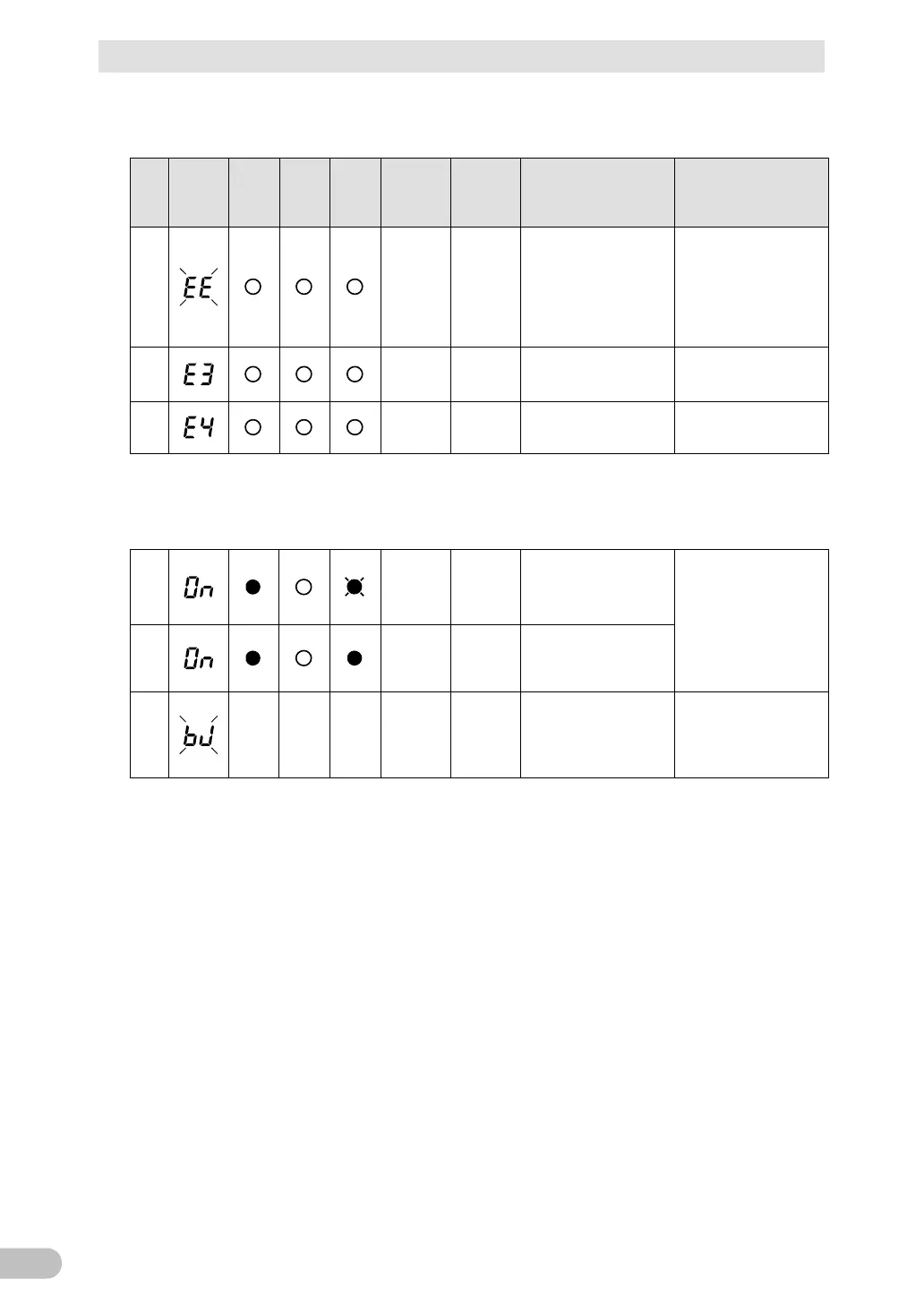
3-4 Interpreting beeps and displays
BU100RS
(2) When "Power" switch is "OFF"
No.
Status
indicator
Power
supply
output
Battery
mode
LED
Battery
replace
ment
Beep Charging Description Solution
34
Continuous OFF
Failure occurred. When
the “Buzzer
Pause/Test” switch is
pressed, the details of
the error are displayed.
the unit. Contact the
shop of purchase or the
OMRON Electronic
Systems & Equipments
Customer Support
35
Continuous OFF
Stopped charging due
to abnormal rise in
battery charge voltage.
Turn off AC input.
36
Continuous OFF
Stopped charging due
to abnormal drop in
(Same as above.)
3-4-5 Display and beep for battery replacement
37
Intermittent
2.0-second
intervals
ON
The self-diagnosis test
detected a weak battery
(warning only, output
continues).
Replace the battery.
You can replace the
weak battery with a
separately purchased
replacement battery as
needed.
See also “4-2 Replacing
the battery”.
38
Intermittent
2-second
intervals
ON
Battery life counter went
off-scale. (Warning only.
Outputs continue.)
39
--- --- ---
None OFF
Battery life counter has
been reset.
Be sure to reset the
battery life counter after
replacing the battery.
See also “4-2 Replacing



 To Next Page