2 Installation and connection
2-2 Connecting the equipment
BU100RS
2-2 Connecting the equipment
Caution
(for connection)
Do not connect devices, rated voltage is not 100-120VAC.
● The rated output voltage of this device is 100-120VAC.
● Overcurrent may damage the connected devices.
2-2-1 Connecting a device to the power supply output
For cautions when connecting the UPS, refer to “Caution (for installation and connection)”
shown in the “Safety precautions” of the beginning of this manual.
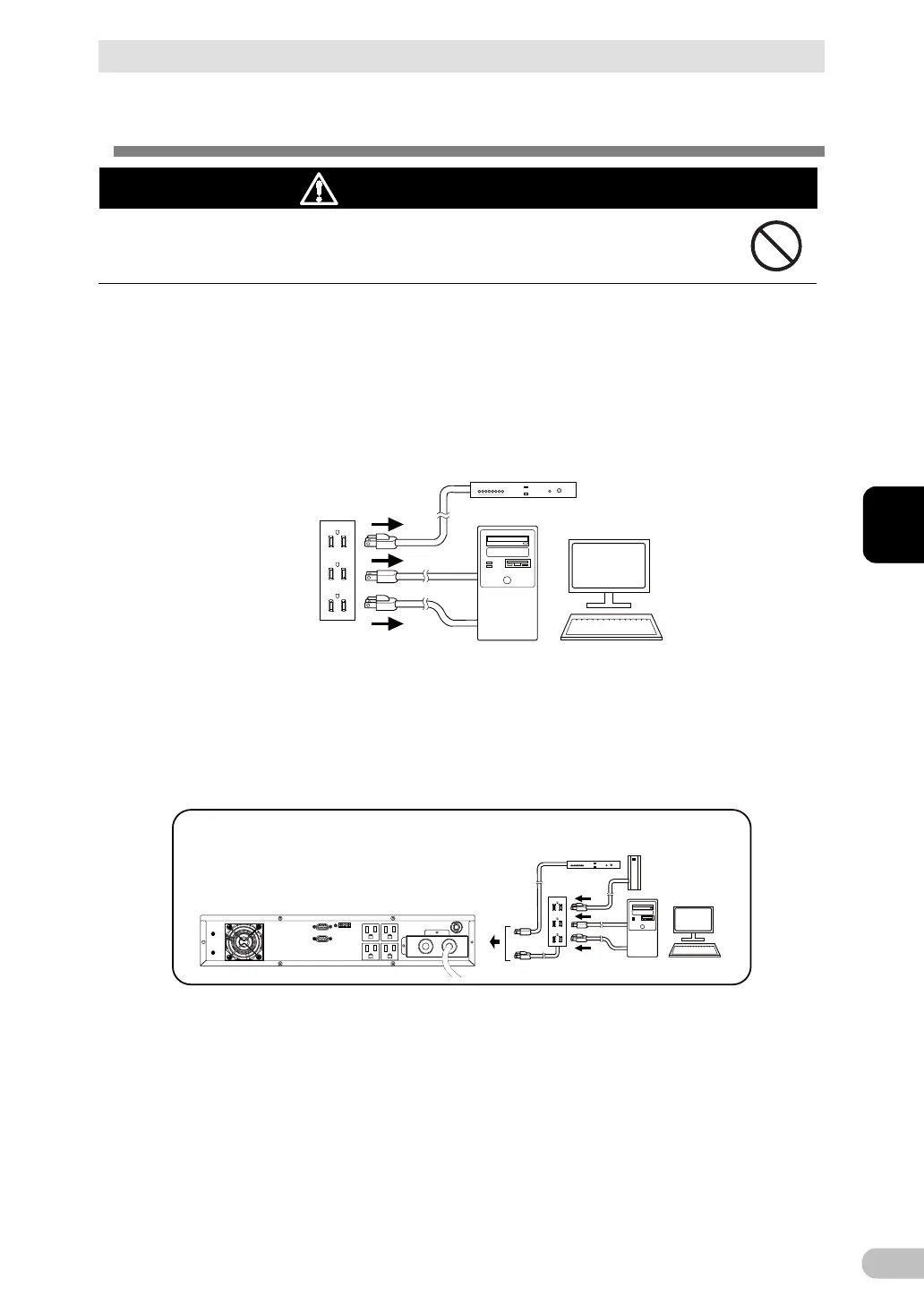
1. Disconnect the AC Input Plugs of all devices you want to back up such as your PC and
modems from a wall outlet (commercial power source).
Wall outlet
(commercial power source)
Computer peripheral devices
PC
2. Connect devices you want to back up to the Power Supply Output Receptacles of the
UPS.
・ If you need more output receptacles than those of the UPS, purchase a plug strip and
use it for extra output receptacles.
Computer peripheral devices
External HDD



 To Next Page