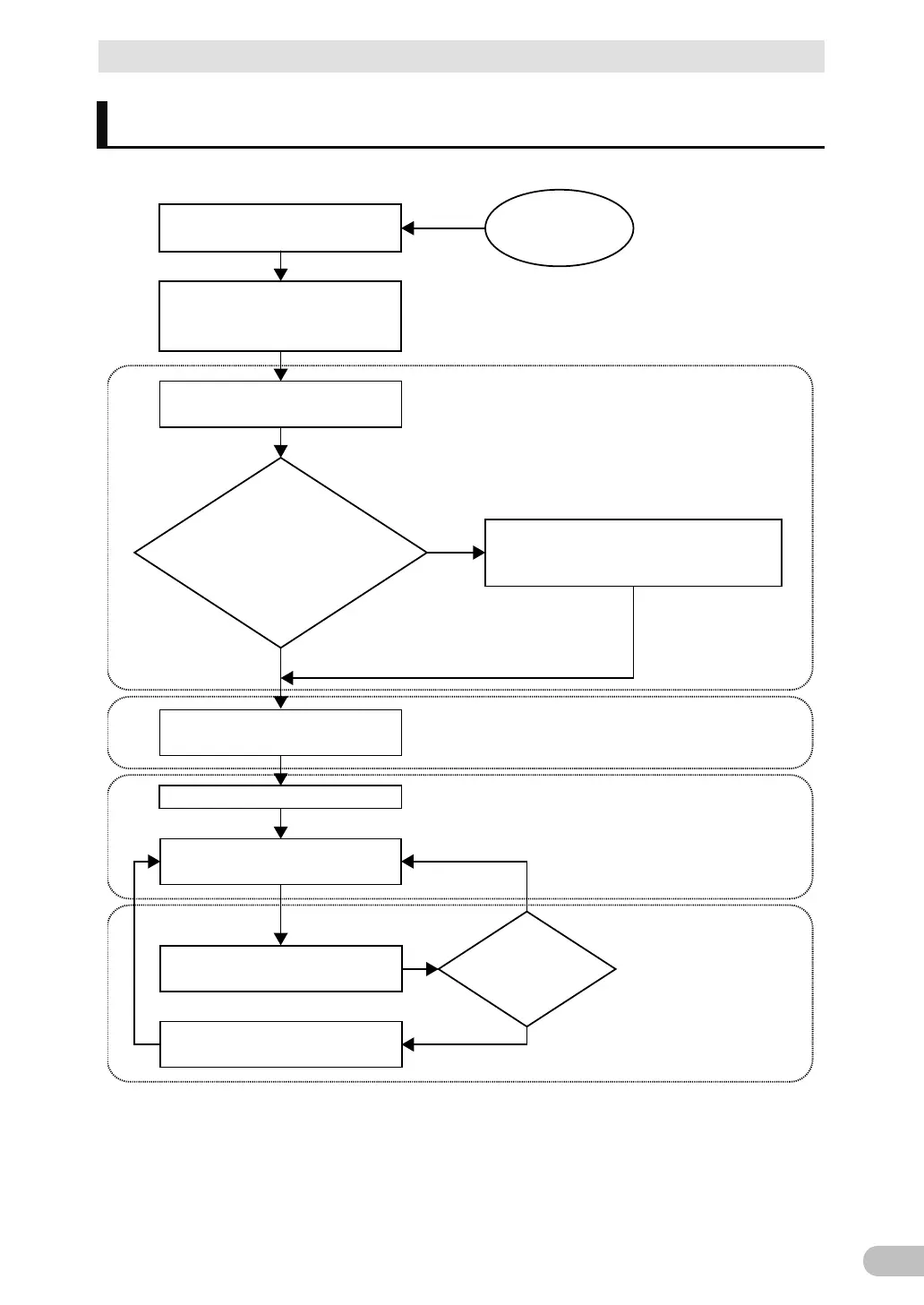
Start
Read “Safety precautions”
Page 7
Remove the product from the
package and check the contents
1. Preparation
Perform installation and connection
2. Installation and connection
Are you using either of the
following functions?
- UPS monitoring software
- Contact signal
5. To perform shutdown processing of the
devices when a power failure occurs
6. Using the contact signal functions
Check the operation
3. Check and start operation
(Charge the battery *)
Operate
3. Check and start operation
* The UPS has been charged prior to shipment.
However, if it is left for a long period of time, it
may have self-discharged.
We recommend charging the UPS before using it.
Perform maintenance and inspection
4. Maintenance and Inspection
Replace the battery
4.2 Replacing the battery
The battery must
be replaced
Installation/connection
Preparation for operation
Operate
Perform maintenance
and inspection
Yes
No
No
Yes



 To Next Page