3 Check and start operation
3-4 Interpreting beeps and displays
BU100RS
Additional Information
When the power is restored after a power failure, the UPS is set by default to automatically
restart and supply power.
If you do not want to restart the connected devices, “Setting” switch 2 can be used to select
whether or not auto restart is performed, or turn OFF the “Power” switch of the connected
devices (See also "3-1-4 Setting Switch").
■ Operation when stopping
Note
Before stopping the commercial power to the unit, turn OFF the “Power”
switch of the unit.
● The unit enters Battery Mode when commercial power is stopped. If you
frequently use the unit in Battery Mode, the battery life may be significantly
shortened.
Press and release the “Power” switch of the UPS, and then the “Power” switch tur ns O F F.
The power output from the UPS stops at the same time.
Additional Information
Even if you turn off the “Power” switch, if AC is supplied from commercial power, the battery
is automatically charged.
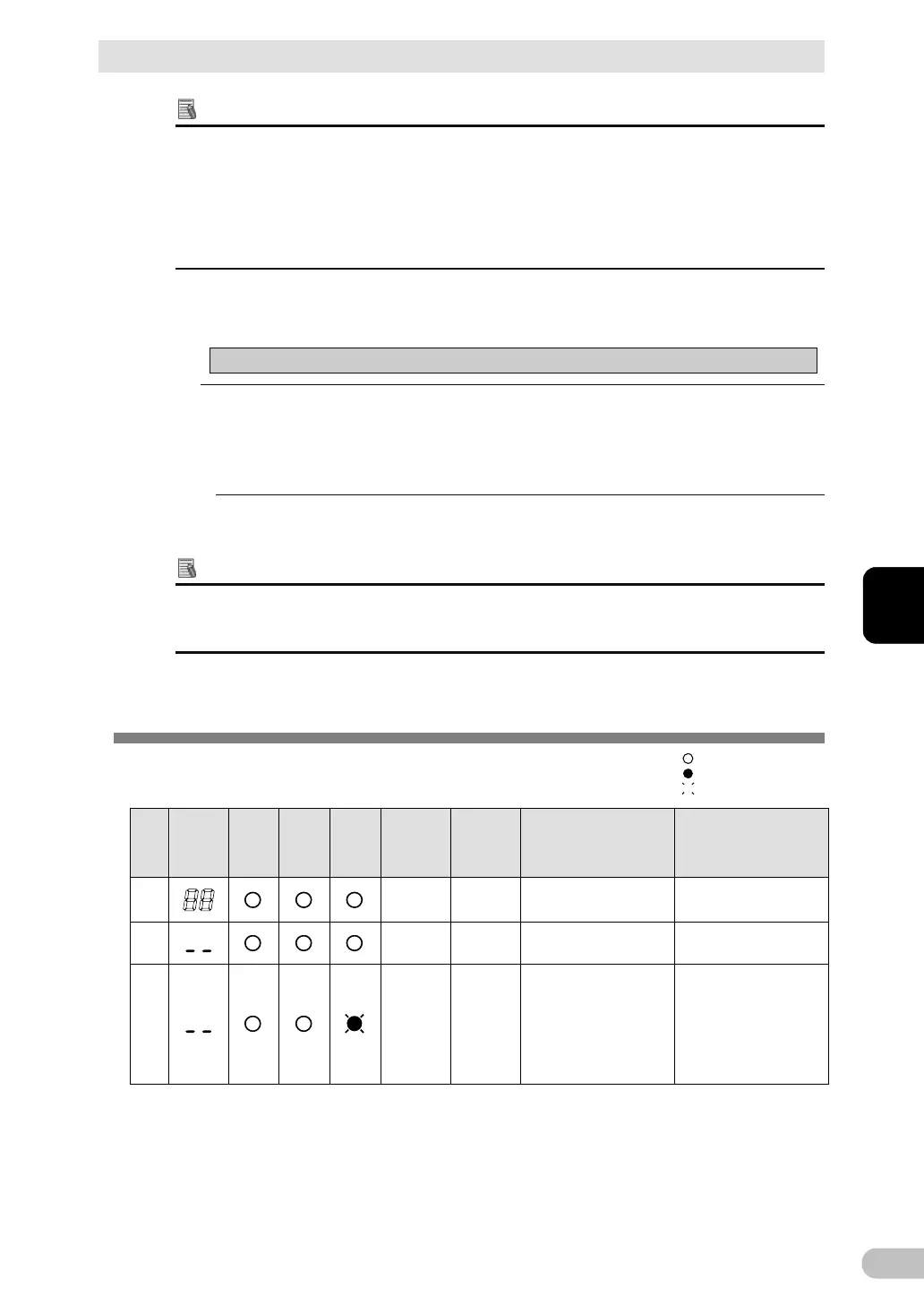
3-4 Interpreting beeps and displays
3-4-1 Displays and beeps in normal operations
(1) When "Power" switch is "OFF"
No.
Status
indicator
Power
supply
output
LED
Battery
mode
LED
Battery
replace
ment
LED
Beep Charging Description Solution
1
None OFF
No AC input.
Operation stopped.
---
2
None ON
There is AC input.
“Power” switch is O FF.
---
3
None ---
There is AC input.
“Power” switch is OFF,
or OFF⇒ON.
Battery Disconnect or
the battery voltage is
lower than 18V.
Connect the battery
connector (See page
67)
If the condition does not
change, please replace
the battery pack. (See
indicates blinking
indicates the display is ON
indicates the display is OFF



 To Next Page