3 Check and start operation
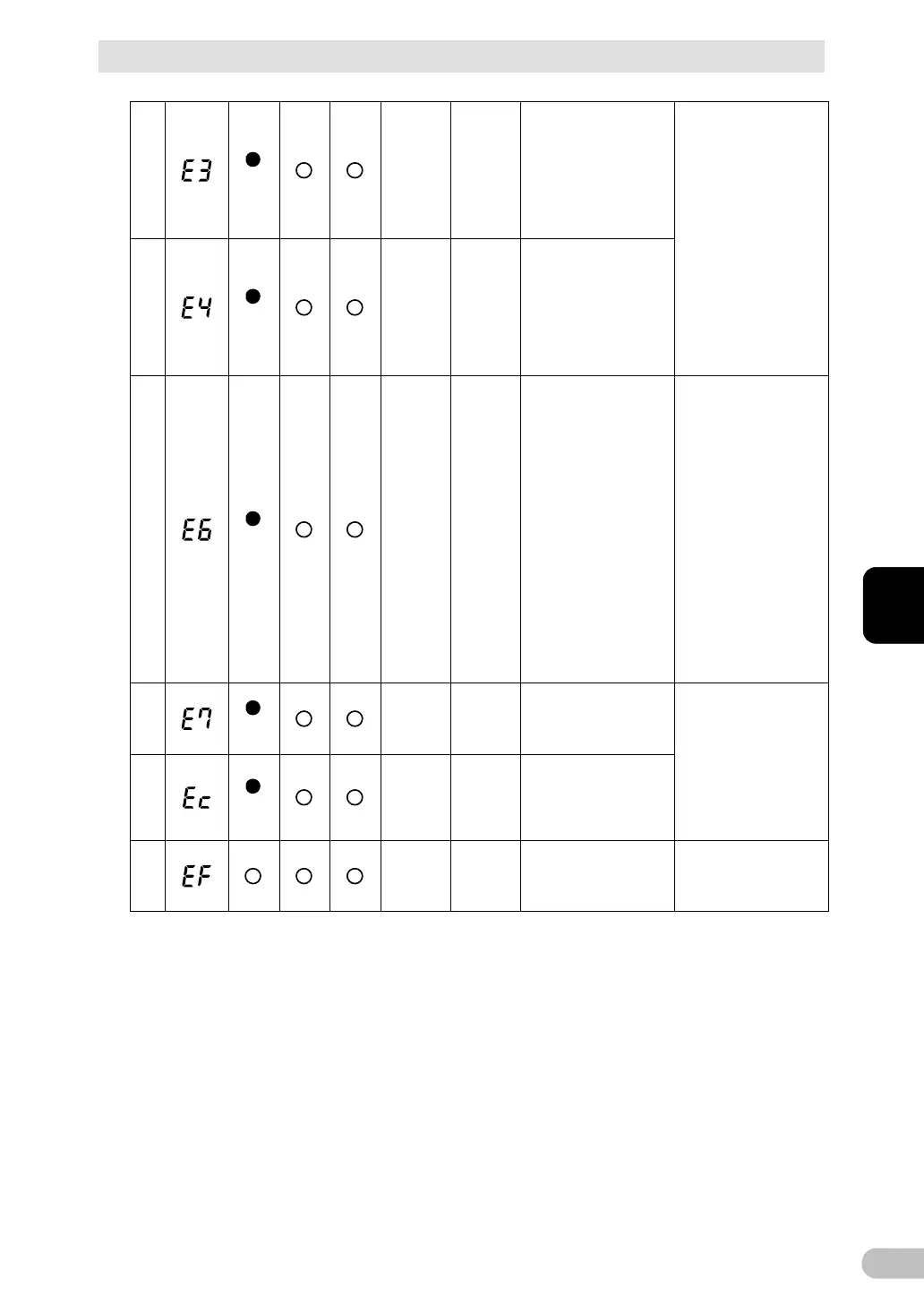
3-4 Interpreting beeps and displays
BU100RS
28
bypass
Continuous OFF
to abnormal rise in
battery charge voltage.
When the battery
discharges, bypass
output is performed.
(The display disappears
There is a problem with
this unit. Please apply
the repair.
29
bypass
Continuous OFF
to abnormal drop in
battery charge voltage.
When the battery
discharges, bypass
output is performed.
(The display disappears
30
bypass
Continuous
---
(Note 2)
Moved to bypass
operation due to
problem with the
internal temperature
(Note 1).
high ambient
temperature of the unit.
Please check the
ambient temperature of
the UPS.
If it is over 40 degree,
please lower the
ambient temperature.
Turn OFF this unit and
all connected devices,
then turn ON for this unit
only.
If the temperature is
under 40 degree C,
there is a problem with
this unit. Please apply
31
bypass
Continuous
---
(Note 2)
Moved to bypass
operation due to
problem with the DC
Refer to the No.26 and
27.
32
bypass
Continuous
---
(Note 2)
Moved to bypass
operation due to
problem with the half
wave rectification load
33
Continuous
---
(Note 2)
External Fan Error.
Please replace the
external cooling fan.
(Reference) page 69 to
71. (note 4)
Note 1: In bypass operation, commercial power is output directly. Output stops when a power failure
(AC input OFF) occurs in bypass operation.
Note 2: The displays and operations vary according to the status.
Note 3: Devices such as dryers, some solenoid valves, etc., which have a half-wave rectifier.
Note 4: Fan replacement does not comply with UL standard.



 To Next Page