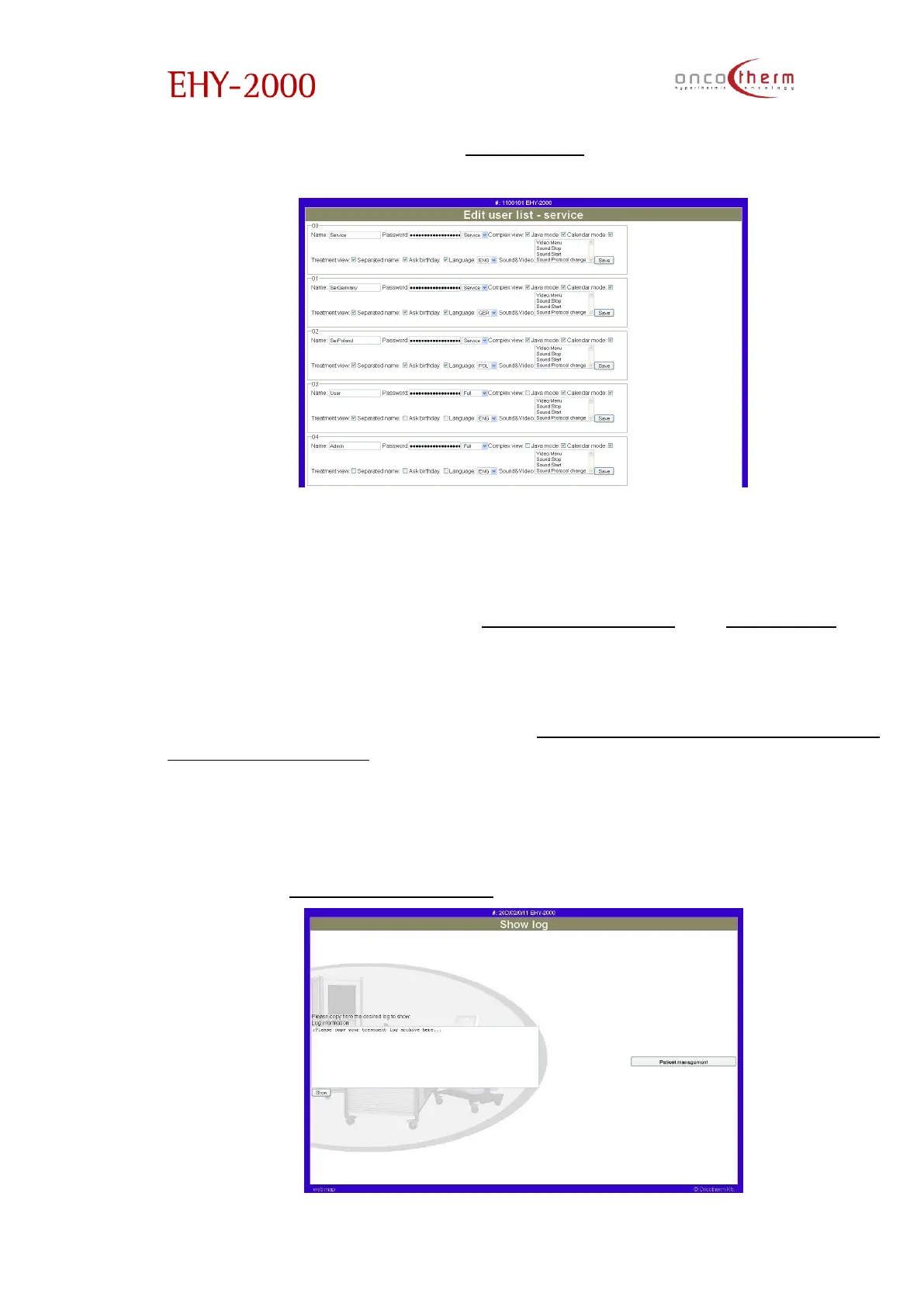
The first option in the menu is the “Edit user list” option.
The new and old users can be managed. This is required for logging in into the
system. In case you edit your own login name and password, note that you
can still log out.
The next options in the menu are “Edit date and time” and “Patient list”. The
time and date can easily be set by synchronizing the time and date of the
device with the help of the internet.
With the next three options in the menu (“Save patient log”, “Save all patient’s
log”, “Save day’s log”) the patient logs can be exported from the device in a
text form. If the first of the three options is used, you have to choose the
patient, whose data you want to export. The exported data will appear in a
new window (or tab) of the browser, from where you can save it in a text form.
The generated data text is coded, so it cannot be viewed separately from the
device. To recover data from the saved coded text, use the Display from log
option of the “Administration menu”.


 To Next Page