To recover the patient logs from the saved data, please copy the saved
coded text into the dialog box and then press the “Show” button.
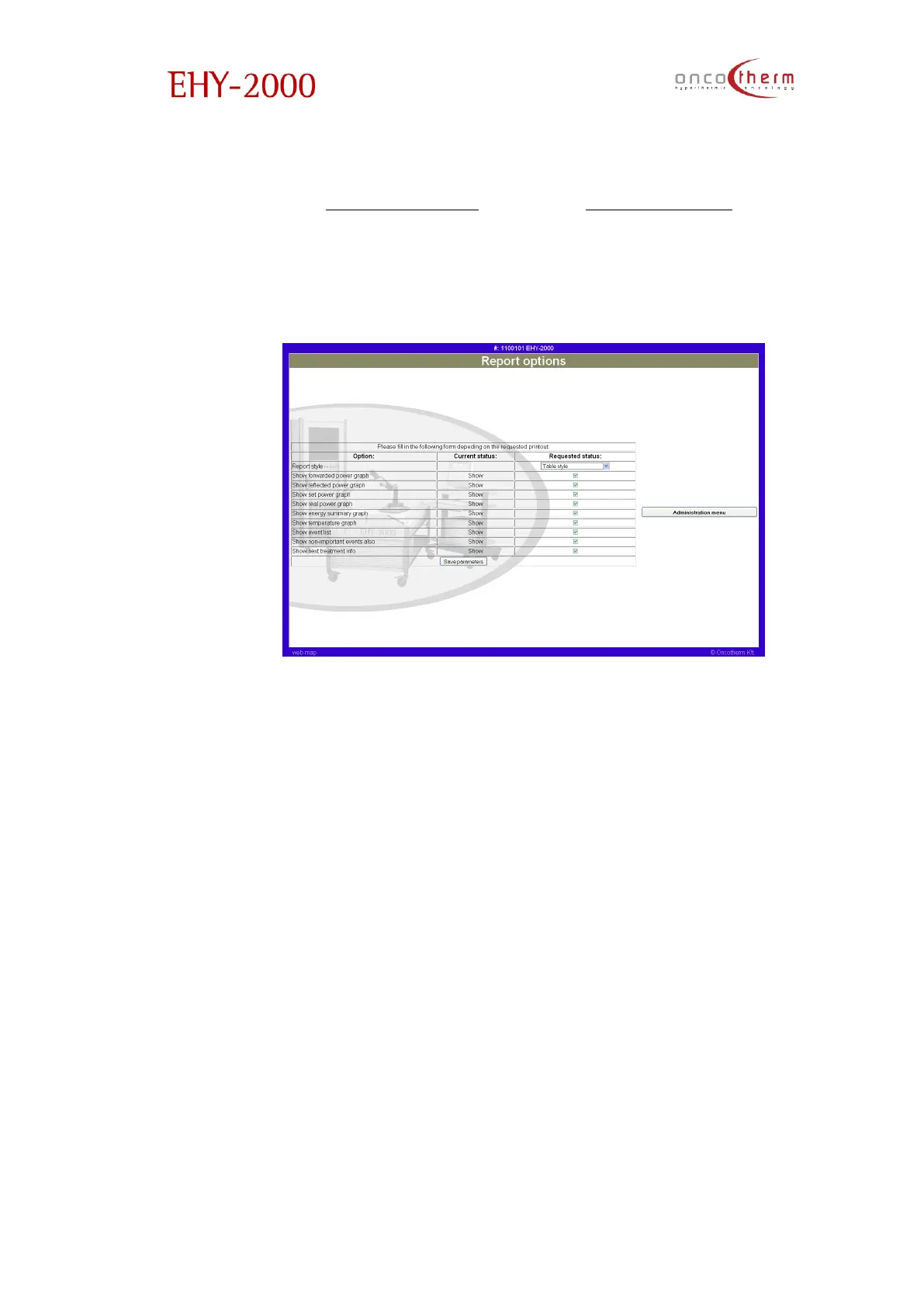
By choosing the “Report options” link in the “Administration” menu you can
select what kind of data will be printed in the Patient report. The first column
shows the options, the second: if it is on/off, the third one: checkout box. After
all needed options are selected, the settings must be accepted with the Save
settings button.


 To Next Page