ONE Technologies
- 26 -
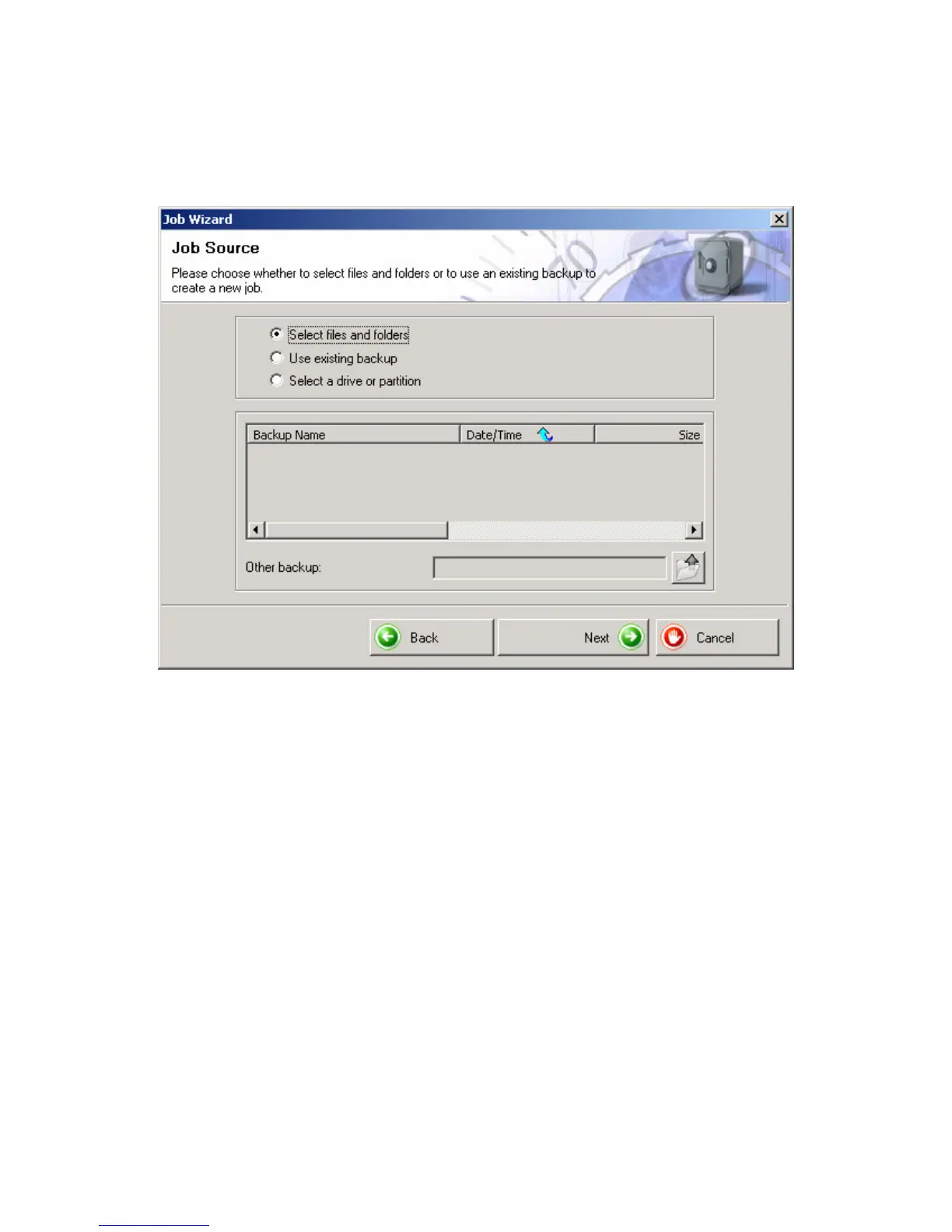
The option “Select files and folders” should already be activated.
Confirm these settings by clicking on “Next”.
In the next screen you will see the content of your system in a
explorer like view. Select the files and folders you want to store with
the backup job by marking or unmarking them in the checkboxes.
Clicking on the ‘+’ or ‘-‘ symbols causes the folders to collapse or
expand.
After you have selected all important files, click on “Next”.



 To Next Page