ONE Technologies
- 31 -
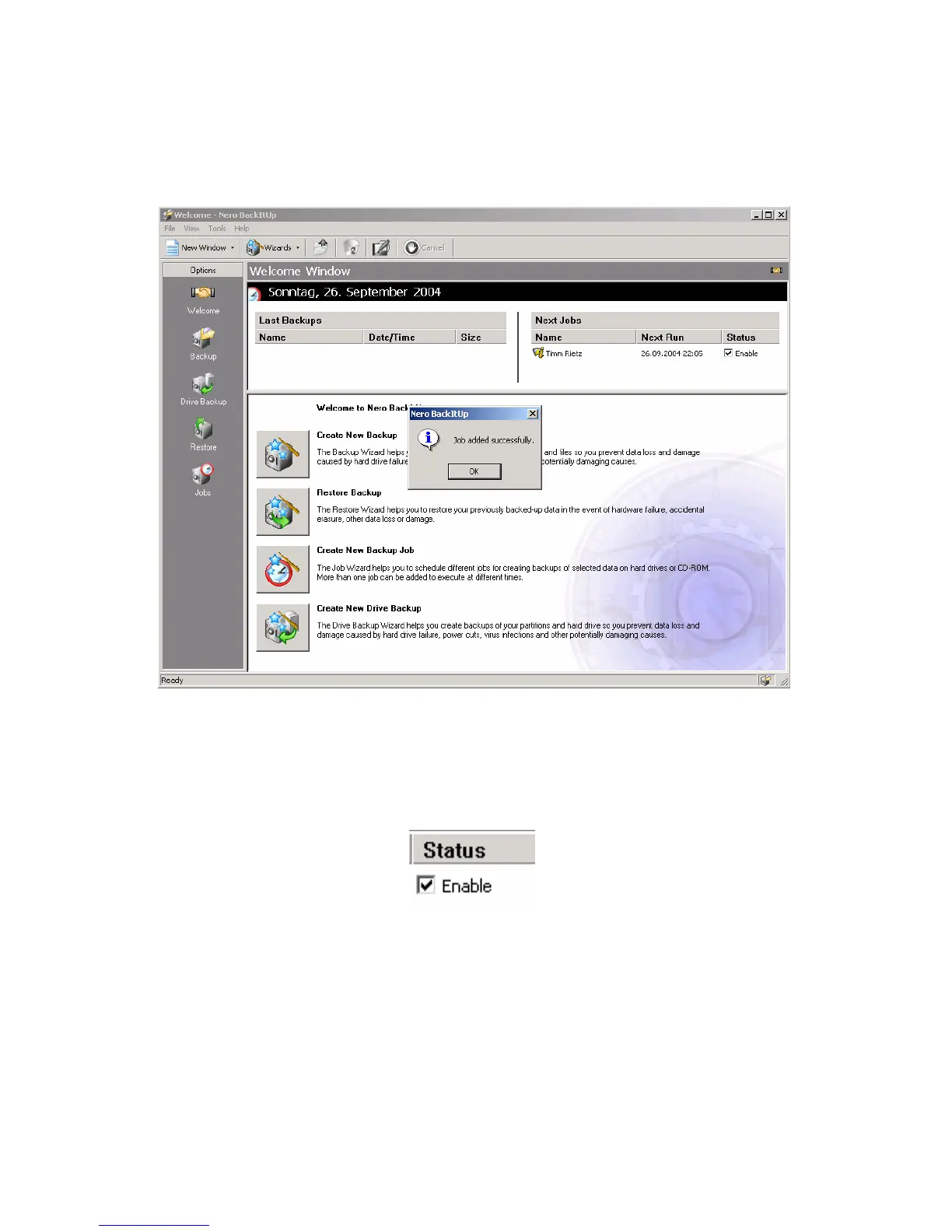
“Job added successfully” shows that the backup is now ready for
execution.
Make sure, that the status in the upper right corner is enabled!
Only in this case, the backup can be executed by pressing the
backup button on the drive. If you have defined several backups,
you can choose which to control with the button and which to
execute manually by setting the correct backup job to “enable”.



 To Next Page