ONE Technologies
- 32 -
B. Executing a Backup:
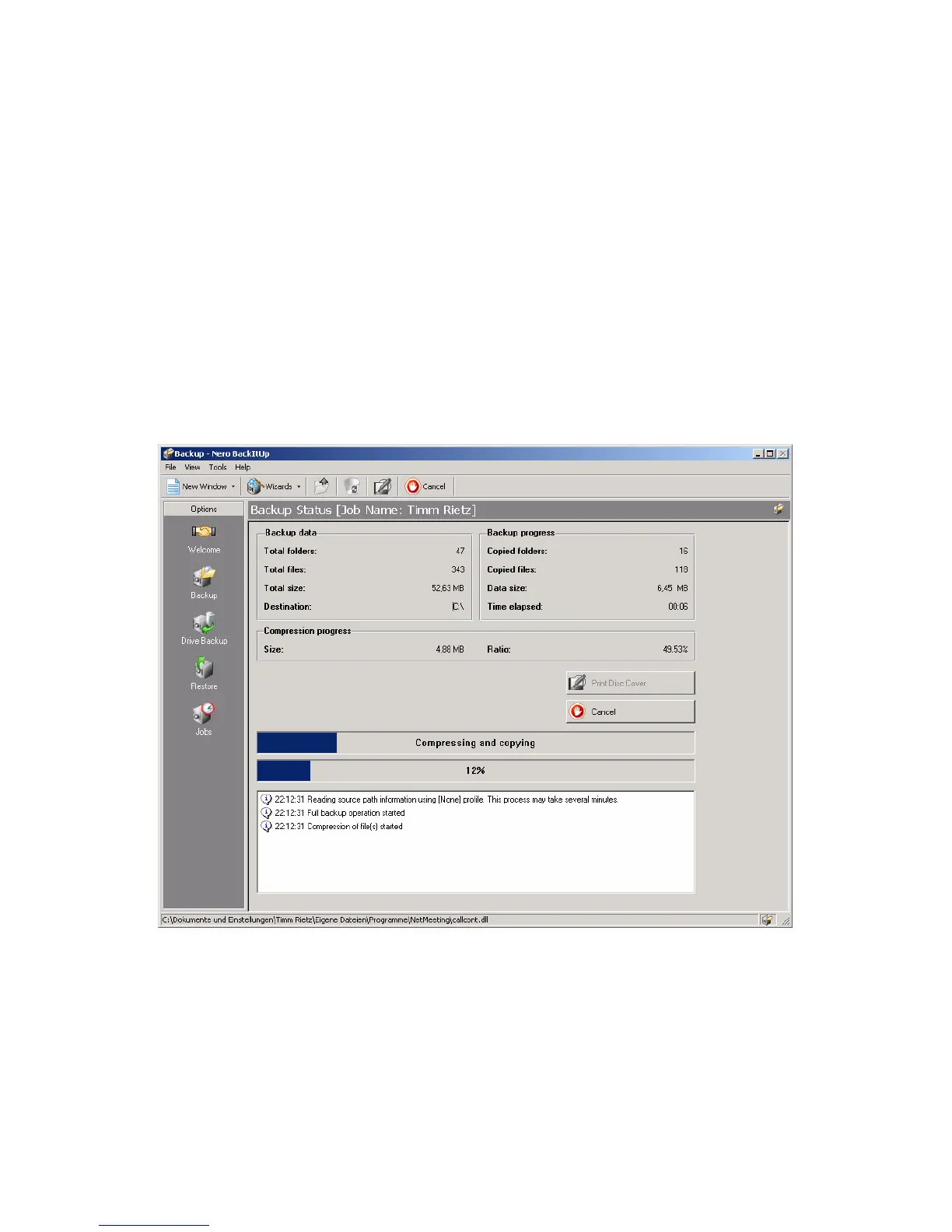
After you have defined a backup job like described in chapter A, you
can execute it by using the backup button on the AluDISC. Close (if
not already done) the Nero BackItUp application. Now, hold down
the backup button (1, left) for approximately 2 seconds. The backup
job is starting and the status screen appears:



 To Next Page