ONE Technologies
- 33 -
C. Restoring a Backup:
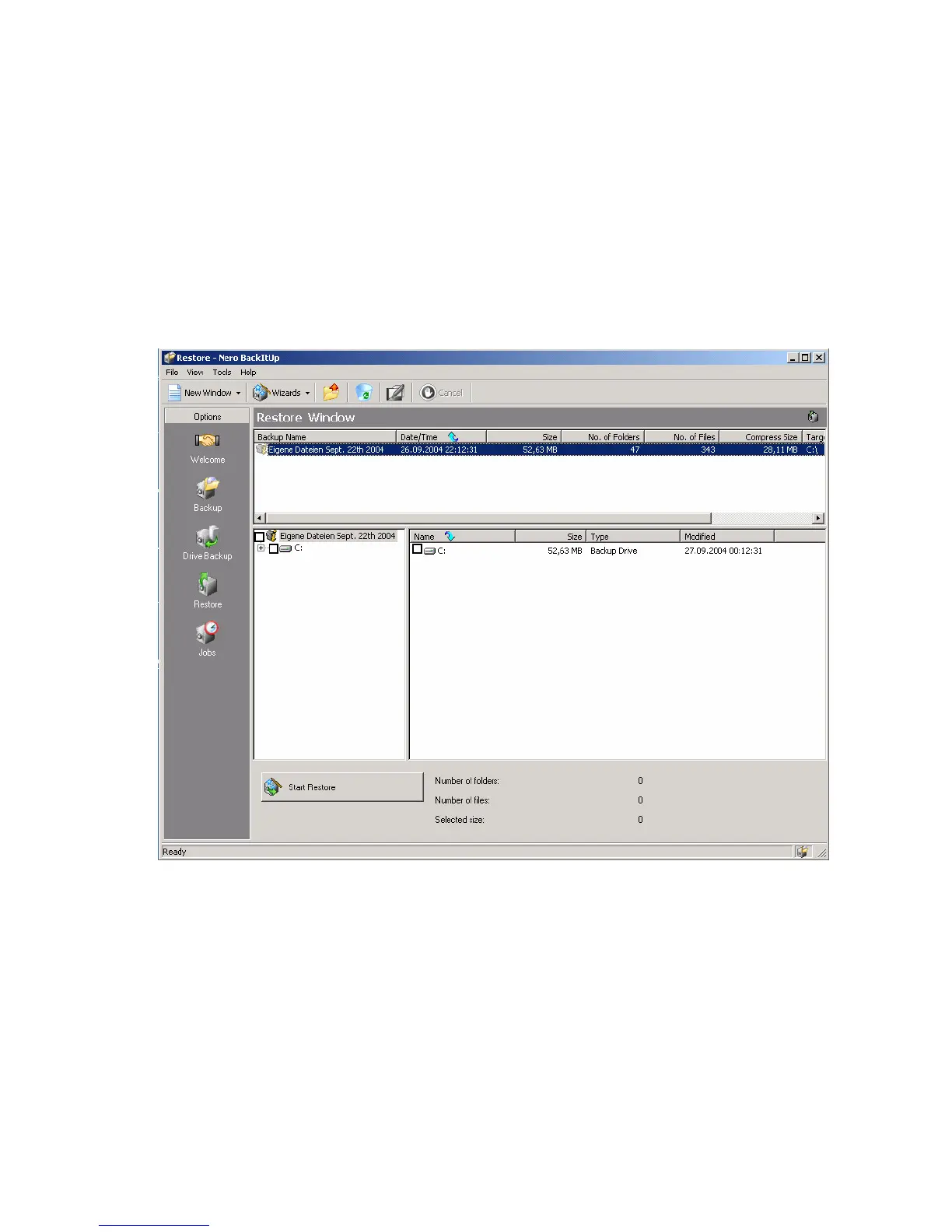
To restore the backup created lately, you only have to hold down the
restore button (2,right) for approximately 2 seconds until the restore
screen comes up:
The last executed job is already pre selected. If this is the job you
want to restore then just mark the box in front of the jobs name. This
automatically includes the subfolders and files stored in this backup
job:



 To Next Page