5
1. Ways of installation
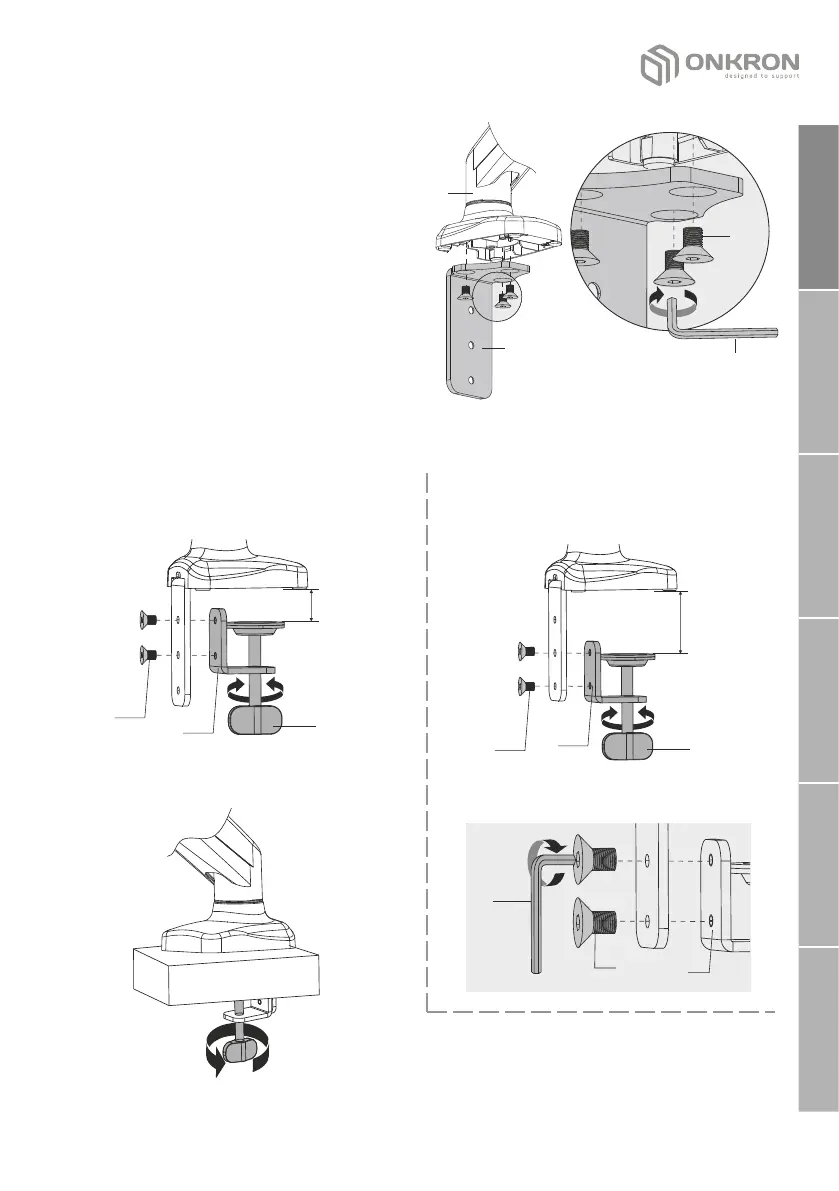
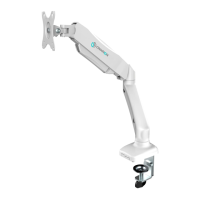
a) C-Clamp installation on the desk:
Fix the corner B to the base of the
bracket (A) with three screws (D) using
the key (I).
D
I
A
B
Depending on the thickness of the desk on which the bracket is installed, fix
the clamp (C) with two screws (D) using the key (I):
10-53mm
(0.4"-2")
С
B
50-83mm
(1.97"-3.27")
С
B
• In the upper and middle holes of
the corner (В).
min desktop thickness = 10 mm (0.4")
max desktop thickness = 53 mm (2")
min desktop thickness = 50 mm (1.97")
max desktop thickness = 83 mm (3.27")
• In the middle and bottom
corner hole (B).
I
D
B
џ Fasten the bracket to the edge of the
desktop with a clamp.
desk
D
D
English
Deutsche
Français
Italiano
Español
Русский


 To Next Page