RG2 User Manual – Version 1.44
Specifications is periodically reviewed and may change without notice Copyright © 2015 – 2016 by On Robot ApS. All rights reserved
7.4.1 Feedback variables
7.4.2 Feedback input signals
The RG2 feedback can be read directly from the input signals tool_in[0], tool_out[1], analog_in[2] analog_in[3].
Digital feedback cover the functionality of tool_in[0], tool_out[1]. And Analog feedback covers analog_in[2]
and analog_in[3].
7.4.2.1 Digital feedback
Use DI8 to detect if the gripper grabbed a work piece or
stopped at a given position.
DI9 will go LO (Busy) when the gripper is receiving
programming parameters, moving or changing force.
7.4.2.2 Analog feedback
AI2 outputs a voltage corresponding to the gripper width.
* Due to the gripper analog output
resistance (10kΩ), the analog
feedback voltage will be affected by
the robot input resistance. For the robots from Universal Robots, the input resistance is 15kΩ @ 0V:10V, that
result in a maximum input voltage of
which correspond to the maximum width
of 110mm.
The actual width can be calculated by
.
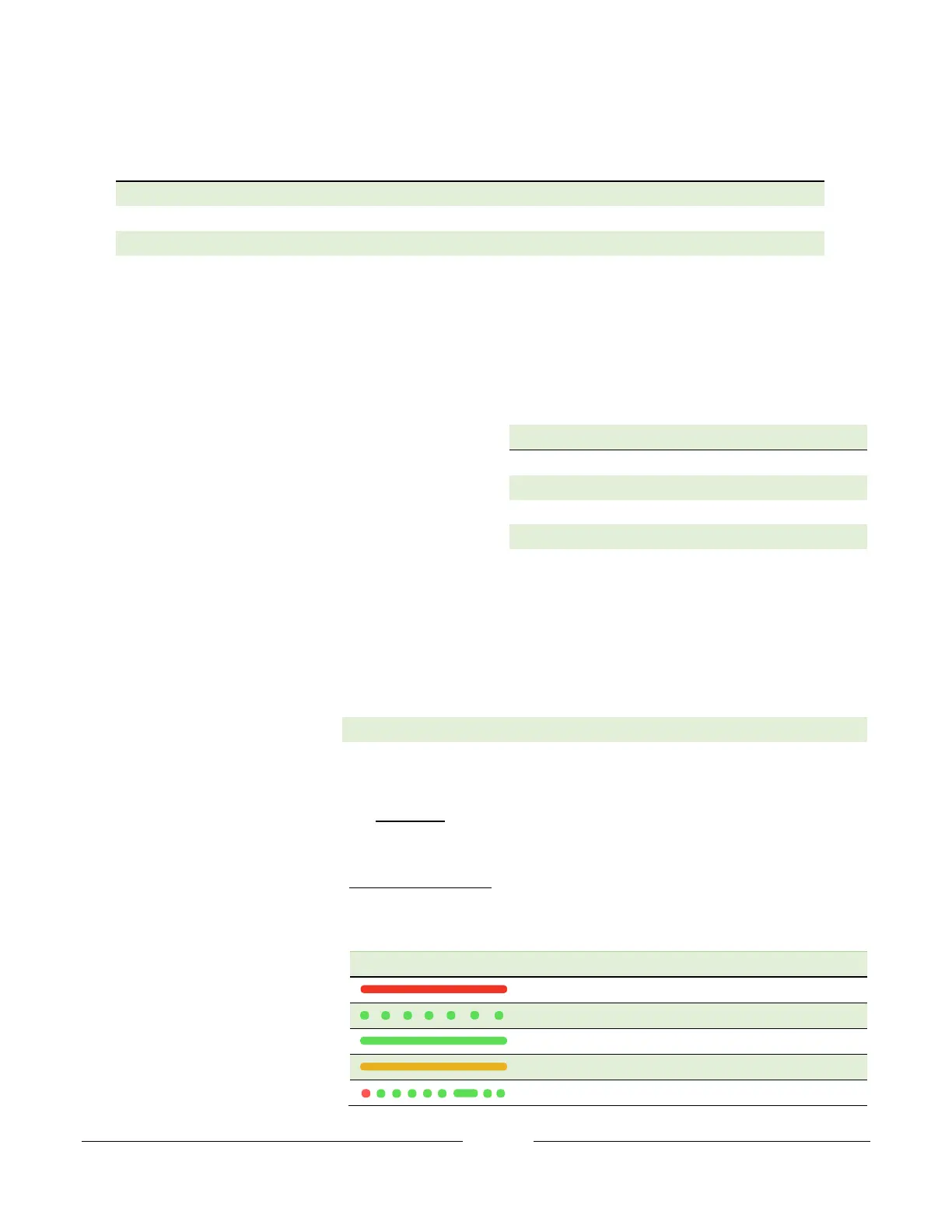
7.4.3 LED feedback
The LED light on the gripper is used
for status indication.



 To Next Page