RG2 User Manual – Version 1.44
Specifications is periodically reviewed and may change without notice Copyright © 2015 – 2016 by On Robot ApS. All rights reserved
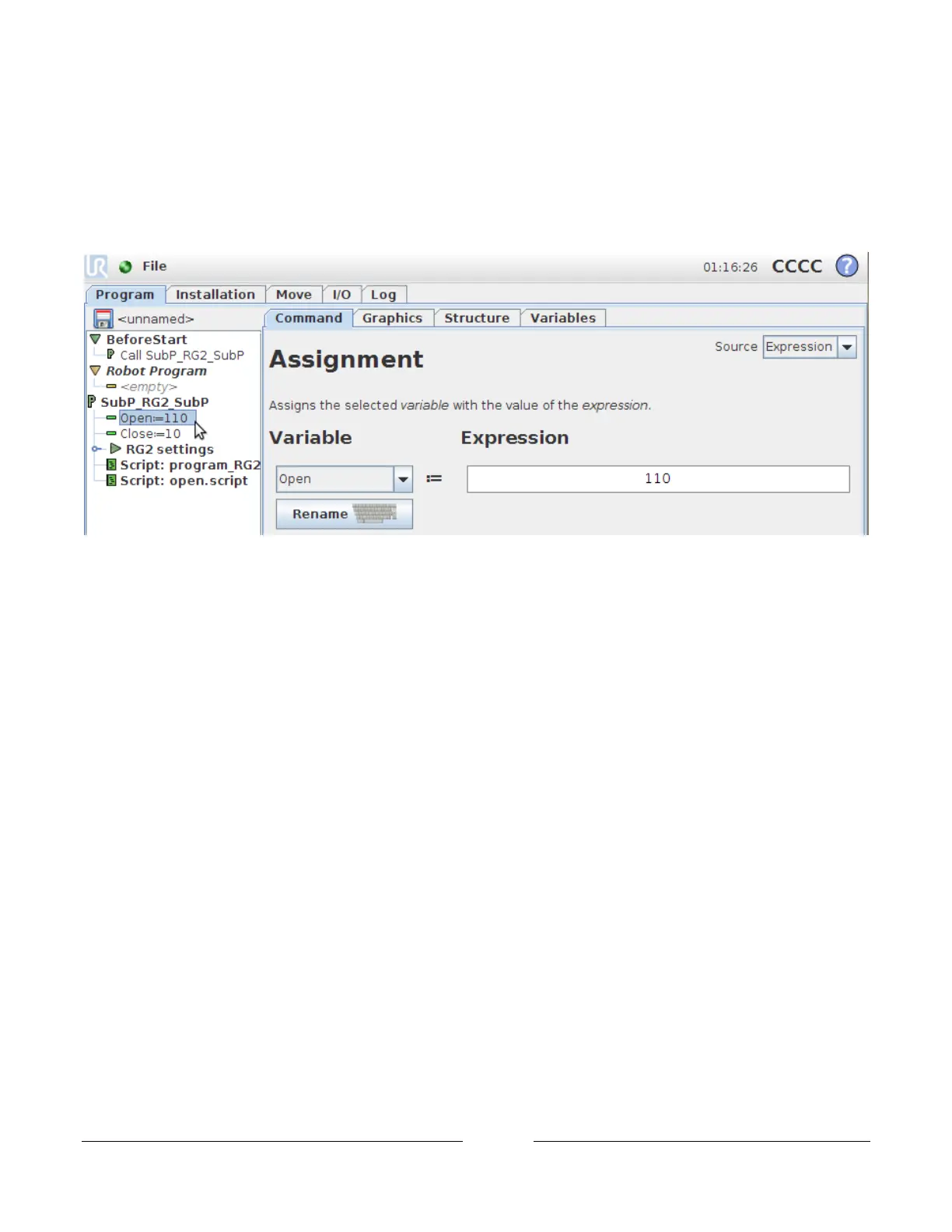
Select the variables that need to change. In this case the first one Open:=110
Go to the Command tap
Click on the Expression (on “110”) box on the right to change the variables.
Repeat this for the other variables (see 7.3.1 Control variables).
This is the end of the subprogram construction.
The gripper can be controlled either with script files/functions(see 7.3.3 Control script/functions) or directly by
the output signals(see 7.3.4 Control outputs signals) from the robot.



 To Next Page