47
Model 72 User Manual - OPEX Corporation
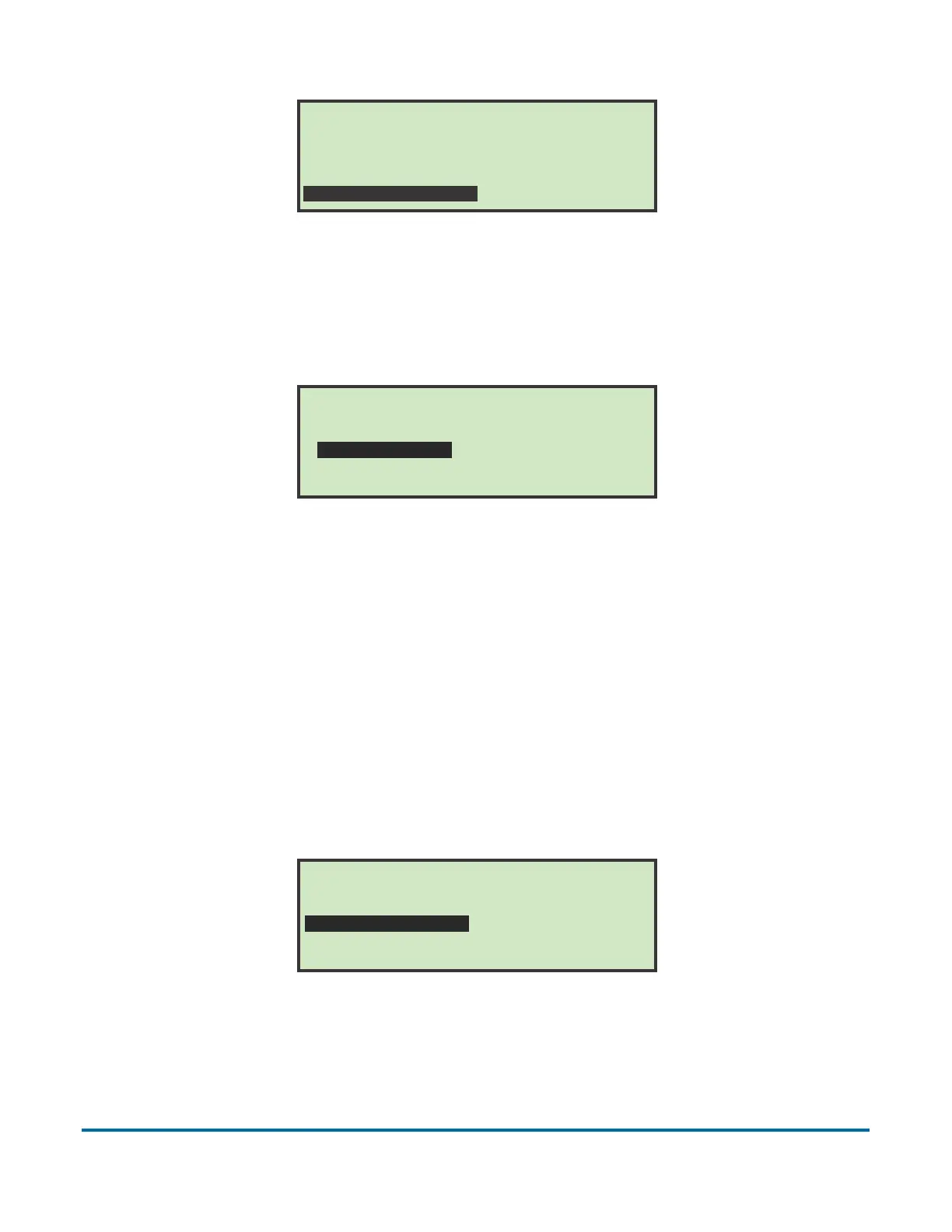
Figure 61: Supervisor Main Menu screen
2 Use the arrow buttons to highlight STATISTICS MENU, and press Enter. The
Statistics menu appears.
Figure 62: Statistics menu (Supervisor)
The Supervisor Statistics menu offers the supervisor the ability to view and
edit additional information.
Display Data
This screen allows you to view statistical data for all or specific operators.
1 In the (supervisor) Statistics Menu (Figure 62), select DISPLAY DATA and
press Enter.
The DISPLAY STATISTICS screen appears.
Figure 63: Display Statistics (supervisor) menu
Display Statistics offers the following:
- DETAILS REPORT - displays statistics sorted by both job and operator.
Monday, March 8, 2010 10:11 A.M.
SUPERVISOR
CHANGE OPERATOR LIST
STATISTICS MENU
CHANGE JOB LIST
PASSWORD OPTIONS
STATISTICS
DISPLAY GRAPH
RESET DATA
PRINT DATA
DISPLAY DATA
GRAPH REFERENCE
UPDATE CLOCK
DISPLAY STATISTICS
All times: All times
SUMMARY REPORT
OPERATOR REPORT
SET TIME RANGE
DETAILS REPORT
JOB REPORT
INDIVIDUAL RUN



 To Next Page