48
Model 72 User Manual - OPEX Corporation
- JOB REPORT - displays statistics for each job.
- INDIVIDUAL RUN - displays individual statistics for each job run.
- SUMMARY REPORT - displays statistics for all jobs.
- OPERATOR REPORT - displays statistics for each operator.
- SET TIME RANGE - You can also specify the time range of the statistics
you want to view
Use the left/right arrow buttons to view each available report.
Graph Reference
You can use the Graph Reference screen to change the appearance of the
graph displayed while the Model 72 is running. This graph displays information
about machine performance. This selection is used to set the target rate
expected of the operator(s). The reference appears as a horizontal line running
through the graph on the run screen.
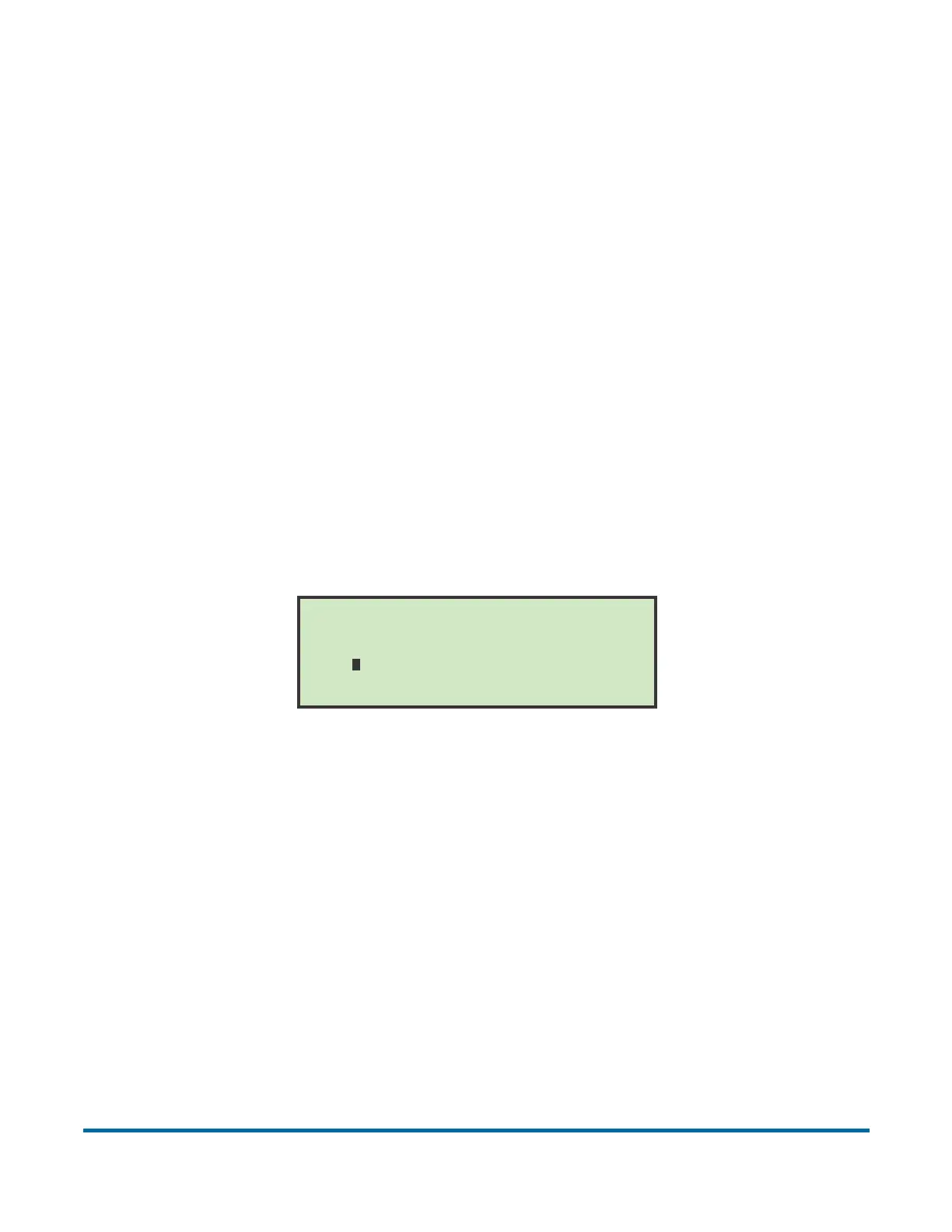
1 In the (supervisor) Statistics Menu (Figure 62), select GRAPH REFERENCE
and press Enter. The Graph Reference screen appears.
Figure 64: Graph Reference screen
2 In the Graph Reference screen, select the position of the graph reference
line and press Enter.
GRAPH REFERENCE
. 1 . 2 . 3 . 4
. 0 . 0 . 0 . 0
. 0 . 0 . 0 . 0
. 0 . 0 . 0 . 0
.................. ..................



 To Next Page