49
Model 72 User Manual - OPEX Corporation
Update Clock
This is used to update the Model 72 clock.
1 In the (supervisor) Statistics Menu (Figure 62), select UPDATE CLOCK and
press Enter. The Update Clock screen appears.
Figure 65: Update Clock screen
2 Use the left/right arrow buttons to select one of the clock’s settings (e.g.,
Day, Month, Date, Year, etc.).
3 Use the up/down arrow buttons to set the clock.
4 When you are finished updating the clock, press Enter.
Display Graph
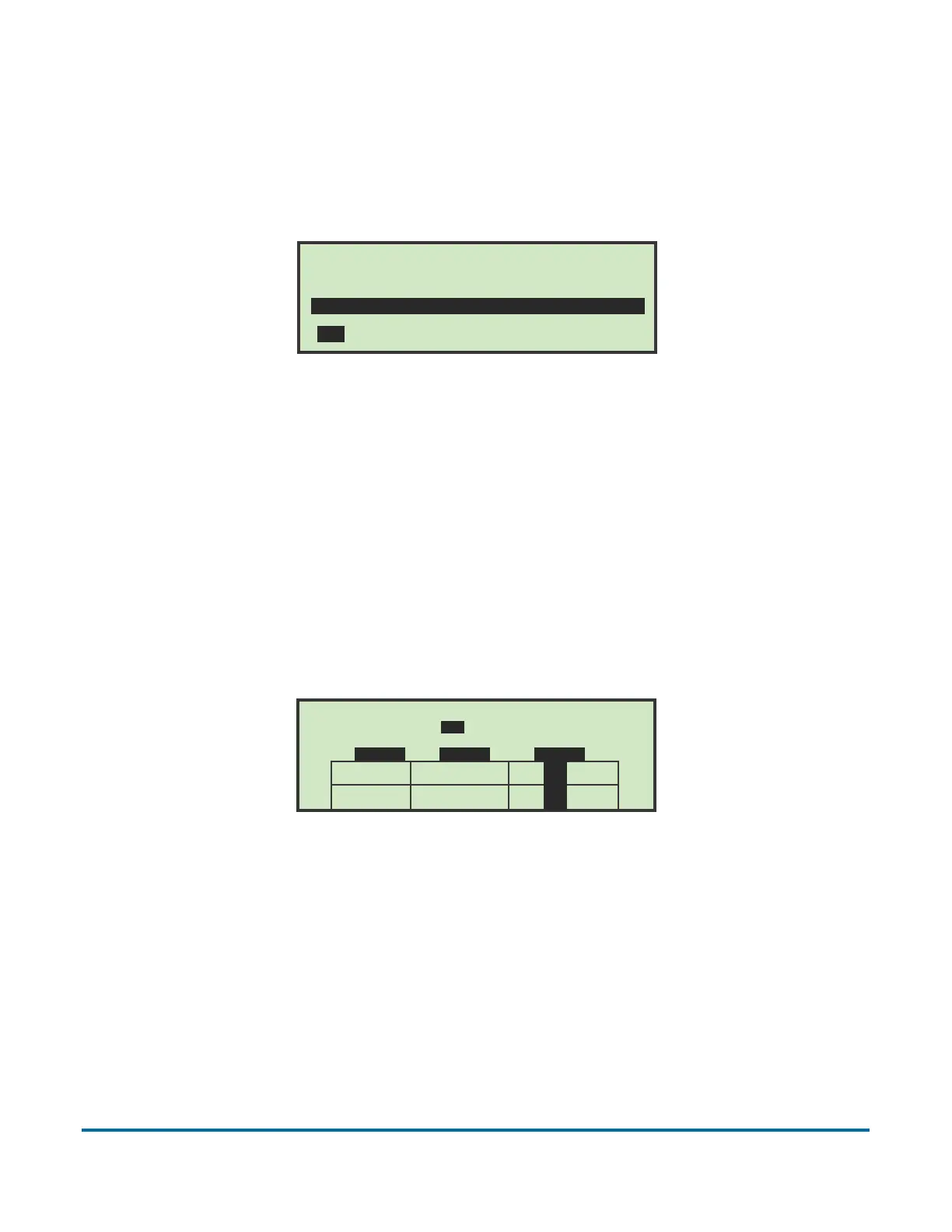
Selecting this option displays a graph showing machine productivity.
Figure 66: Display Graph screen (example)
Reset Data
In the (supervisor) Statistics Menu (Figure 62), selecting the reset data option
will clear all statistics. When this is selected, you are first presented with a
warning screen.
UPDATE CLOCK
THURSDAY, MARCH 25, 2010 9:25 A.M.
DAY MONTH DATE YEAR HOUR MINUTE AM/PM
1200
0900
0600
0300
9 A.M. 10 A.M. 11 A.M.
03/25/10 1...........1...........
03/31/10 2..3..6..9..2..3..6..9..



 To Next Page