2 Operating the System
August 2010 AS-Series Operator Manual 2-19
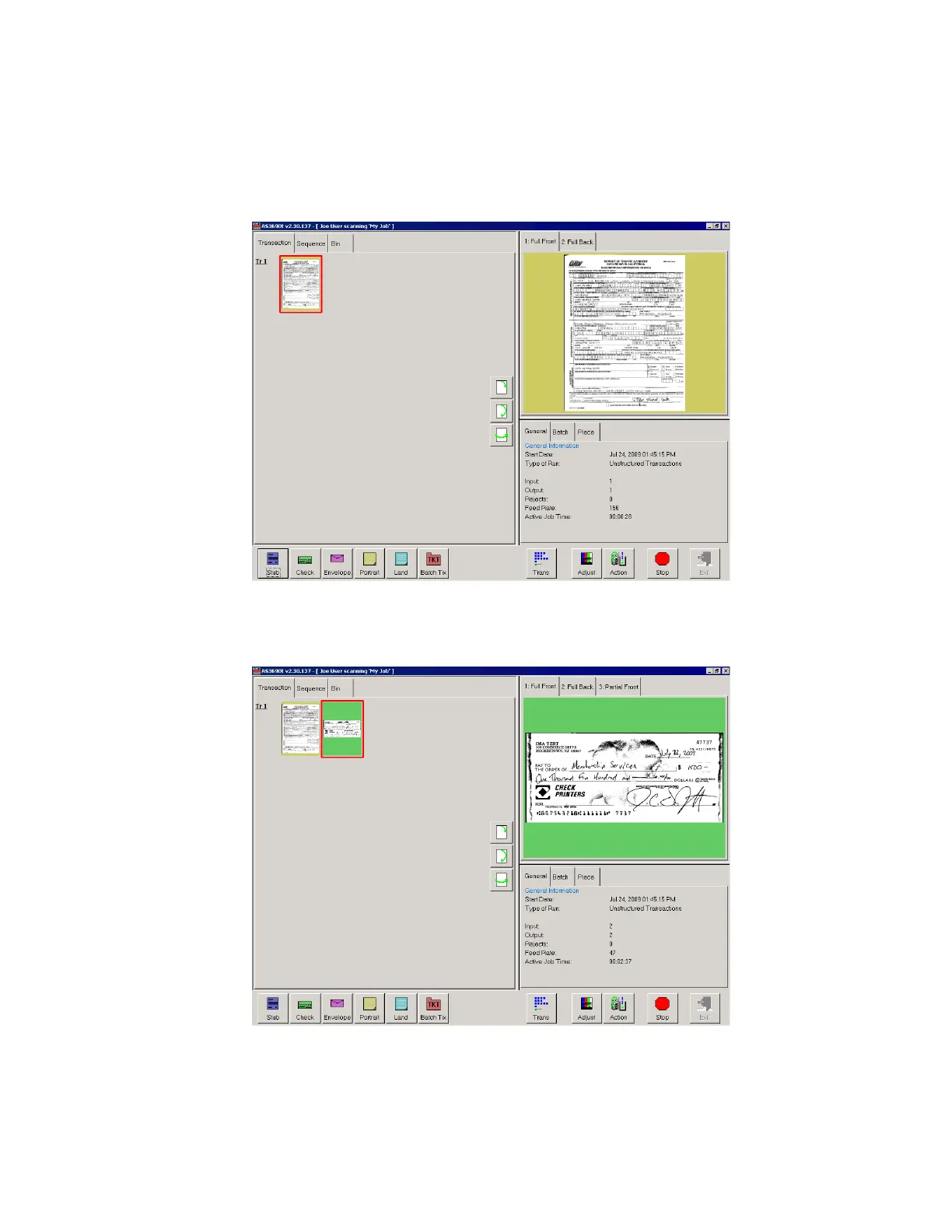
The system will scan the document and place a thumbnail of the image in the
transaction window. A large image of the document will appear in the Preview
window. In this example, the system recognizes 8.5 × 11 sheets of paper as
belonging to the “Portrait” page type. This is the default for any page of this size
which contains no other significant identifier (such as a barcode or MICR line).
4 Place the next document you want to scan onto the conveyor. In this example, the
document is a check. The system recognizes the check by the presence of a MICR
line at the bottom.



 To Next Page