2 Operating the System
2-20 AS-Series Operator Manual August 2010
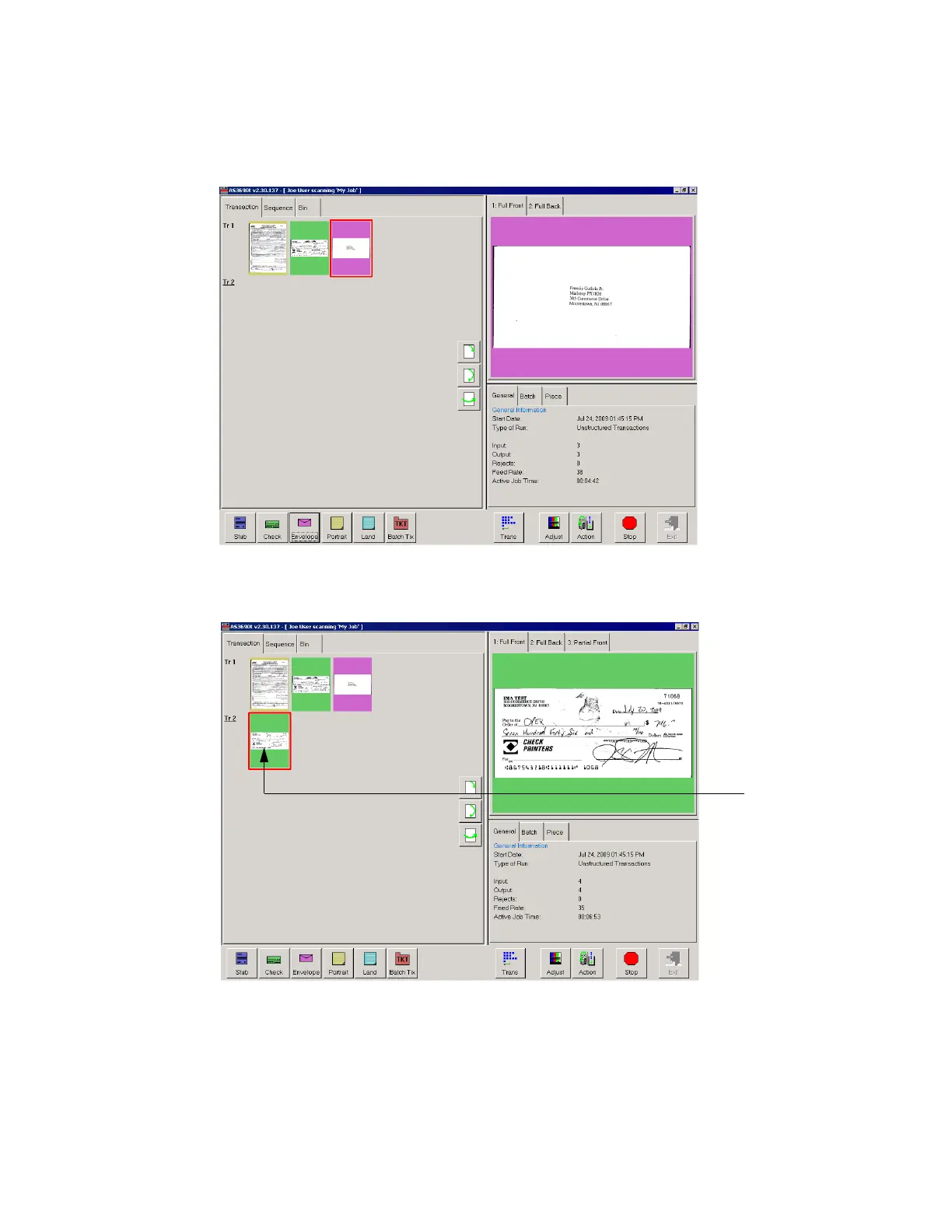
5 Place an envelope onto the conveyor. The system will recognize the document as
an envelope. In this example, an envelope is set up as the transaction boundary
and ends the current transaction.
The next document scanned (in this example, another check) will start a new
transaction.
6 Continue to place your documents onto the conveyor. The system will scan and
sort the documents depending on the current job’s settings.
NOTE: Unfold any folded pages so they lay flat on the conveyor. Folded pages will
not be scanned correctly and may jam the system.



 To Next Page