96 Maintenance
FalconV User Manual - Standard Scanning - OPEX Corporation
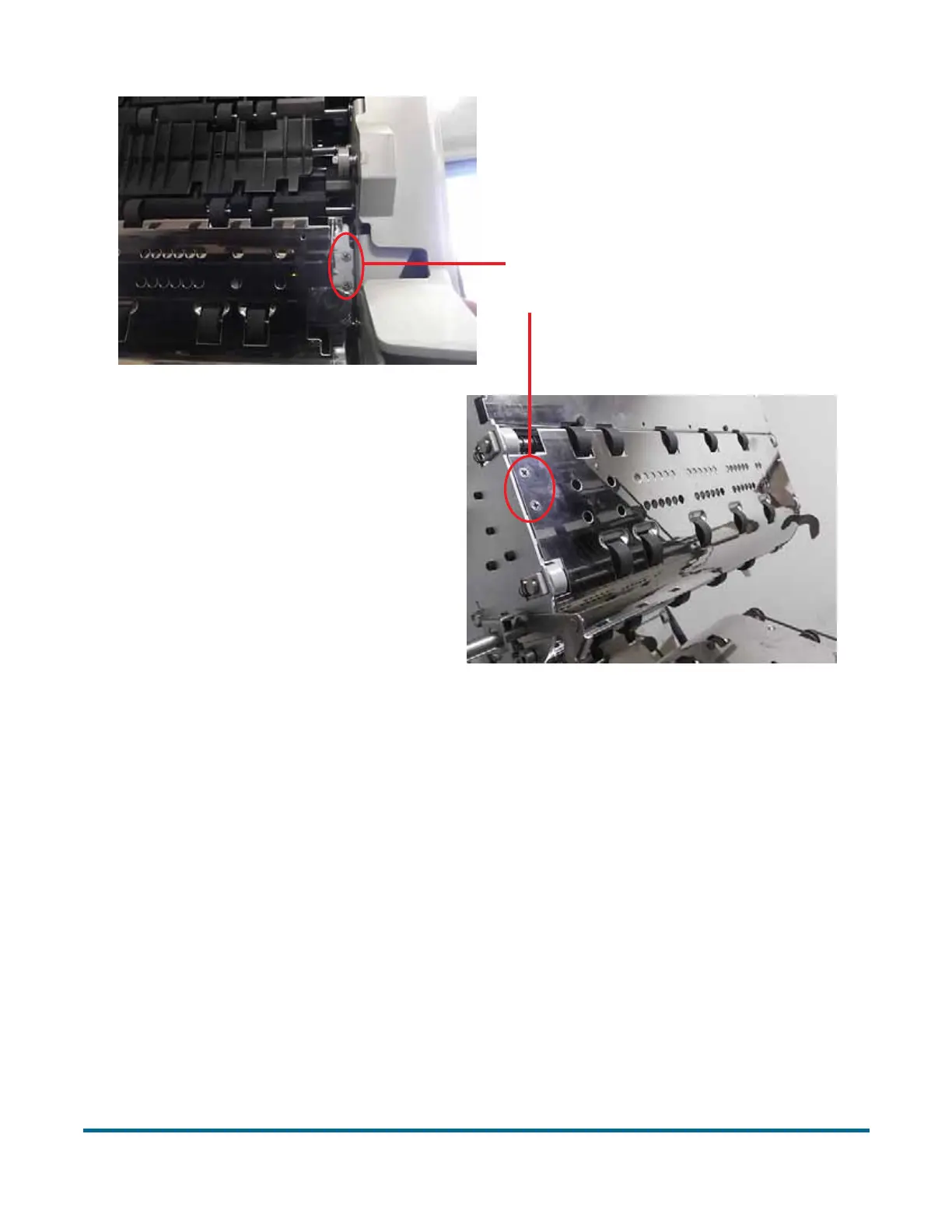
Figure 34: Printer access
b. Swing open the paper guide to expose the printer assembly.
Note: If you have the optional graphics printer installed, see “To remove/
replace the graphics printer:” on page 97 for directions.
To remove/replace a standard printer cartridge:
1 Pull the tab on the rear of the printer cartridge and rotate outward, as shown
in the figure below.
Press the hinged
paper guide here
Back Printer Access
Front Printer Access



 To Next Page