Maintenance 97
FalconV User Manual - Standard Scanning - OPEX Corporation
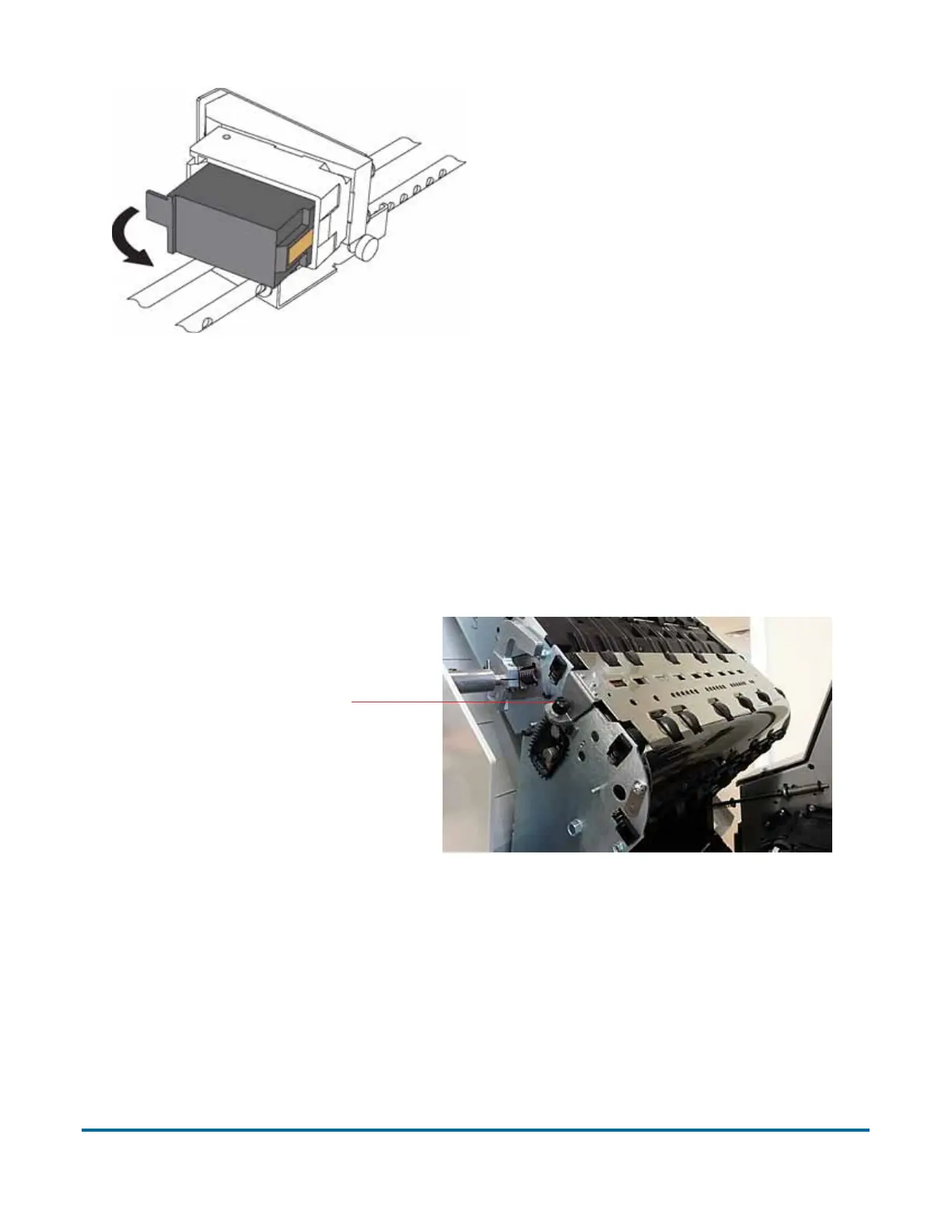
2 Insert the new cartridge by tipping the front end of the cartridge in first, and
then pushing in the rear of the cartridge until it “clicks” into place.
3 Go to Diagnostics > Printer and click Replace Ink Cartridge to reset the ink
drop count to zero.
To remove/replace the graphics printer:
1 Open the stacker door by disengaging the latch handle.
2 Loosen the thumbscrew shown in the following figure.
Figure 35: Loosen graphic printer thumbscrew
3 Swing open the paper guide to expose the graphics printer assembly, as
shown in Figure 36.
Loosen thumbscrew



 To Next Page