98 Maintenance
FalconV User Manual - Standard Scanning - OPEX Corporation
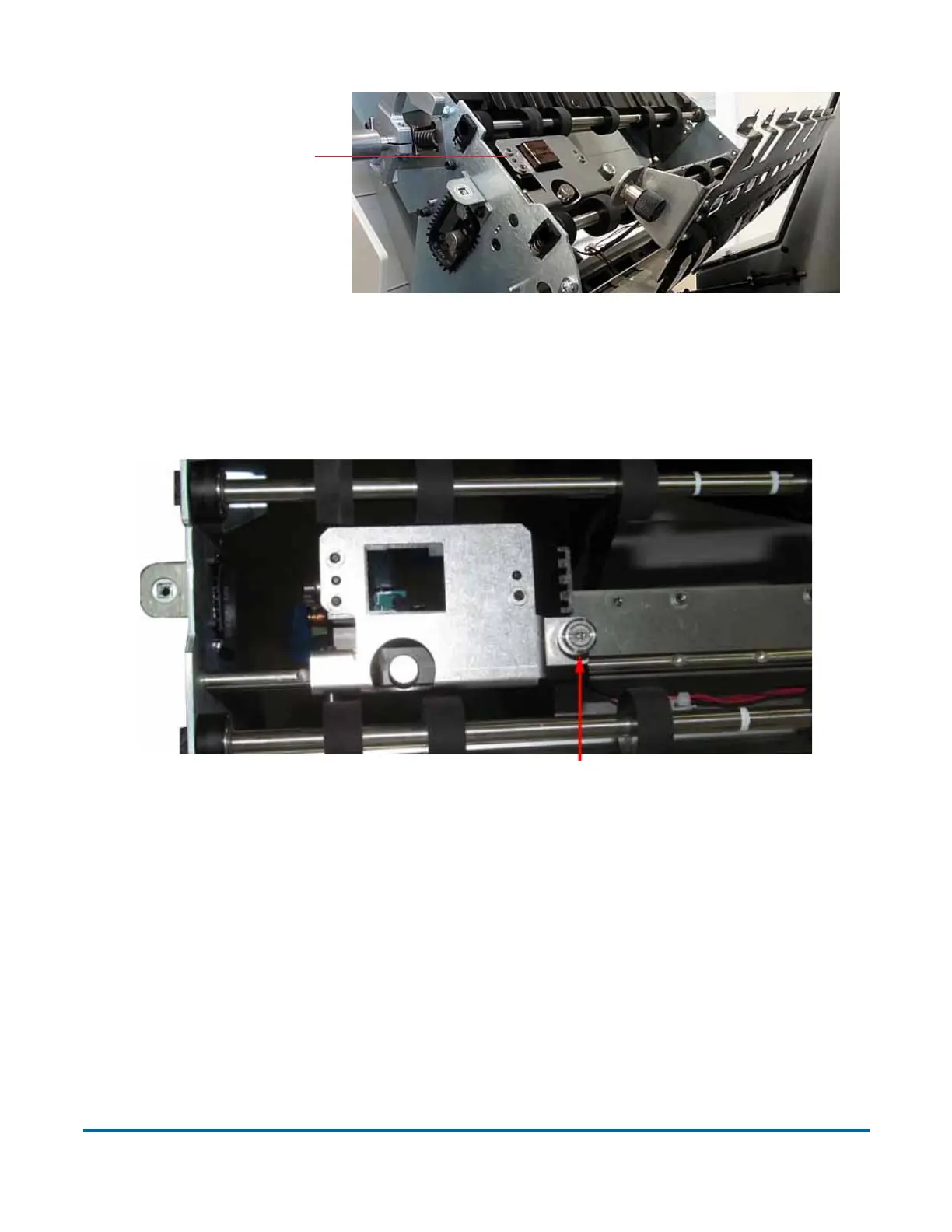
Figure 36: Graphics Printer Assembly
4 Loosen the thumbscrew on the IMTECH Graphics printer assembly shown
in Figure 37.
Figure 37: Loosen thumbscrew
5 Pivot the printer assembly towards you.
6 Push the cartridge release lever out of the way (see Figure 38).
Graphics Printer
assembly
Thumb screw must be fully engaged to print
Loosen thumbscrew



 To Next Page