14
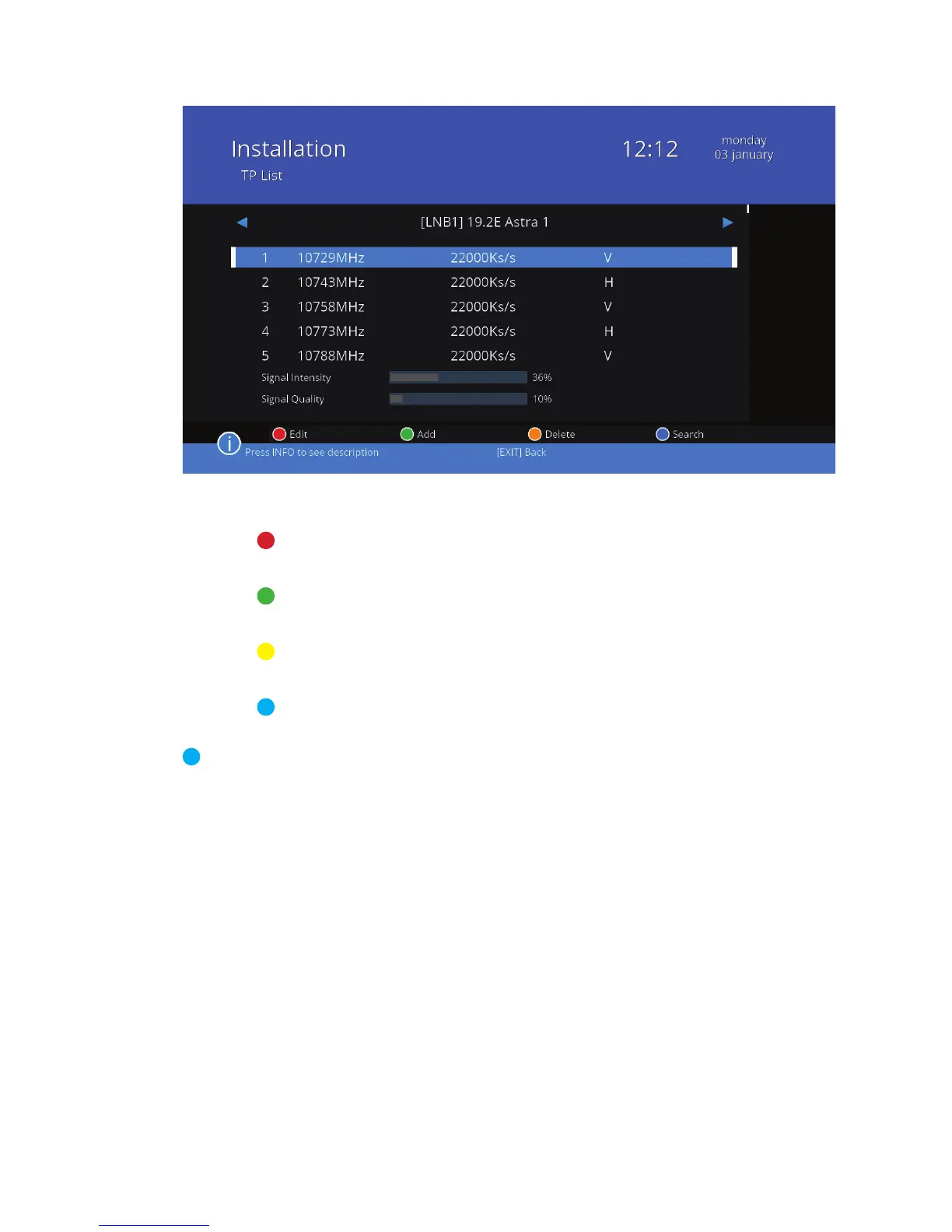
Features available in the edit transponder window (colored buttons):
Edit Set frequency, symbol rate and polarization for
the selected transponder.
Add Add a new transponder, set its frequency, symbol
rate and polarization.
Delete Delete a transponder. Conrm your decision by
selecting „Yes” and press OK or select „No” to exit.
Search Scan a transponder as in TP Scan menu (described
above).
Blindscan Automatic scan. Press the BLUE button to go to search for
channels without making any additional settings. Blind-
scan is an operation that scans all available transponders
and frequencies, and therefore takes longer than other
scans to nish.



 To Next Page