OPTIMUM
MASCHINEN - GERMANY
Version 1.3.0 dated 2016-12-16 Page 37Original operating instructions
MF2 Vario GB
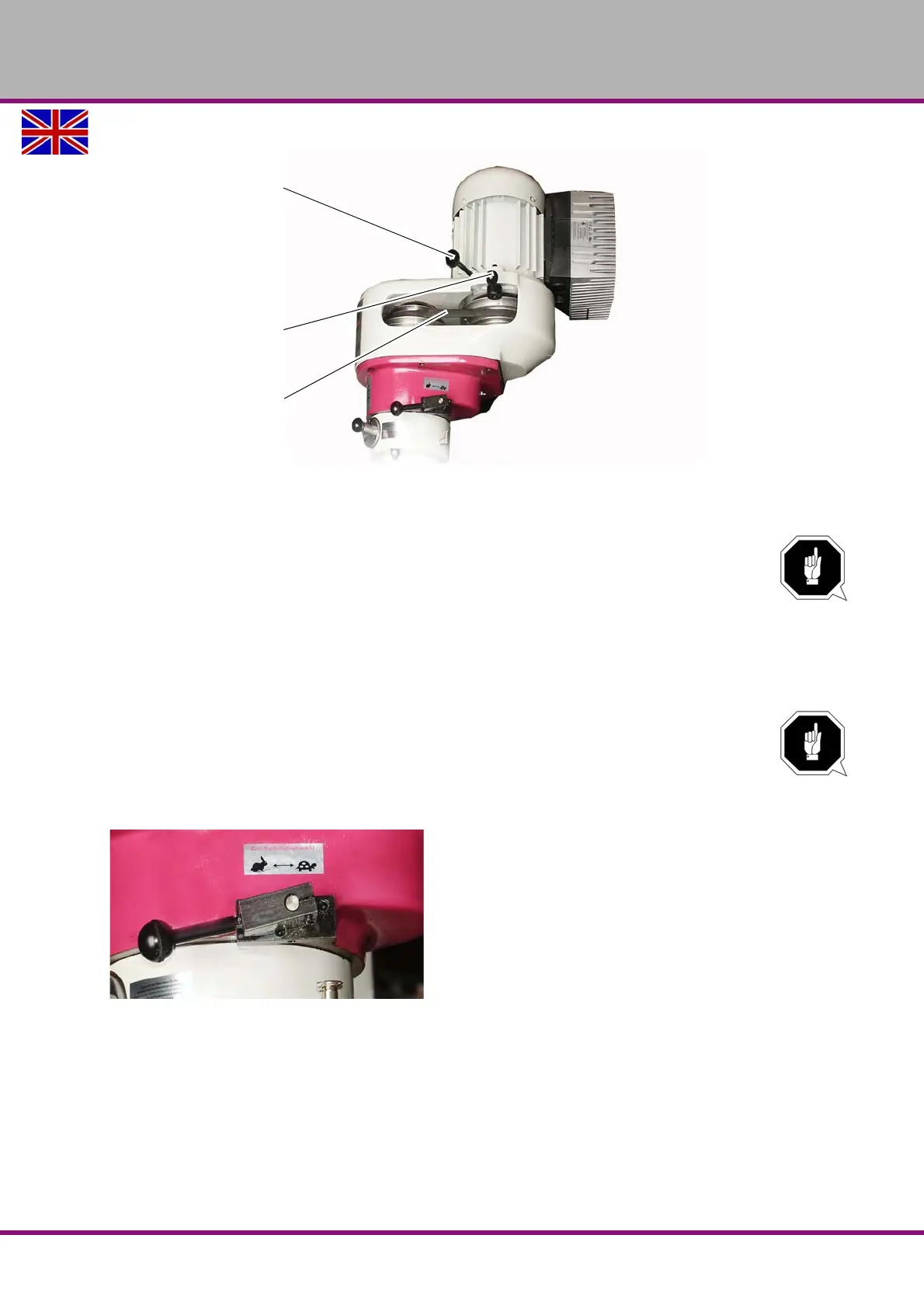
Img.4-14: Adjusting the speed of the spindle using the belts (with the protective cover removed)
4.13.1 Gear switch
ATTENTION!
The selector must only be activated when the motor is stopped.
To help change the positions of the selector, turn the spindle by hand.
The gear selector is located on the spindle head. The following speeds can be selected:
high speed (horizontal lever to the left (hare symbol)
neutral (lever in the centre)
low speed (horizontal lever to the right / tortoise symbol))
ATTENTION!
When changing over the gear selector to high or low speed, the turning direction of the
spindle is changed too.
If you want to keep the turning direction, change the turning direction on the control
panel (with the
"Spindle Left - Stop - Right selector“ on page 38).
Img.4-15: Gear-switches into non locked in place neutral position
For high or low speed, the lever must be in horizontal position and engaged.
After setting the required running mode, the spindle sleeve must be withdrawn a few milli-
metres to engage the gear.
Handle for the
motor displacement
Motor clamping
lever
(2 units)
V-belt















 To Next Page