range Pi 用户手册 深圳市迅龙软件有限公司版权所有
www.orangepi.cn
105
www.xunlong.tv
6) Then connect to the network adb on the Ubuntu PC
test@test:~$ adb connect 192.168.1.xxx (The IP address needs to be modified to
the IP address of the development board)
* daemon not running; starting now at tcp:5037
* daemon started successfully
connected to 192.168.1.xxx:5555
test@test:~$ adb devices
List of devices attached
192.168.1.xxx:5555 device
7) Then you can log in to the Android OS through adb shell on the Ubuntu PC
test@test:~$ adb shell
rk3328_box:/ #
7.4.3. Use data cable to connect adb for debugging
1) The USB debugging mode is turned on by default, and ADB debugging can be used
directly by default. If there is a problem with the use of ADB, you need to turn on the
USB debugging function in the system settings first
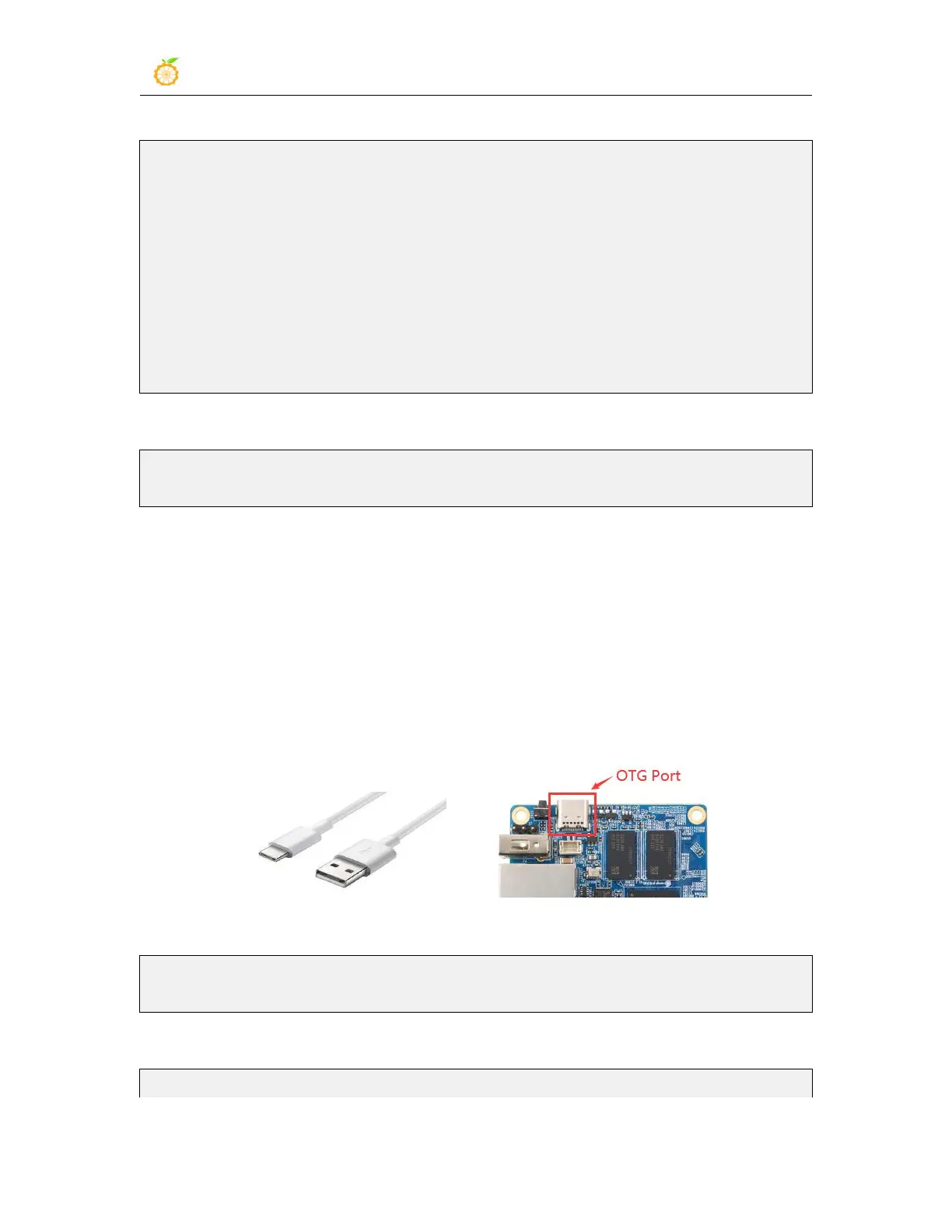
2) Then you need to use the Type-C interface data cable to connect the development
board to the USB interface of the computer (make sure that the computer power supply is
sufficient for the development board to work normally)
3) Install adb tool on Ubuntu PC
test@test:~$ sudo apt update
test@test:~$ sudo apt install adb
4) View the identified ADB device
test@test:~$ adb devices



 To Next Page