range Pi 用户手册 深圳市迅龙软件有限公司版权所有
www.orangepi.cn
77
www.xunlong.tv
5) The setting method of other pins is similar, just modify the serial number of wPi to the
serial number corresponding to the pin.
5.18.2.
13pin I2C test
1) The linux5.8 OS turns off the i2c controller in 13pin by default in dts. If you need to
use i2c, you first need to open the configuration of i2c first. The opening method of i2c in
Linux5.8 OS is as follows:
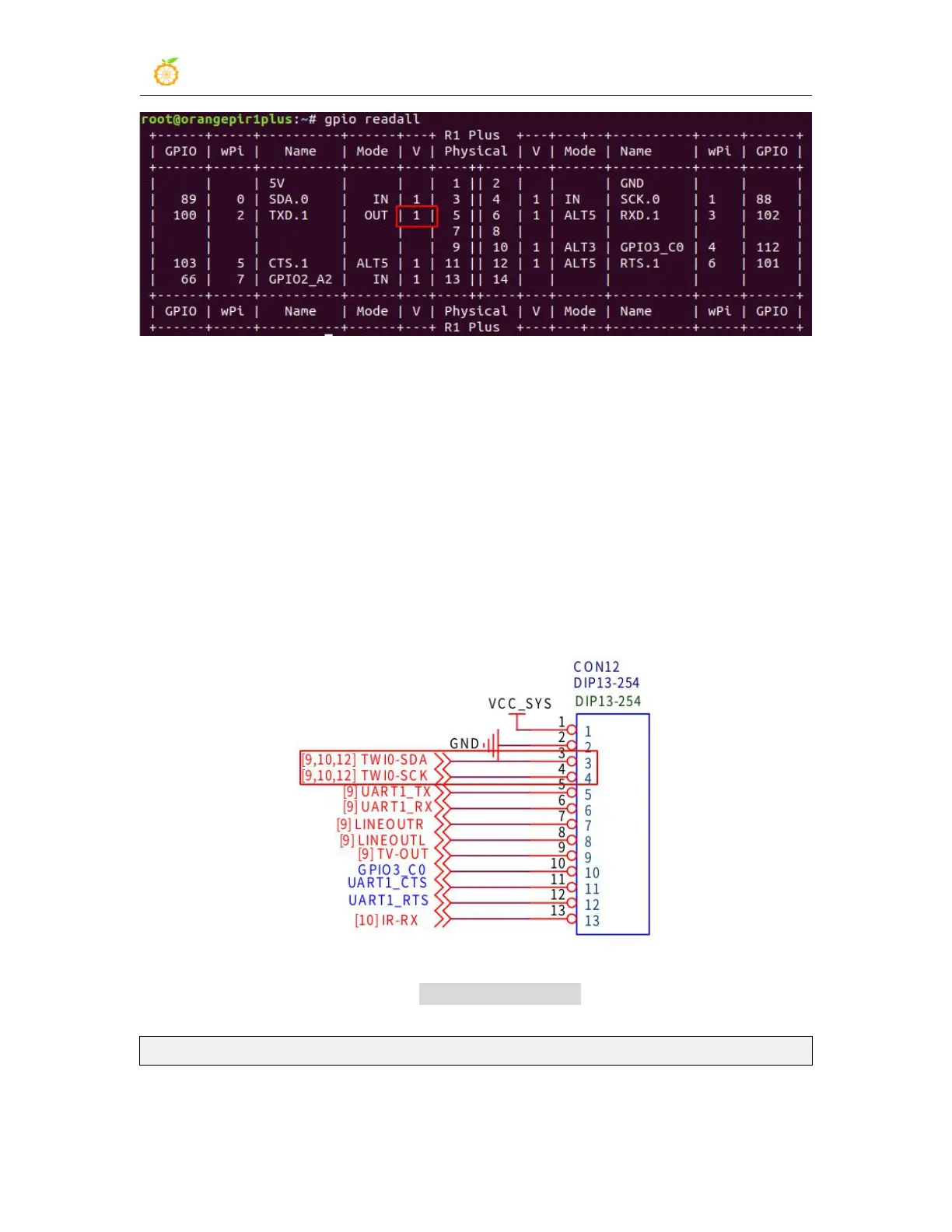
a. According to the schematic diagram of 13pin, the i2c available on the
development board is i2c0
b. Then set overlays=i2c0 in /boot/orangepiEnv.txt to open the configuration of
i2c0
overlays=i2c0
c. Then restart the system. When booting, you can see the configuration output of
I2C DT overlays in the boot log of u-boot



 To Next Page