range Pi 用户手册 深圳市迅龙软件有限公司版权所有
www.orangepi.cn
28
www.xunlong.tv
3.3. Expand the rootfs in the TF card before the first boot
1) After burning the OpenWRT image, you need to manually expand the system rootfs to
use the full space of the TF card
2) First install gparted on Ubuntu PC
test@test:~$ sudo apt update
test@test:~$ sudo apt install gparted
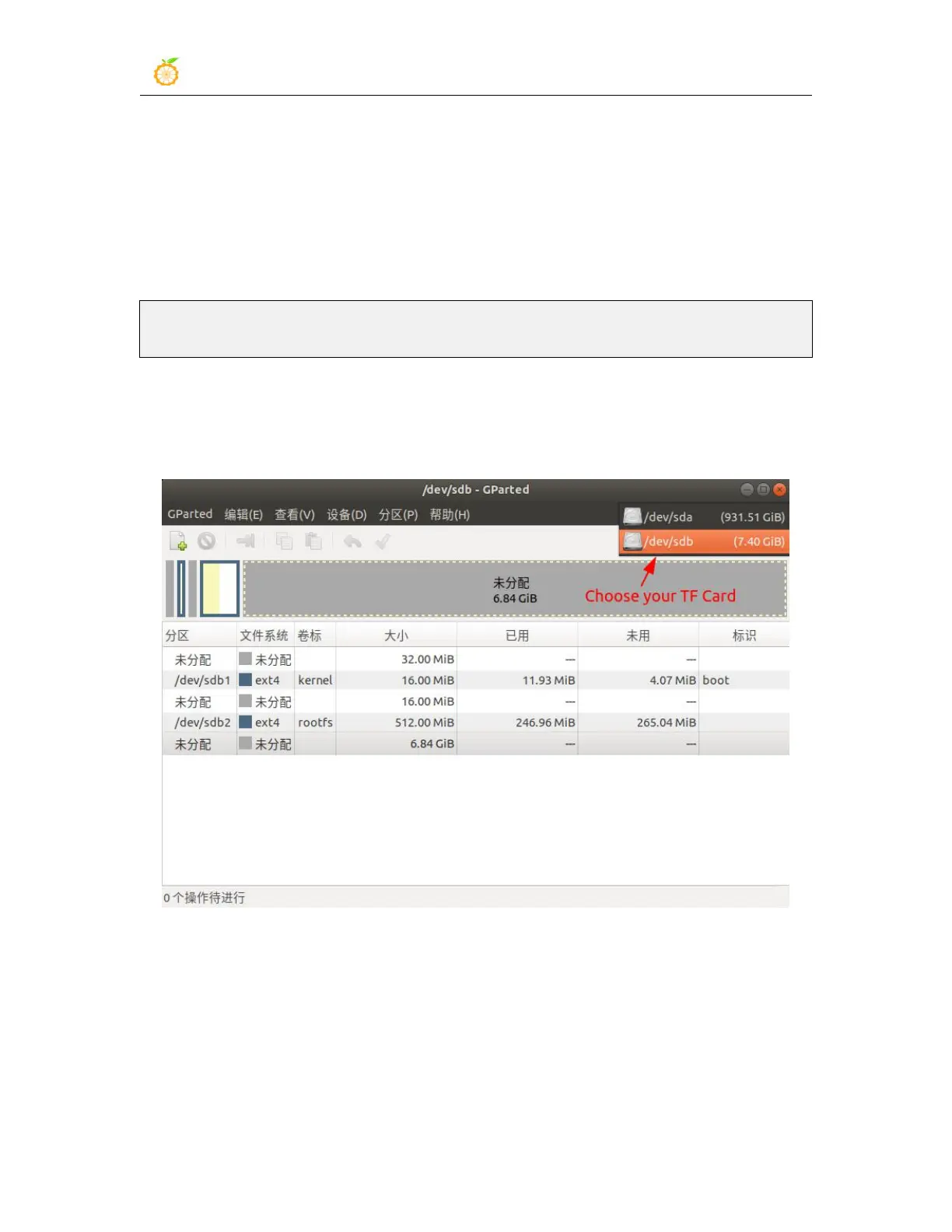
3) Use a card reader to insert the TF card that has been burned with the OpenWRT image
into the computer, and open gparted, select your TF card in the upper right corner, usually
/dev/sdb
4) Select the rootfs partition to be expanded and Right-click, and select "Resize/Move"



 To Next Page