range Pi 用户手册 深圳市迅龙软件有限公司版权所有
www.orangepi.cn
106
www.xunlong.tv
List of devices attached
20080411 device
5) Then you can log in to the Android OS through adb shell on the Ubuntu PC
test@test:~$ adb shell
Rk3328-box:/ #
8. Android SDK instructions
The Android SDK is compiled on a PC with Ubuntu 18.04 installed. Other versions
of Ubuntu OS may have some differences
8.1. Download the source code of Android SDK
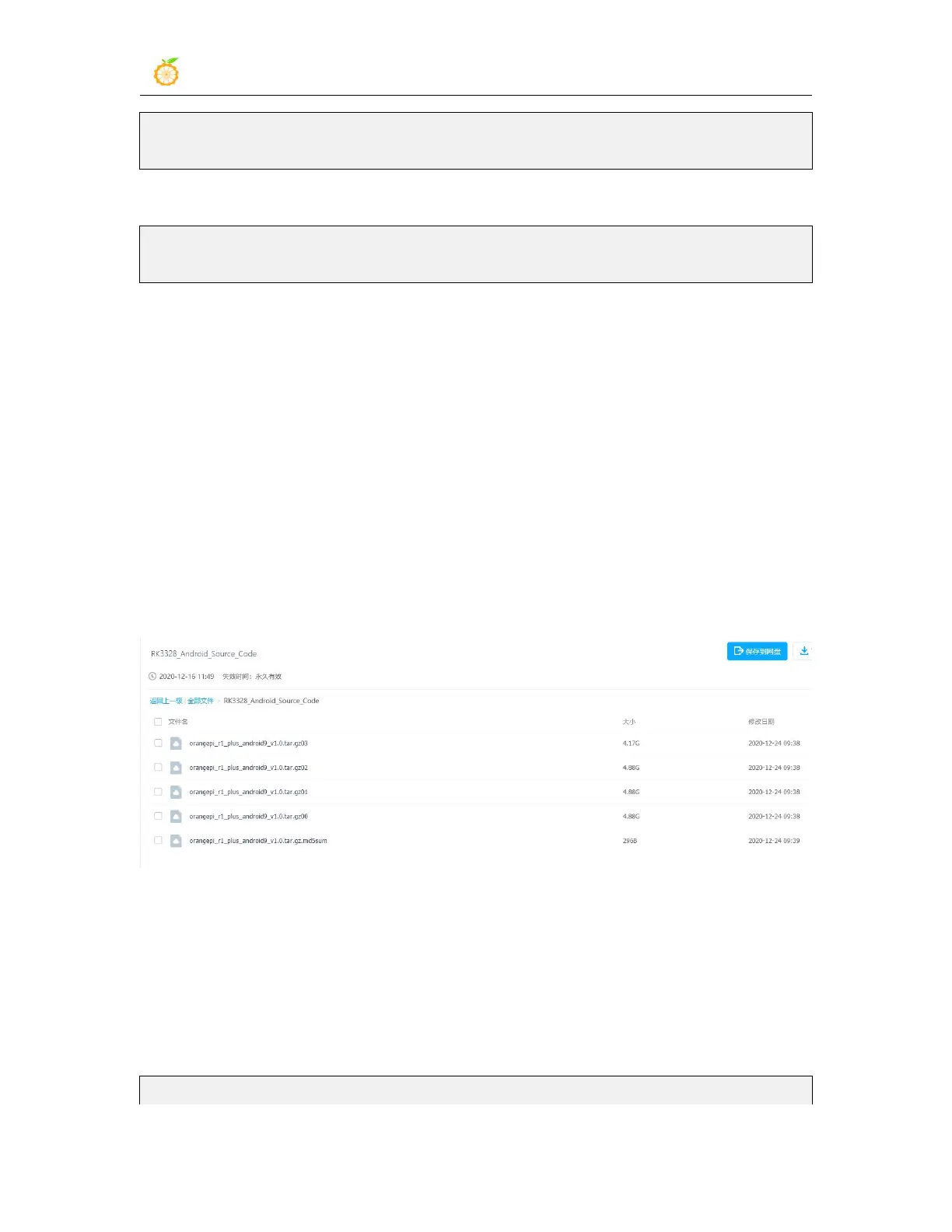
1) First download the sub-volume compressed package of Android SDK from Google
Drive
2) After downloading the sub-volume compressed package, you can first use the
md5sum -c *.md5sum command to calculate whether the checksum is correct. If the
prompt is successful, it means that the downloaded image is correct, and you can
decompress it without worry. If the checksum does not match, it means it was
downloaded. There is a problem with the sub-volume compression package, please try to
download again
test@test:~$ md5sum -c *.md5sum



 To Next Page