range Pi 用户手册 深圳市迅龙软件有限公司版权所有
www.orangepi.cn
32
www.xunlong.tv
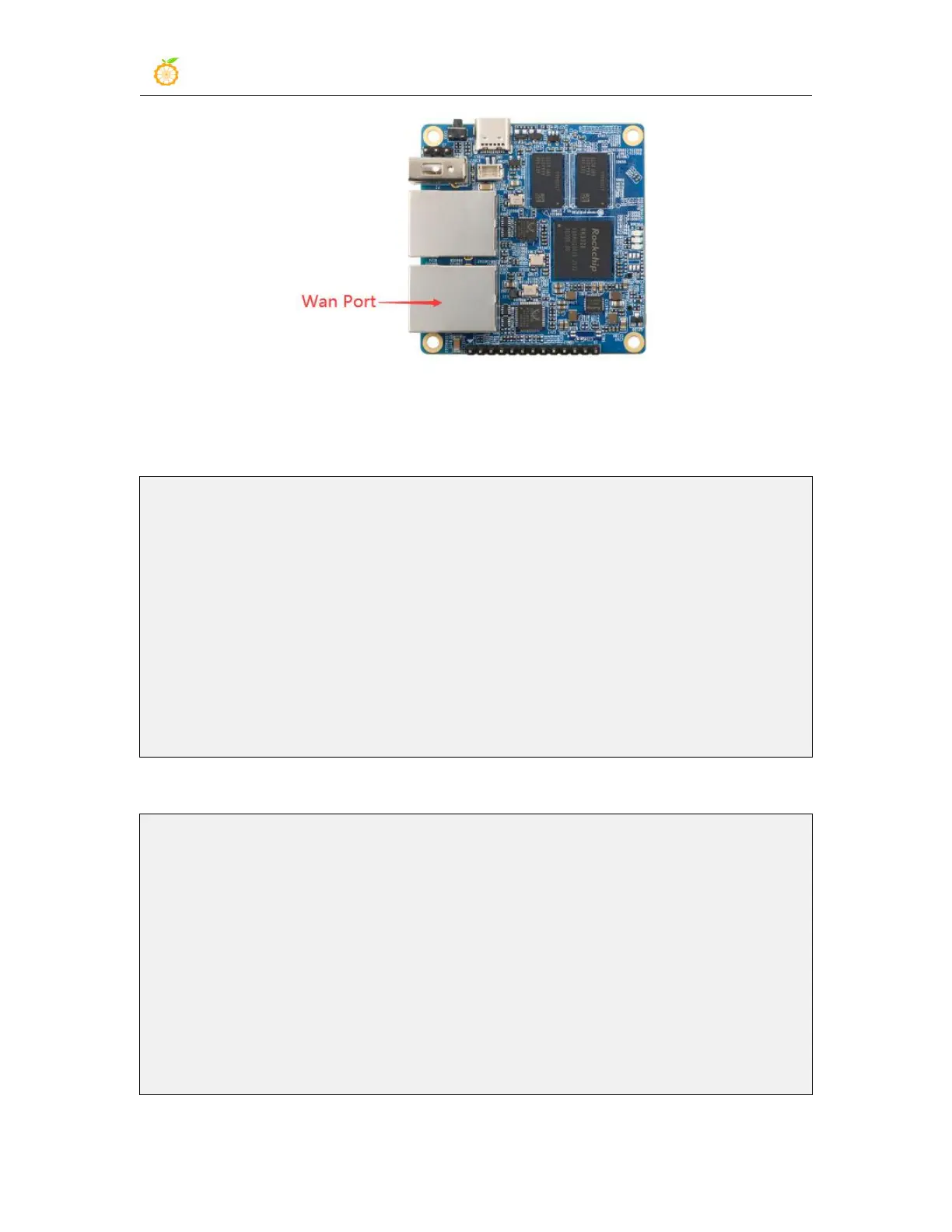
2) After the system starts, it will automatically assign an IP address to the Ethernet card
through DHCP
3) The command to view the IP address is as follows
root@OpenWrt:/# ifconfig eth0
eth0 Link encap:Ethernet HWaddr C0:74:2B:FF:B3:41
inet addr:192.168.1.87 Bcast:192.168.1.255 Mask:255.255.255.0
inet6 addr: fe80::c274:2bff:feff:b341/64 Scope:Link
UP BROADCAST RUNNING MULTICAST MTU:1500 Metric:1
RX packets:1634 errors:0 dropped:84 overruns:0 frame:0
TX packets:59 errors:0 dropped:0 overruns:0 carrier:0
collisions:0 txqueuelen:1000
RX bytes:142098 (138.7 KiB) TX bytes:13503 (13.1 KiB)
Interrupt:27
4) The command to test network connectivity is as follows
root@OpenWrt:/# ping www.baidu.com -I eth0
PING www.baidu.com (14.215.177.38): 56 data bytes
64 bytes from 14.215.177.38: seq=0 ttl=56 time=6.169 ms
64 bytes from 14.215.177.38: seq=1 ttl=56 time=5.473 ms
64 bytes from 14.215.177.38: seq=2 ttl=56 time=5.114 ms
64 bytes from 14.215.177.38: seq=3 ttl=56 time=5.992 ms
^C
--- www.baidu.com ping statistics ---
4 packets transmitted, 4 packets received, 0% packet loss
round-trip min/avg/max = 5.114/5.693/6.169 ms



 To Next Page