range Pi 用户手册 深圳市迅龙软件有限公司版权所有
www.orangepi.cn
89
www.xunlong.tv
update function of the source code (You need to compile u-boot once to turn off this
function, otherwise you will be prompted that u-boot's source code cannot be found),
otherwise the changes made will be restored, the method is as follows:
Set the IGNORE_UPDATES variable in userpatches/config-default.conf to "yes"
test@test:~/orangepi-build$ vim userpatches/config-default.conf
IGNORE_UPDATES="yes"
8) When debugging u-boot code, you can use the following method to update u-boot in
the linux image for testing
a. Upload the compiled u-boot deb package to the Linux OS of the development
board
test@test:~/orangepi-build$ cd output/debs/u-boot
test@test:~/orangepi_build/output/debs/u-boot$ scp \
linux-u-boot-current-orangepir1plus_2.1.0_arm64.deb root@192.168.1.xxx:/root
b. Then log in to the development board, uninstall the installed deb package of
u-boot
root@orangepir1plus:~# apt purge -y linux-u-boot-orangepir1plus-current
c. Install the new u-boot deb package just uploaded
root@orangepir1plus:~#
dpkg -i linux-u-boot-current-orangepir1plus_2.1.0_arm64.deb
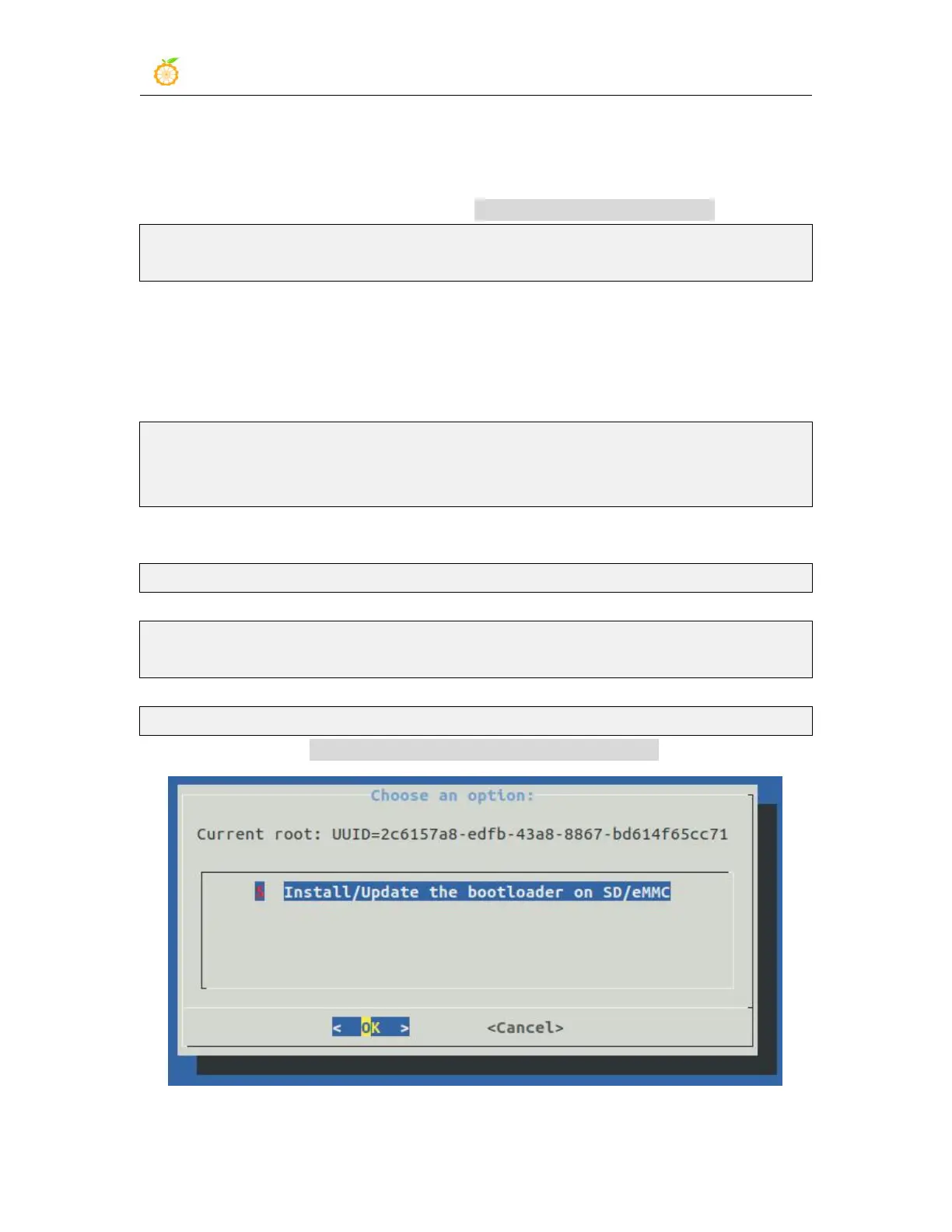
d. Then run the nand-sata-install script
root@orangepir1plus:~# nand-sata-install
e. Then select 5 Install/Update the bootloader on SD/eMMC



 To Next Page