range Pi 用户手册 深圳市迅龙软件有限公司版权所有
www.orangepi.cn
91
www.xunlong.tv
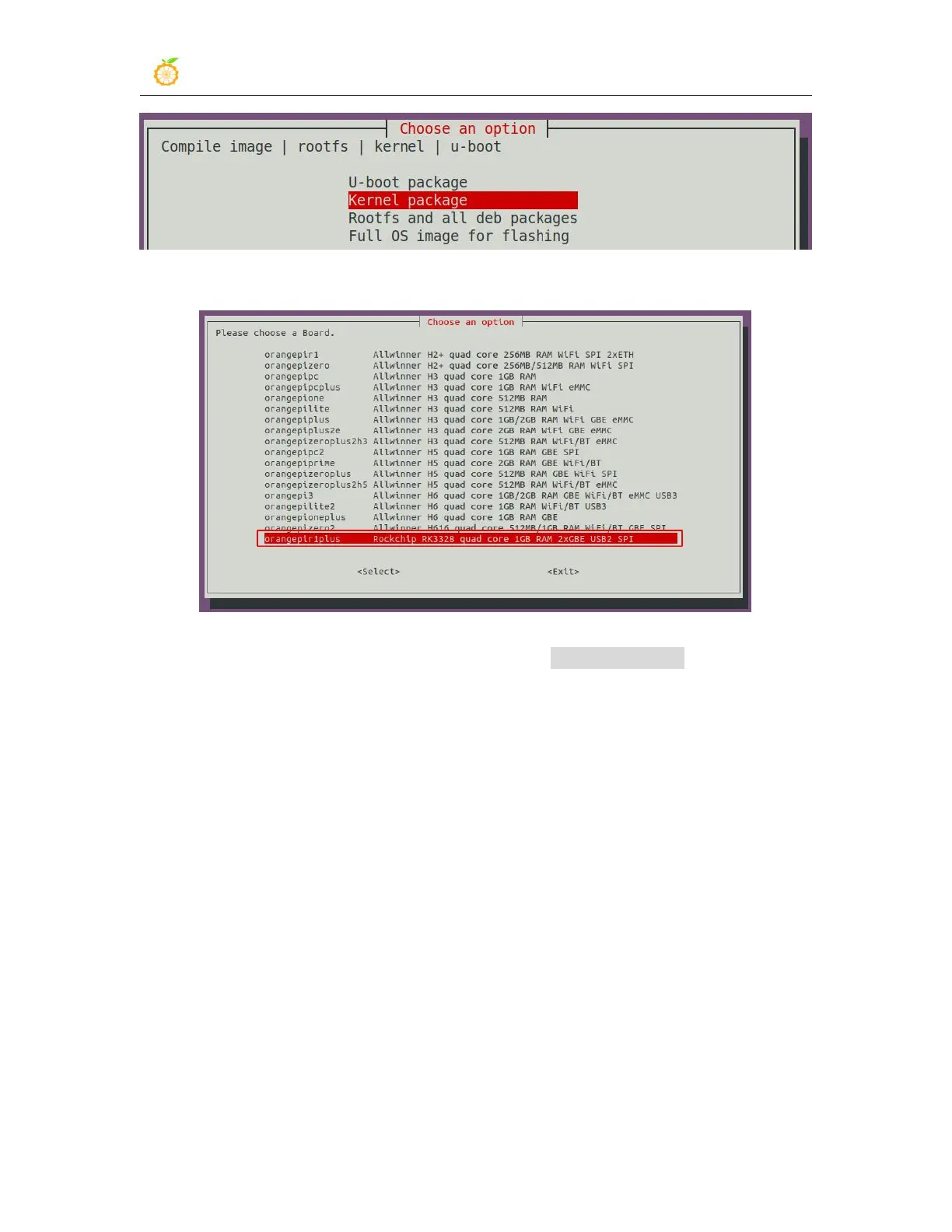
3) Then select the model of the development board
4) Then the kernel configuration interface opened by make menuconfig will pop up. At
this time, you can directly modify the kernel configuration. If you don’t need to modify
the kernel configuration, just exit it. After exiting, the kernel source code will be
compiled



 To Next Page