ExpressBox 16 Basic| 17
CAUTION
Before touching anything inside the enclosure, move to an ESD station and follow proper ESD procedures. Failure to do so
may result in electrostatic discharge, damaging the computer or its components. For more information, see “Protecting
Against Electrostatic Discharge” in the Preface.
CAUTION
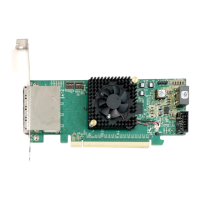
Before installing add-in cards, please ensure that the input current rating specified on the AC input label is not exceeded.
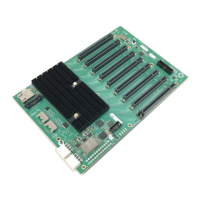
All slots support any combination of x1, x4, x8 and x16 PCIe cards. All slots are physically a x16, but any add-in card is supported. Use the card
hold down to secure the card in the slot.
Refer to the labeling on the backplane to determine electrical configuration of each slot. For trouble-shooting purposes, it is recommended to
install a small number of cards and verify installation before installing the maximum number of cards.
The diagrams below represent the speed of PCIe slots that a specific EB16 can support. If you are unsure of which model you have, refer to the
label on the side panel of the chassis.


 To Next Page