ExpressBox 16 Basic| 54
6.3 Computer Doesn’t Detect the Expansion System
If the expansion chassis is not visible in your Windows Device Manager or your Apple System Profiler at all, you will need to turn off your
computer (first) and then the OSS Expansion chassis (second) and test all cords and cables to ensure you have everything connected correctly. If
everything seems to be connected correctly, and you are sure you have applied power correctly (power up the expansion chassis first and then
the computer), then try the following troubleshooting steps:
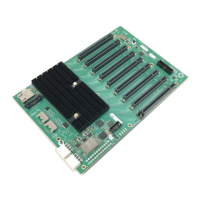
Verify that the required LEDs on the backplane of the chassis are lit as explained in Advanced Technical Information. The most
important indicators are the LEDs that indicate the cards are inserted in the slots. These LEDs are relevant to the speed and the
amount of data lanes available on the cards.
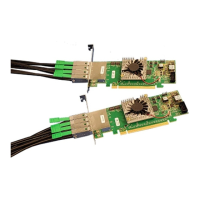
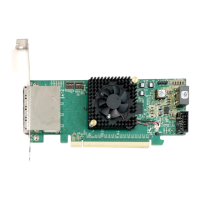
Also verify the OSS host interface card is properly inserted into the host computer slot. In case any other LED is off, ensure the
respective card is functional and properly seated in its slot.
Try moving the host interface card to a different slot.
If the expansion chassis is still not visible after trying all of the above steps, go to How to Get More Help.
Windows
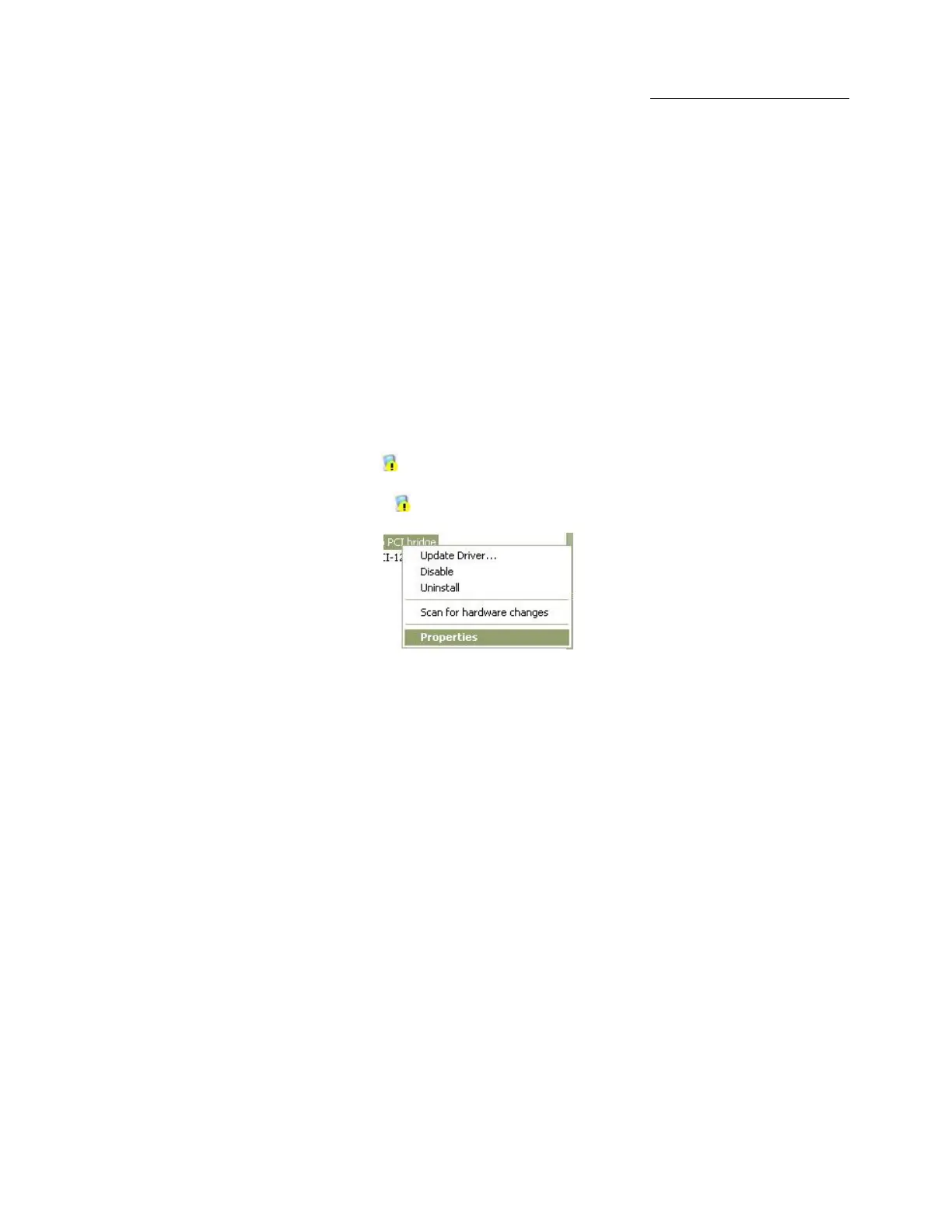
If the PCI-to-PCI Bridge is now visible, but contains a (exclamation) in front of it, it has a problem that must be fixed.
To identify this problem, right-click on the line with the and select “Properties” from the pop-up menu.
Resolve the identified problem or go to Troubleshooting to get additional help.
MacOS
Go to How to Get More Help.
Linux
Go to How to Get More Help.
Solaris
Go to How to Get More Help.


 To Next Page