ExpressBox 16 Basic| 32
3.4 System Should Be Up and Running
Apply power to the OSS Expansion chassis first, then power up the computer.
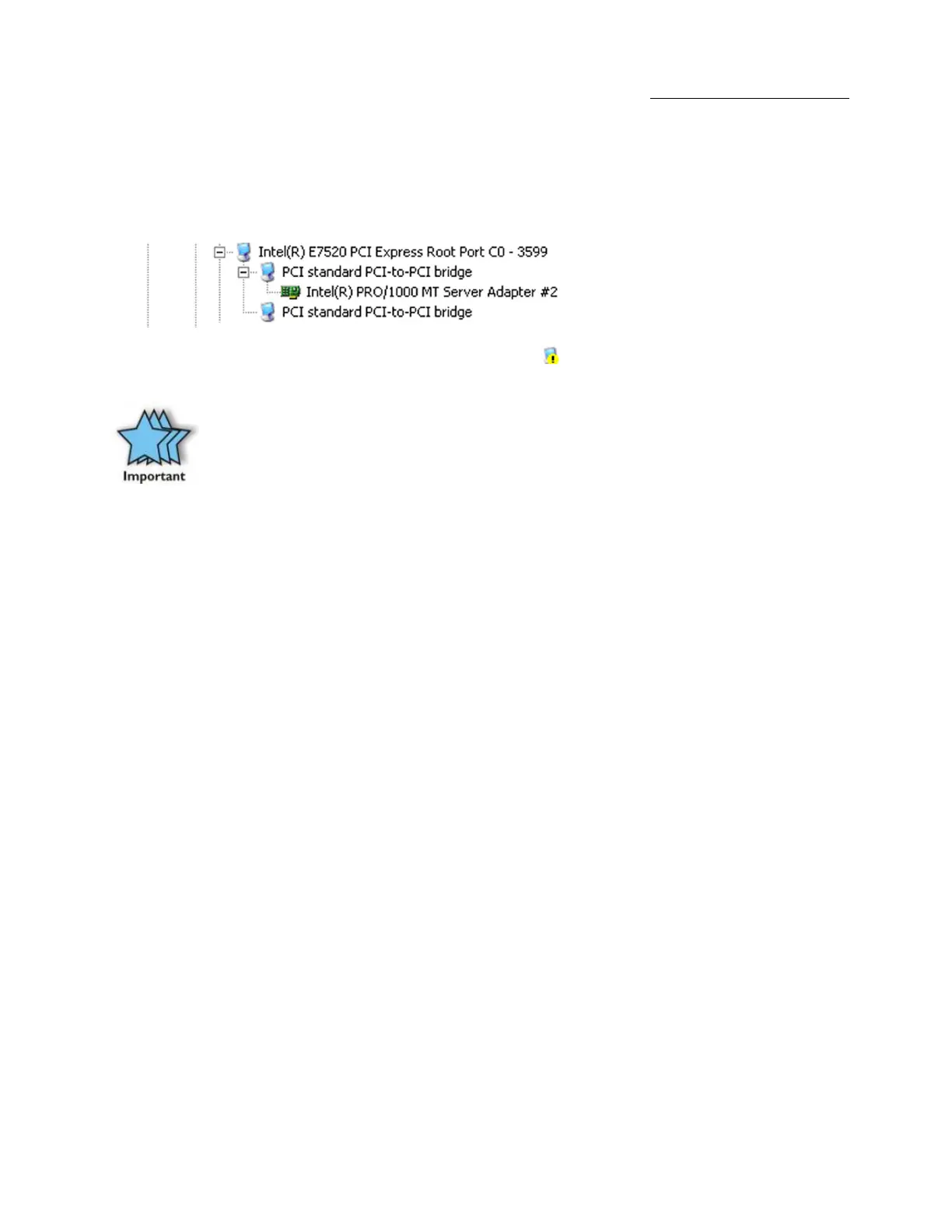
To confirm the card installation(s) in the Windows Device Manager or Apple System Profiler is functioning correctly, your Windows Device
Manager should look something like this:
If you discover that any of your 3rd Party PCIe cards containing an exclamation point . You may have a problem with that card. Refer to
Troubleshooting for further guidance.
IMPORTANT
We will provide reasonable technical support with 3rd Party cards. However, if you have verified a successful
installation of the OSS Expansion chassis, but experience difficulty installing your 3rd Party cards, the card manufacturer
should be able to provide the best support.
After your system is working properly, replace the host computer cover, and the close the lid of the expansion chassis.


 To Next Page